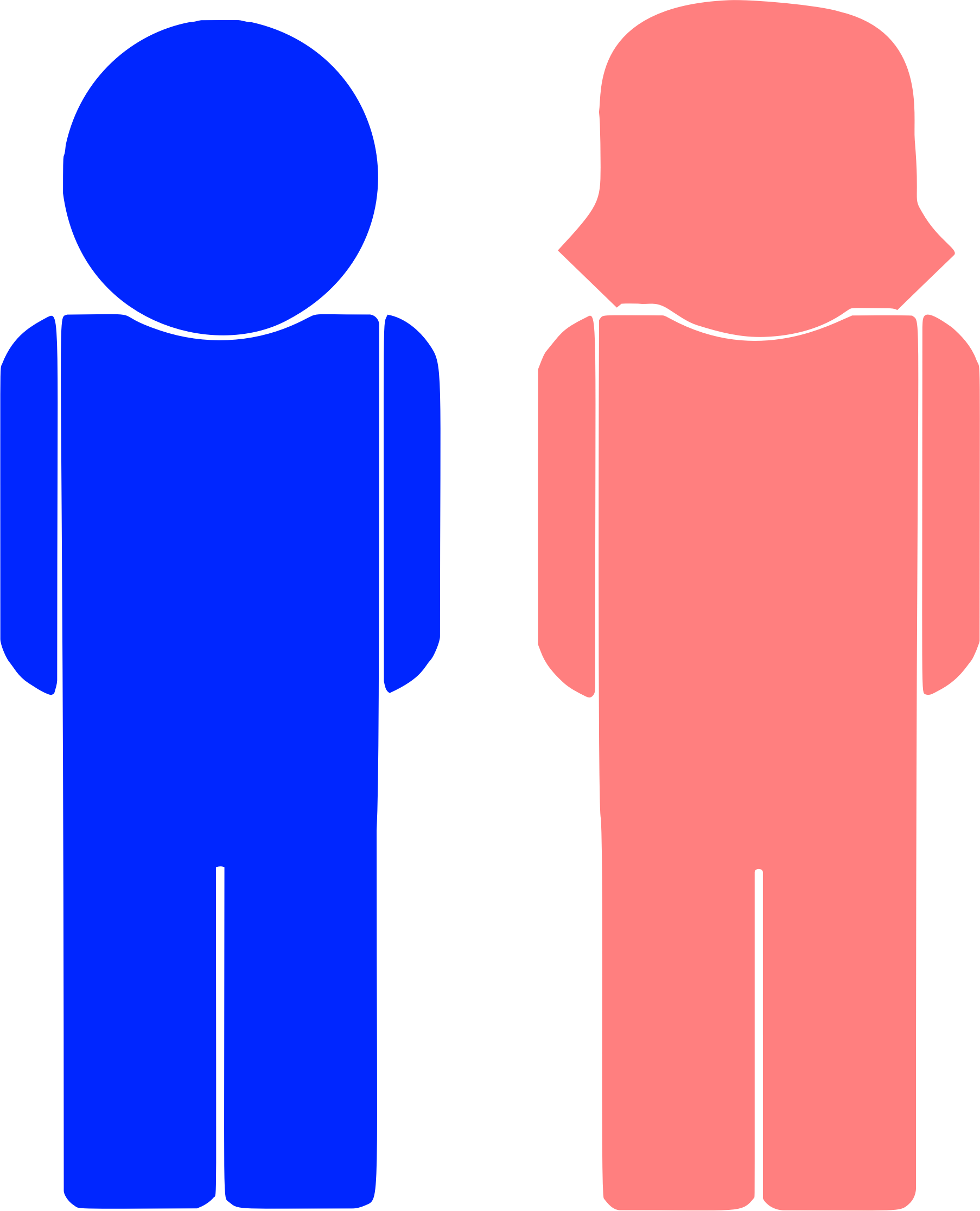
Male Female Clipart: Formats, Styles & Design Tips
Visual communication relies heavily on recognizable symbols to convey ideas quickly, and few assets are as universally useful as male female clipart. Whether you are building an interactive website form, designing wayfinding signage for a commercial venue, or presenting demographic research to stakeholders, having the right figurative assets ensures your audience understands the message at a glance.

However, modern graphic design has moved far beyond the generic, dated stick figures of the early digital era. Today’s creators demand clean lines, scalable vectors, stylistic versatility, and cultural sensitivity. This guide walks you through the practical applications, design styles, technical formats, and licensing rules necessary to make the best use of these graphic assets.
Common Applications for Male Female Clipart
Figurative icons representing men and women serve functional, decorative, and navigational purposes across physical and digital mediums. Understanding where and how they perform best helps you choose the right aesthetic direction.
1. User Interface (UI) and Profile Placeholders
Software applications, community forums, and customer portals frequently use generic male and female profile icons as default avatars before a user uploads a personal photo. In account registration flows, paired icons can indicate gender selection fields where demographic data is requested.
2. Restroom and Facility Signage
Wayfinding is arguably the most recognizable application for paired male and female graphics. Standardized pictograms allow people of all linguistic backgrounds to locate facilities quickly in airports, restaurants, shopping centers, and office buildings.
3. Infographics and Demographic Data
Presenting human data with plain text and percentages can feel abstract. Integrating stylized figures into pie charts, pictograms, and population pyramids contextualizes the numbers. For instance, using repeated rows of male and female silhouettes helps visualize survey respondent ratios or health study statistics vividly.
4. Event Invitations and Announcements
From wedding stationery and engagement announcements to corporate networking badges, stylized illustrations of couples or professional colleagues set the tone. These use cases often favor warmer, hand-drawn, or decorative styles over technical pictograms.
Popular Visual Styles to Consider
Choosing an illustration style depends entirely on your project’s branding and tone. Mixing conflicting visual styles can instantly make a layout look amateurish.
- Minimalist Flat Design: Characterized by solid colors, clean geometry, and zero gradients or shadows. Flat icons integrate smoothly into modern responsive websites and mobile apps.
- Line Art (Outline): Line-based figures provide an airy, subtle appearance. They are ideal when you want icons to support the content without pulling too much visual weight away from primary copy or photography.
- Universal Pictograms: Inspired by international standards like the ISO 7001 public information symbols, these feature high-contrast, rounded silhouettes optimized for legibility from a distance.
- Hand-Drawn / Doodle Style: Quirky, organic illustrations add warmth and approachability. They work well for blogs, lifestyle brands, educational materials, and children's resources.
- Isometric and 3D Assets: For tech-focused presentations, landing pages, and architectural schematics, isometric male and female characters add depth and a contemporary feel.
Vector vs. Raster: Choosing the Right File Format

A common mistake when working with digital graphics is using the wrong file extension for the job. Clipart generally comes in two distinct forms: vector and raster.
SVG (Scalable Vector Graphics)
For almost all digital applications, SVG is the premier choice. Because SVGs are mathematically calculated paths rather than fixed grids of pixels, they scale infinitely without losing sharpness. You can display an SVG at 16x16 pixels in an app toolbar or blow it up across a 4K display, and the edges remain crisp. Additionally, SVG code can be manipulated directly with CSS to adjust colors dynamically based on user interaction or dark mode settings.
EPS and AI
If you are preparing designs for professional offset or digital printing (such as brochures, posters, or architectural signage), EPS (Encapsulated PostScript) and native Adobe Illustrator (.AI) files are the industry standards. They retain vector sharpness and support print-specific color modes like CMYK and spot colors.
PNG (Portable Network Graphics)
PNG is a raster format that supports transparent backgrounds. It is widely accessible and can be inserted into word processors, slide decks (like PowerPoint or Google Slides), and simple web pages without specialized software. However, PNGs cannot be scaled upward past their native resolution without pixelation, so ensure your source file is sufficiently high-resolution (300 DPI for print, or at least double the intended display dimensions for digital screens).
JPG / JPEG
Avoid using JPGs for clipart whenever possible. JPG compression creates visual artifacts around crisp edges, and the format does not support transparency, leaving you with an unwanted solid white bounding box around your character.
Best Practices for Modern, Professional Implementation
Using figurative graphics effectively involves more than simply dropping an icon onto a canvas. Keep these design best practices in mind to maintain quality and avoid common pitfalls:
- Maintain Visual Weight: When pairing a male and female graphic together, ensure they share identical stroke weights, proportions, and baseline alignment. If one figure is drawn with a 2-pixel stroke and the other with a 4-pixel stroke, the composition will look disjointed.
- Rethink Rigid Color Associations: Defaulting to bright blue for men and pastel pink for women often dates a design. Modern UI trends favor neutral palettes—such as charcoal, slate, indigo, or your brand’s primary accent colors—to maintain a professional, sophisticated appearance.
- Aim for Contextual Legibility: For public signage or micro-UI icons, simplicity is essential. Remove fine details like facial features, individual strands of hair, or clothing folds that become muddy at smaller scales.
- Consider Inclusivity and Modernity: Traditional male/female symbols have evolved. In professional settings, avoid hyper-exaggerated physical caricatures. Ensure corporate avatars represent diverse attire, hairstyles, and postures appropriate for today’s workforce.
Where to Source Quality Assets and Navigating Licenses
There are numerous stock repositories where you can source professional figures, ranging from free open-source libraries to premium curated collections:
- Specialized Icon Repositories: Platforms like Flaticon, The Noun Project, and FontAwesome offer massive libraries of paired male and female symbols across consistent stylistic sets.
- General Stock Vectors: Sites such as Freepik, Adobe Stock, and Shutterstock provide full character illustration kits with customizable poses, clothing, and expressions.
- Open-Source Collections: Libraries like unDraw, Humaaans, and Open Peeps offer free, customizable vector illustrations under permissive licenses that allow personal and commercial use without mandatory attribution.
Understanding Licensing Terms
Before publishing any graphic, always review the asset's license agreement. “Free” often means free exclusively for personal, non-monetized projects. If you are building a client website, producing merchandise, or publishing marketing materials, verify whether the license covers commercial use and whether it requires public designer attribution. Purchasing a standard commercial license eliminates legal ambiguity and supports the contributing artist.