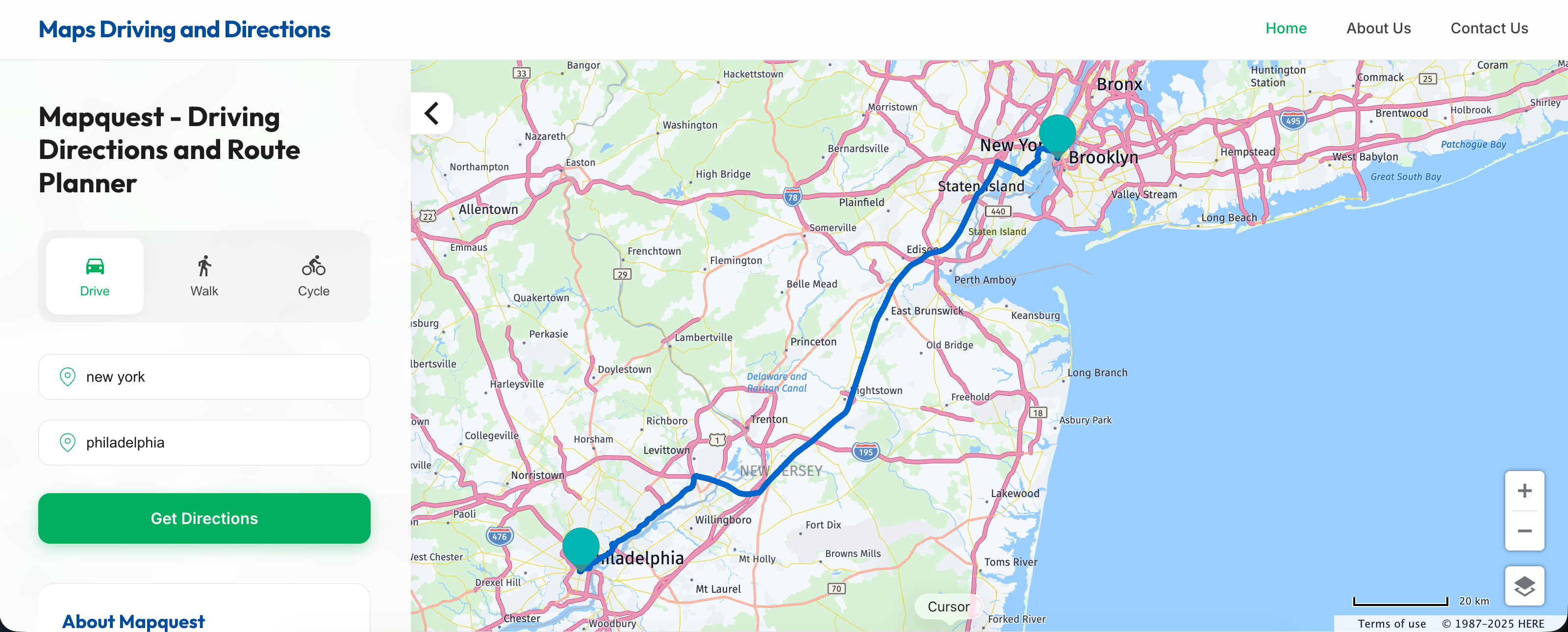
Mapquest Driving Directions: The Ultimate Time Saver
When planning a road trip or a daily commute, most drivers automatically default to the usual mainstream navigation apps on their smartphones. Yet, legacy mapping platforms still hold surprising value. If you want to bypass congested corridors and streamline your travel, understanding how to effectively use Mapquest driving directions can completely change how you navigate the highway.
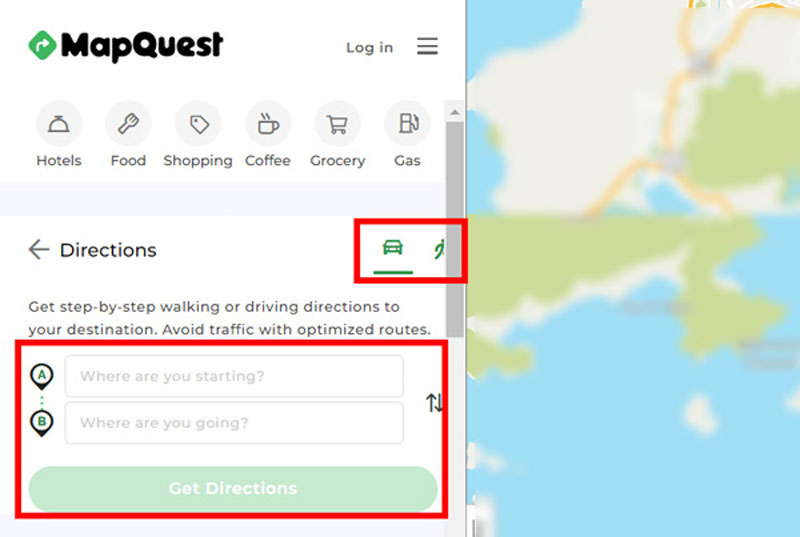
While modern apps focus heavily on flashy interfaces and real-time social crowdsourcing, Mapquest remains a reliable veteran of route planning. Behind its classic interface lie powerful customization features that let you craft custom itineraries, manage multi-stop trips, and avoid bottlenecks before you even turn the ignition key.
Mastering Mapquest Driving Directions for Smart Commuters
Getting from point A to point B sounds simple, but algorithms often default to the most obvious highway route—which is frequently packed with commuters. True efficiency requires looking beyond the default path. When you use Mapquest driving directions with a strategic mindset, you gain access to granular control over your route parameters that other apps simply gloss over.
The Multi-Stop Optimization Feature
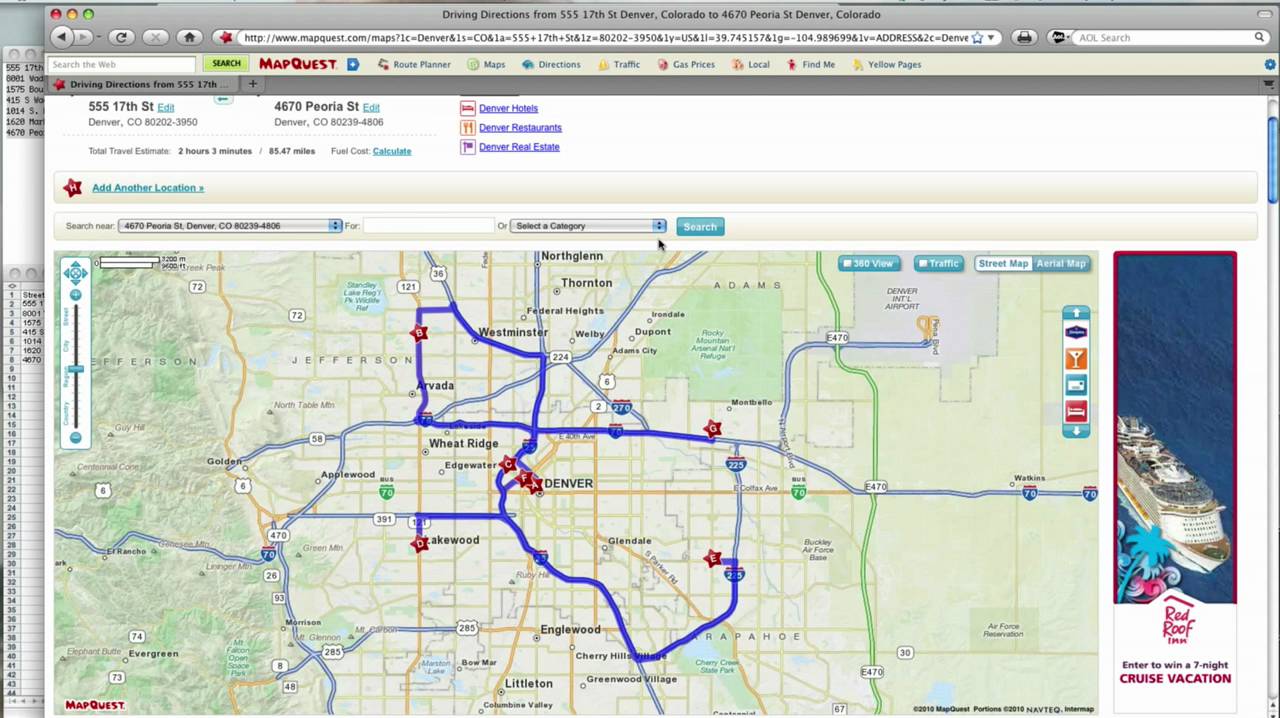
One of the biggest time-wasters on any errand-running day or complex delivery route is poor sequencing. Driving out of order adds unnecessary miles and burns costly fuel. Mapquest features a built-in route optimization tool that automatically reorders your stops.
- Enter up to 26 different destinations into the route planner.
- Click the "Optimize" button to let the algorithm calculate the absolute fastest sequence.
- Export the final itinerary directly to your mobile device for turn-by-turn guidance.
This single feature can easily save delivery drivers, field agents, and busy parents hours of backtracking every single week.
Avoiding Tolls and Highways
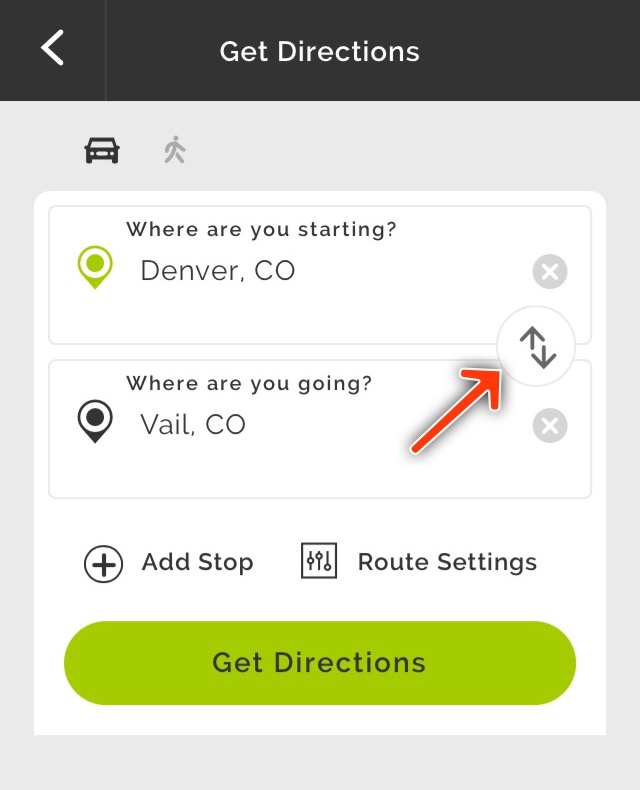
Sometimes the fastest route isn't the most convenient or cost-effective one. If you want to dodge expensive toll roads or prefer cruising down scenic backroads instead of fast-moving interstates, Mapquest gives you instant toggle switches right beneath the search bar.
By checking the "Avoid Tolls" or "Avoid Highways" boxes before hitting get directions, the system recalculates instantly. While this might add a few minutes to your estimated arrival time during off-peak hours, it can save you massive headaches when highway accidents bring interstate traffic to a complete standstill.
Video: How to -- MapQuest Route Planner

Hidden Shortcuts and Advanced Planning Tips
To truly maximize your efficiency on the road, you need to combine the platform's features with smart pre-planning habits. Relying solely on real-time rerouting often traps you in reactionary driving, where you only change paths after you are already stuck.
Desktop Planning vs. Mobile Execution
The secret advantage of Mapquest lies in its superior desktop interface. Trying to plan a complex, multi-state road trip on a small smartphone screen is frustrating and prone to errors. Instead, use a desktop computer or laptop to map out your journey.
- Plan your exact route, including scenic detours, gas stations, and rest stops, on the desktop version.
- Save the route to your free account or send the directions directly to your email.
- Open the link on your mobile device when you are ready to drive, combining big-screen visibility with portable turn-by-turn navigation.
Fuel Cost Estimation
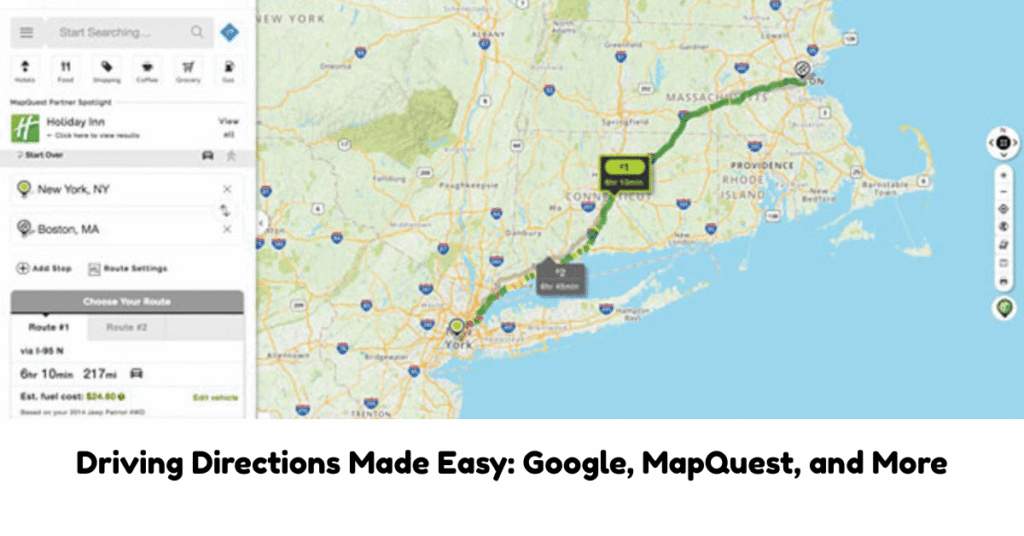
Time isn't the only thing you waste when taking inefficient routes; money literal burns out of your exhaust pipe. Mapquest provides a built-in fuel cost estimator alongside your driving directions. By inputting your vehicle's approximate fuel efficiency and current local gas prices, the tool calculates the exact trip cost.
Comparing routes using this metric often reveals that taking a slightly longer route with fewer stop-and-go traffic lights saves both time and fuel compared to a shorter, highly congested highway route.
Conclusion: Smarter Navigation Starts Before You Drive
Modern navigation is about more than just following a blue line on a screen. By leveraging the advanced features hidden within Mapquest driving directions, you take active control of your journey. Whether you are optimizing a multi-stop workday or searching for clever ways to bypass rush hour, taking five minutes to plan your route beforehand will consistently save you hours behind the wheel.