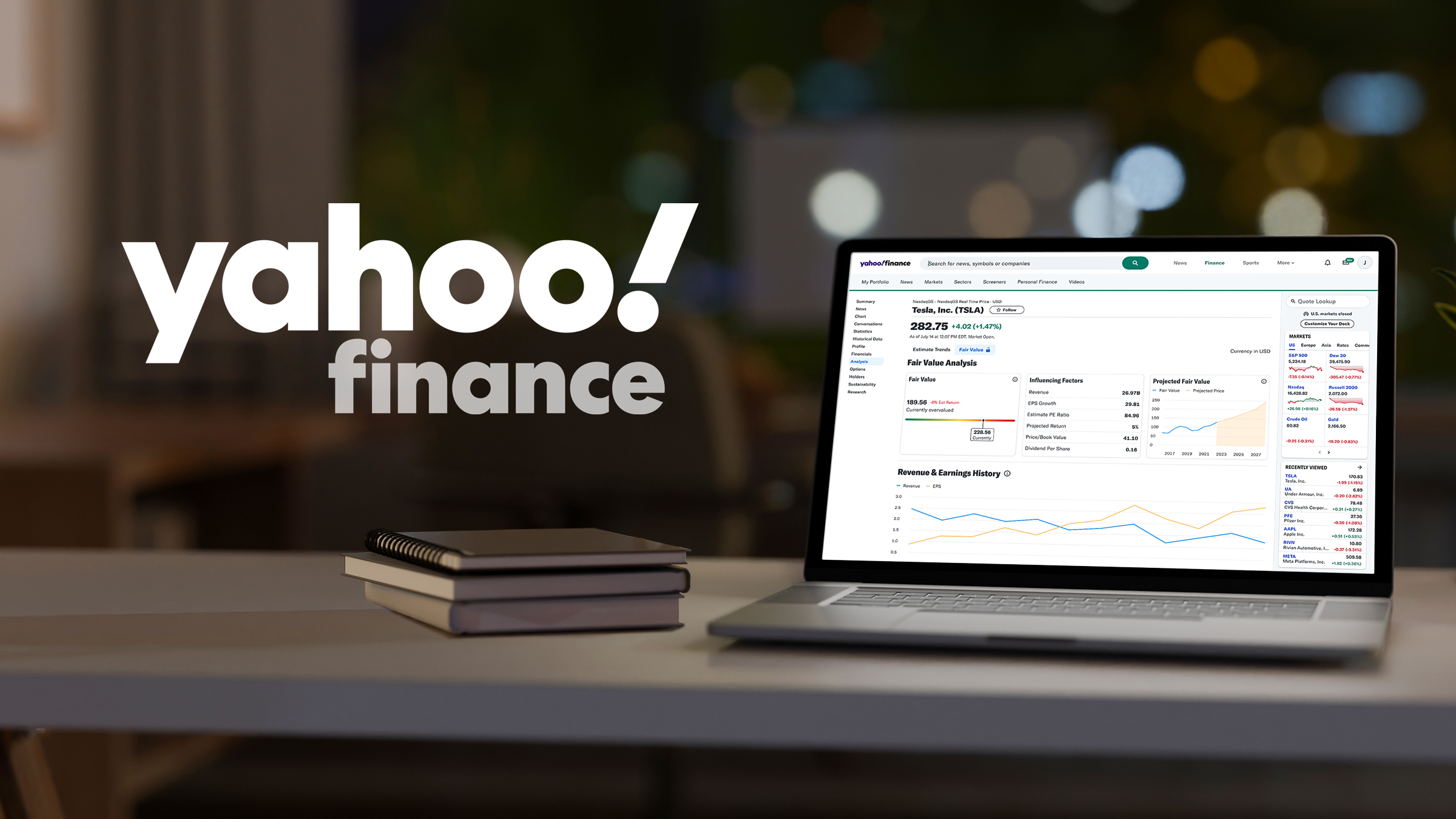
Mastering the Yahoo Finance Homepage
Navigating the financial markets requires a reliable dashboard to track assets, read breaking news, and analyze economic trends. For millions of investors worldwide, the Yahoo Finance homepage serves as the central hub for this daily data intake. Whether you are a seasoned day trader or a beginner looking to monitor a retirement account, understanding how to efficiently use this platform can sharpen your investment strategy.

Launched decades ago, Yahoo Finance has evolved from a simple stock quote repository into a comprehensive financial ecosystem. However, with so much data packed onto a single screen, it can easily overwhelm newcomers. This guide explores the layout of the page, highlights essential features, and offers practical tips for getting the most out of your daily visit.
Layout and Core Sections of the Yahoo Finance Homepage
When you first load the Yahoo Finance homepage, you are greeted with a fast-moving snapshot of the global financial markets. The interface is designed to present macroeconomic data at the top, followed by curated news, trending tickers, and personalized tools further down.
1. The Market Ticker Bar
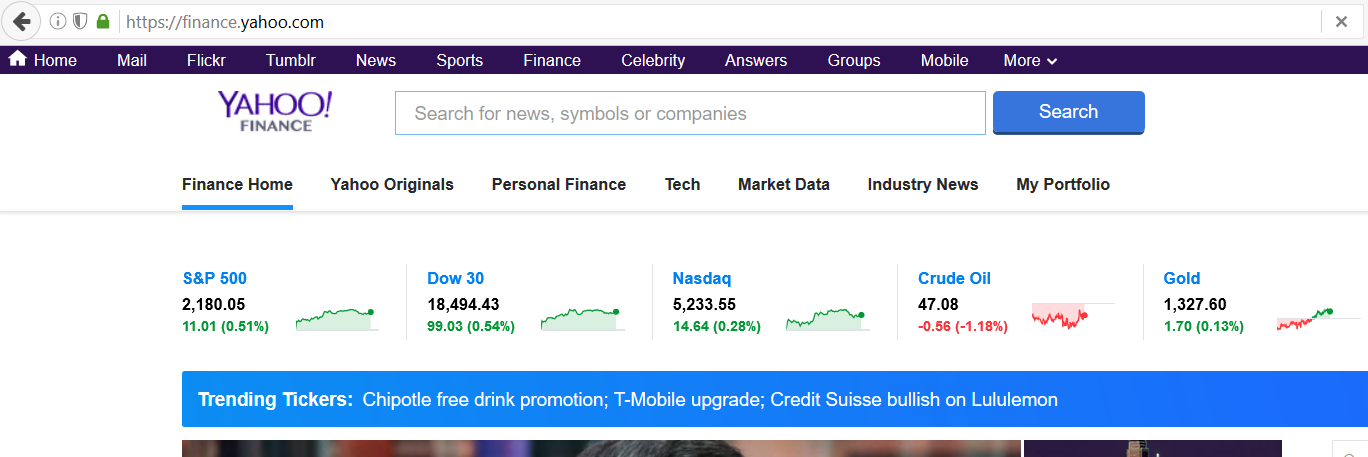
Running directly across the top of the page, just beneath the main search bar, is the market ticker bar. This gives you an immediate read on major global indices, including:
- S&P 500 (GSPC): The benchmark gauge for large-cap US equities.
- Dow Jones Industrial Average (DJI): The price-weighted index of 30 prominent blue-chip stocks.
- Nasdaq Composite (IXIC): The tech-heavy index reflecting growth and innovation sectors.
- Russell 2000 (RUT): The indicator for US small-cap stocks.
- Crude Oil, Gold, and Treasury Yields: Crucial commodities and debt metrics that influence broader market sentiment.
Each index displays its current point value, absolute daily change, and percentage change, color-coded in green for gains and red for losses. Clicking on any of these tickers takes you to a dedicated interactive chart page for deeper technical analysis.
2. The Main Search Bar
Positioned prominently at the top, the universal search bar is your gateway to specific assets. You can type in a company name (e.g., Apple), a specific stock ticker (e.g., AAPL), a cryptocurrency (e.g., BTC-USD), a mutual fund, or an ETF. As you type, a drop-down menu auto-populates relevant suggestions, allowing you to jump straight to a dedicated quote page, financial statements, or historical data.
3. Breaking News and Editorial Content
The central column of the homepage is dedicated to financial journalism. Yahoo Finance aggregates articles from its own in-house financial journalists as well as major wire services like Reuters, Bloomberg, and CNBC.
The top story usually covers the most critical macroeconomic event of the day—such as a Federal Reserve interest rate decision, a major jobs report, or significant geopolitical shifts. Below the hero story, you will find a feed categorized into specific beats:
- Markets: Daily analysis explaining why stocks are moving up or down.
- Economy: Inflation data, housing market updates, and employment statistics.
- Personal Finance: Tips on budgeting, taxes, mortgages, and retirement planning.
- Crypto: Coverage of Bitcoin, Ethereum, regulatory updates, and blockchain technology.
Key Features to Watch and Utilize
Beyond the basic news feed and indices, the homepage provides access to interactive widgets designed to help you spot market trends quickly.
Trending Tickers and Most Actives
On the right-hand side of the screen, a sidebar highlights trending stocks—companies experiencing an unusually high volume of searches or price volatility. This section is invaluable for spotting momentum plays, meme stocks, or companies reacting to unexpected earnings reports.
Beneath the trending list, you will find daily leaderboards displaying:
- Most Actives: Stocks trading with the highest share volume.
- Gainers: Equities experiencing the steepest percentage increases for the day.
- Losers: Companies suffering the sharpest pullbacks.
Watchlists and Portfolio Tracking
If you log into a free Yahoo account, the homepage transforms into a personalized command center. You can create custom watchlists to monitor your favorite stocks without having to search for them individually every day.
Furthermore, the portfolio tracker feature allows you to input your actual share quantities and purchase prices. The homepage will then display your real-time portfolio value, daily profit and loss, and total return, turning a generic news portal into a functional portfolio management tool.
Tips for Efficiently Using Yahoo Finance
With an endless stream of headlines, commentary, and stock data, it is easy to suffer from information overload on financial websites. To make your daily visits productive, keep these best practices in mind:
- Filter the Noise: Not every breaking news alert requires an action. Stick to tracking the specific sectors and companies that align with your long-term investment thesis.
- Verify Data: While Yahoo Finance is generally accurate for real-time quotes and fundamentals, always cross-reference critical data—such as tax documents, dividend dates, or SEC filings—directly with official sources like EDGAR or your broker.
- Customize Your View: Take advantage of account settings to pin your favorite indices and hide widgets that do not serve your trading style.
Conclusion
The Yahoo Finance homepage remains a cornerstone resource for the global investing community. By understanding how to read the market ticker bar, filter through editorial news, and utilize personalized watchlists, you can transform a busy web page into a streamlined tool for financial awareness. Whether you check the markets once a day or monitor quotes continuously, mastering this platform helps you stay informed in a fast-paced economic world.