Mastering Your UD Calendar Template With Color-Coding
Introduction to UD Calendars and Visual Organization

Time management is rarely just about listing tasks; it is about how quickly your brain can process your daily commitments. When you open your schedule, a wall of identical text can lead to cognitive fatigue and missed deadlines. This is where visual hierarchy comes into play. If you want to transform a standard schedule into an intuitive roadmap, learning how to use the perfect color-coding system with your UD calendar template is a game-changer.
A Universal Design (UD) calendar template focuses on accessibility, clarity, and ease of use for everyone. By layering a thoughtful color palette onto this clean layout, you create a system that communicates information at a glance. Whether you are managing student coursework, professional projects, or family logistics, color-coding bridges the gap between chaos and control.
The Psychology of Color in Time Management
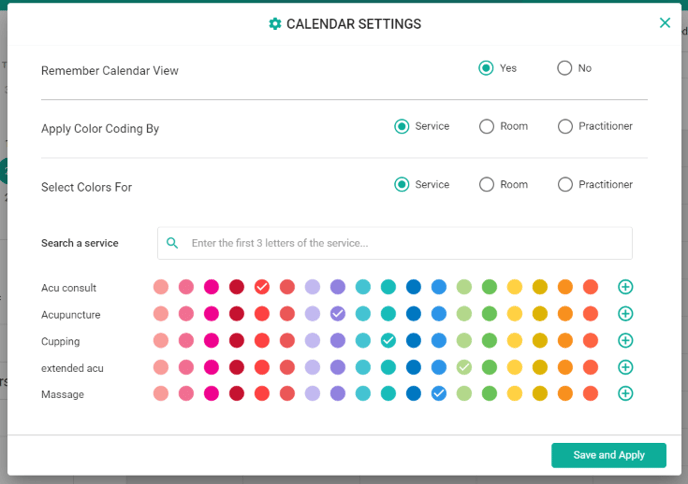
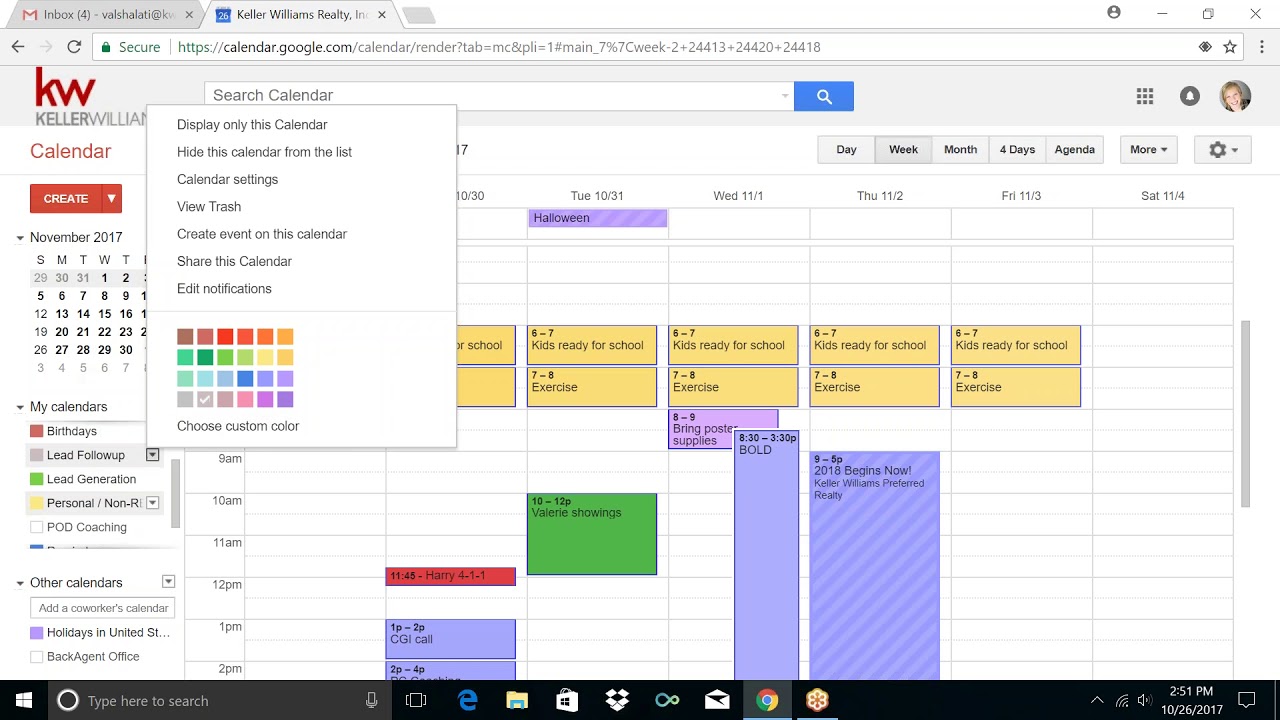
Colors evoke emotional and cognitive responses that influence how we approach tasks. Red often signals urgency or high-priority meetings, while green might represent financial health or growth-oriented activities like exercise. Understanding these innate associations prevents your calendar from becoming a confusing rainbow.
When designing your system, limit your primary palette to four or five core colors. Too many hues defeat the purpose of quick visual scanning. Your goal is to let your eyes categorize information instantly, reducing the mental friction of switching between deep work, meetings, and personal care.
How to Use the Perfect Color-Coding System with Your UD Calendar Template
Implementing a color-coding strategy requires more than picking your favorite shades. It demands a structured framework that aligns with your lifestyle or organizational needs. Follow this step-by-step approach to build a foolproof system.
1. Establish Categories Based on Life Pillars
Start by dividing your life into major domains. Most people benefit from four to six distinct categories. Assigning a permanent color to each pillar ensures consistency across weeks and months.
- Work / Academics: Professional tasks, lectures, and deep work sessions.
- Meetings / Collaboration: Group calls, client check-ins, and synchronous events.
- Personal / Health: Doctor appointments, workouts, and meal prep.
- Errands / Admin: Emails, commuting, household chores, and bills.
- Rest / Leisure: Hobbies, social outings, and dedicated downtime.
2. Choose Accessible, High-Contrast Palettes
Video: How to Color Code Your Outlook Calendar

Because you are utilizing a UD calendar template, accessibility should guide your color selection. Avoid pairing light yellow with white backgrounds, as it causes eye strain and is difficult for visually impaired individuals to read. Opt for mid-tone or saturated colors that offer strong contrast against your calendar's background grid.
3. Implement a Priority Layering Technique
Color can indicate more than just the type of event; it can also denote priority or status. You can achieve this by using shades of the same color family:
- Dark/Bold Shades: High-priority deadlines or mandatory exams.
- Medium Shades: Standard recurring tasks and regular meetings.
- Pastel/Light Shades: Optional events, flexible tasks, or tentative plans.
Best Practices for Maintaining Your Color-Coded Calendar
A system is only as good as its maintenance. Without ground rules, custom color categories can quickly devolve into a chaotic mess. Keep your calendar functional by adhering to a few simple habits.
Create a Reference Key
Keep a small color legend pinned to your physical desk or saved as a bookmark in your digital UD calendar application. This prevents second-guessing when you are rushing to add a new event on a busy Tuesday morning.
Review and Refine Quarterly
Your life changes, and your calendar should evolve with it. At the end of every quarter, evaluate your color system. Did you stop going to the gym, rendering your 'Fitness' color obsolete? Did a new freelance project require its own dedicated hue? Adjust your palette to reflect your current reality.
Conclusion
Mastering your schedule is not about packing every minute with activity; it is about gaining clarity and peace of mind. By combining an accessible UD calendar template with a purposeful color-coding framework, you stop reacting to your day and start intentionally steering it. Implement these strategies today, and watch your daily productivity transform through the power of visual organization.