Miami-Dade County Court Docket: Stay Informed
Understanding the Miami-Dade County Court Docket System

Navigating the legal system can feel overwhelming, especially when you are trying to track a pending lawsuit, traffic infraction, family law matter, or criminal proceeding. Fortunately, the Eleventh Judicial Circuit and the Miami-Dade County Clerk of Courts provide robust online access to public records. Regularly checking the Miami-Dade County court docket is one of the most effective ways to stay informed, monitor upcoming deadlines, and protect your personal or professional interests.
Public access to court records ensures transparency in the judicial process. Whether you are a party to a lawsuit, an attorney, a local journalist, or a concerned citizen, knowing how to find accurate information quickly saves time and prevents missed court appearances that could result in legal penalties.
How to Access the Miami-Dade County Court Docket Online
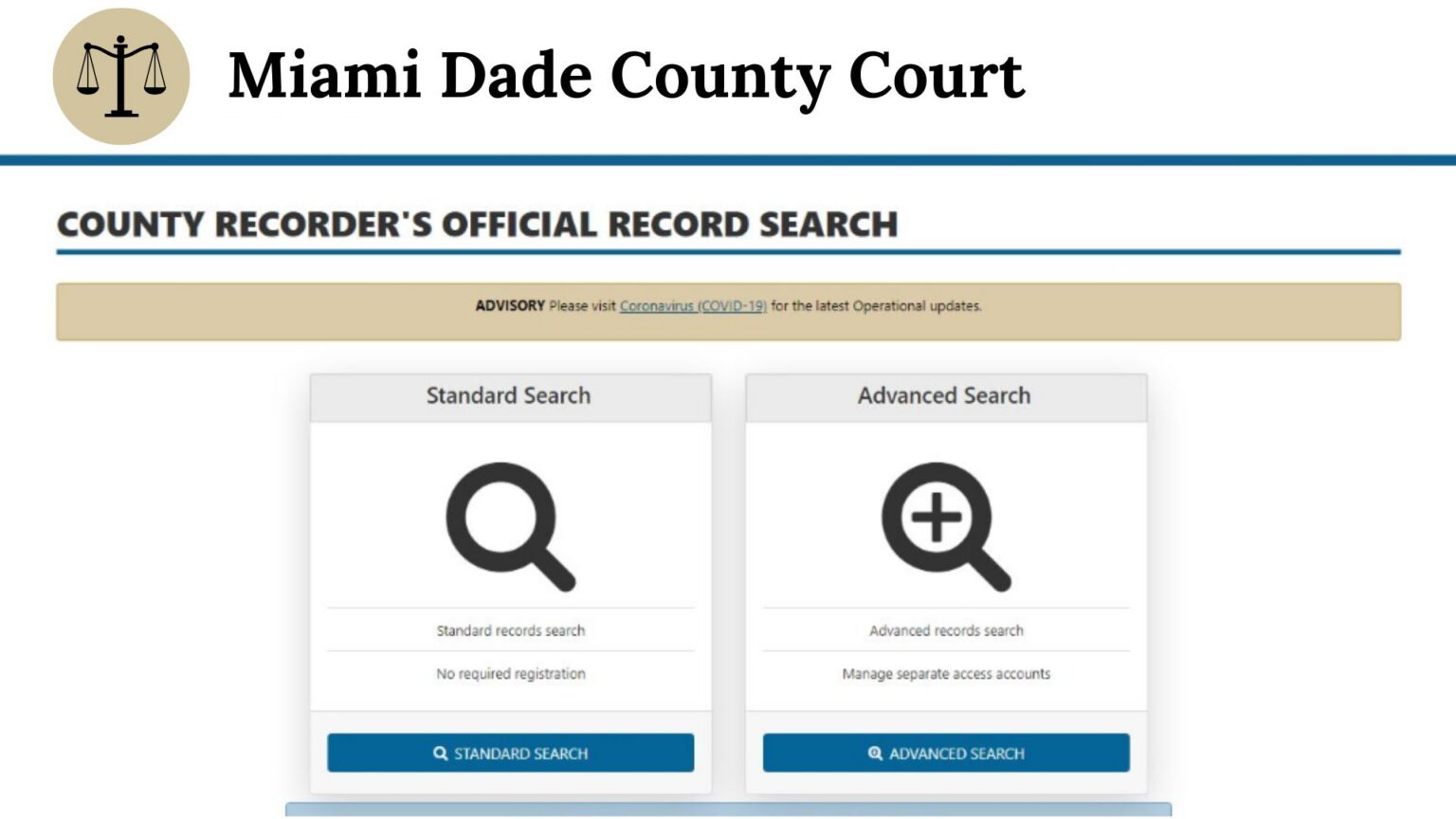
Gone are the days when you had to physically visit the courthouse and sift through paper filing cabinets to find a case file. The Miami-Dade Clerk of Courts website offers a comprehensive online portal for searching various types of court dockets.
Types of Cases Available in the Portal
Depending on what you are looking for, the system categorizes cases into distinct divisions:
- Civil Division: Includes county civil cases (disputes involving smaller financial amounts) and circuit civil cases (higher-value lawsuits, foreclosures, and major contract disputes).
- Criminal Division: Covers misdemeanor and felony offenses handled in the county and circuit courts.
- Family and Probate Division: Encompasses divorce, child support, domestic violence injunctions, and estate probate matters.
- Traffic and Parking Division: Lists citations, infractions, and related hearings.
Step-by-Step Search Guide
To perform an effective search on the official portal, follow these practical steps:
- Visit the official Miami-Dade County Clerk of Courts website.
- Navigate to the "Court Records" or "Case Search" section.
- Select the appropriate division based on the type of case you want to track.
- Enter the required search criteria, such as the case number (if known), party name (Last Name, First Name), or uniform case number (UCN).
- Review the search results list, click on the specific case matching your criteria, and view the chronological docket entries.
Why Tracking Court Records Matters for Your Protection
Staying updated on court proceedings is not just about curiosity; it is a vital defensive measure. Ignoring a legal matter will not make it disappear. In fact, failing to monitor a case can lead to severe consequences.
Avoiding Default Judgments
Video: Meet Your Miami-Dade County Clerk of the Court & Comptroller: Juan Fernandez-Barquin

If you are being sued in a civil matter, the plaintiff must properly serve you with a summons and complaint. Once served, you have a strict window of time to file a formal response. By monitoring the Miami-Dade County court docket, you can verify whether a lawsuit has been officially filed against you, track filing dates, and ensure you respond before the court enters a default judgment against you.
Tracking Hearing Dates and Deadlines
Court schedules change frequently. Judges reschedule hearings, motions are granted or denied, and new submission deadlines are set. Relying solely on mail notifications can be risky due to postal delays. Checking the digital docket directly guarantees you have real-time information regarding when and where you need to appear, whether in person or via video conferencing platforms.
Clearing Outstanding Warrants and Citations
For traffic violations and minor criminal matters, missed court dates often result in failure-to-appear notices, driver's license suspensions, or bench warrants for arrest. Regularly searching your name in the court docket system helps you catch these issues early, allowing you to resolve fines, hire counsel, or motion the court to clear a warrant before you experience a disruptive traffic stop or arrest.
Tips for Interpreting Docket Entries
Once you locate your case file, you will be met with a chronological list of docket entries. Legal terminology can be dense, but understanding a few basic principles helps you read the docket like a professional.
- Chronological Order: Dockets generally list entries from the oldest to the newest, or vice versa depending on the view settings. Always check the top and bottom of the list to ensure you see the most recent activity.
- Minute Entries: These are brief summaries written by the courtroom clerk detailing what occurred during a hearing, including judge's rulings and next steps.
- Filing Codes: The system uses shorthand codes for motions, subpoenas, and exhibits. Clicking on the entry link (where available and public) will often display the actual document filed.
Keep in mind that while many records are fully accessible to the public, certain files—such as juvenile records, sealed adoption files, or specific domestic violence documents—may have restricted access under Florida law and court rules.
What to Do If You Spot an Error
Clerical errors happen. If you review a Miami-Dade County court docket entry and notice a mistake—such as a misspelled name, an incorrect address, or a missing filing—you must act quickly. Contact the Clerk of Courts office or consult with a qualified Florida attorney immediately. Do not assume the court will catch the error on its own.
Conclusion
Staying informed is your best defense in the legal system. By utilizing the digital tools provided by the Miami-Dade Clerk of Courts, you can monitor case progress, track essential deadlines, and take proactive steps to protect your rights. Make checking the docket a routine habit whenever you are involved in a legal proceeding, and consult licensed legal counsel whenever you need professional guidance.