MyKelly Portal Guide: Login, Paystubs, and Hours
If you work as a contractor, substitute teacher, or temporary employee placed by Kelly Services, managing your administrative tasks efficiently is critical to getting paid on time and staying on top of your benefits. The mykelly portal serves as the primary digital hub for talent, giving you 24/7 access to your payroll records, electronic W-2 forms, assignment details, and weekly time entry tools.

While the platform is designed to make workforce administration straightforward, navigating its features or resolving unexpected account lockouts can sometimes be frustrating. This guide walks you through everything you need to know about setting up your account, finding essential payroll documents, and troubleshooting common portal issues.
What Is the MyKelly Portal?
The MyKelly platform (accessible online and through dedicated mobile apps) is the self-service management system for talent hired through Kelly Services and its specialized divisions, including Kelly Education, Kelly Science, and Kelly Technology. Instead of contacting an agency recruiter or payroll representative for everyday HR paperwork, workers can handle the majority of their employment lifecycle directly through this secured dashboard.
Key functions handled through the portal include:
- Viewing, printing, and downloading weekly paystubs.
- Submitting electronic timesheets or reviewing recorded punch hours.
- Managing direct deposit banking information.
- Consenting to and retrieving year-end W-2 tax statements.
- Reviewing eligibility for health insurance and employee perks.
- Updating personal contact details and emergency contacts.
How to Register and Log In to MyKelly
Getting started with your account requires a one-time onboarding setup. Once completed, your dashboard is accessible from any standard web browser or supported mobile device.
First-Time Registration
Before logging in for the first time, you must verify your identity using the personal details provided during your Kelly Services onboarding process:
- Navigate to the official portal login page at
mykelly.com. - Click on the Register or First Time User link located beneath the login box.
- Enter your identification details, which typically include your Social Security Number (last four digits), date of birth, and the primary email address you used when applying.
- Create a secure password following the platform’s security criteria (incorporating uppercase letters, lowercase letters, numbers, and symbols).
- Set up multi-factor authentication (MFA) by designating an authentication app, text message SMS, or email verification prompt.
Standard Daily Login
Once your profile is active, signing into the portal is simple:
- Visit the login page or launch your MyKelly mobile app.
- Enter your registered username (often your personal email address) and password.
- Complete the MFA security challenge by entering the one-time code sent to your phone or generated by your authenticator app.
- Select Sign In to reach your main talent overview page.
Essential Features for Kelly Talent
Once you are inside the system, several key modules handle your day-to-day work administration. Understanding where each service lives saves valuable time.
1. Payroll and Direct Deposit
Under the Pay & Taxes tab, you can view your complete earnings history. Kelly generally distributes pay on a weekly schedule. Your electronic paystub updates each pay cycle to show gross wages, net pay, hours worked, hourly rate, and statutory deductions like FICA, federal withholding, and state taxes.
You can also adjust your direct deposit account numbers directly in this section. If you switch banking institutions, update your routing and account numbers at least five business days before the next payroll cutoff to ensure your electronic funds transfer processes without interruption.
Video: GlorySixVain - Mi Kelly
2. Year-End Tax Documents (W-2s)

Instead of waiting for a paper copy to arrive via standard mail in late January, you can opt into electronic delivery for your Form W-2. Choosing electronic delivery allows you to download and print your tax documents the moment they are certified, streamlining your annual income tax filing.
3. Time and Attendance Entry
Depending on your assignment and client site, you will track your hours using one of three methods: an on-site electronic punch clock, a client-specific management platform (such as Fieldglass or Kronos), or the integrated timecard feature inside MyKelly. If your recruiter instructed you to submit hours directly on the portal, make sure to enter your clock-in, clock-out, and unpaid meal break times accurately before the weekly Sunday night submission deadline.
4. Benefits and Perk Programs
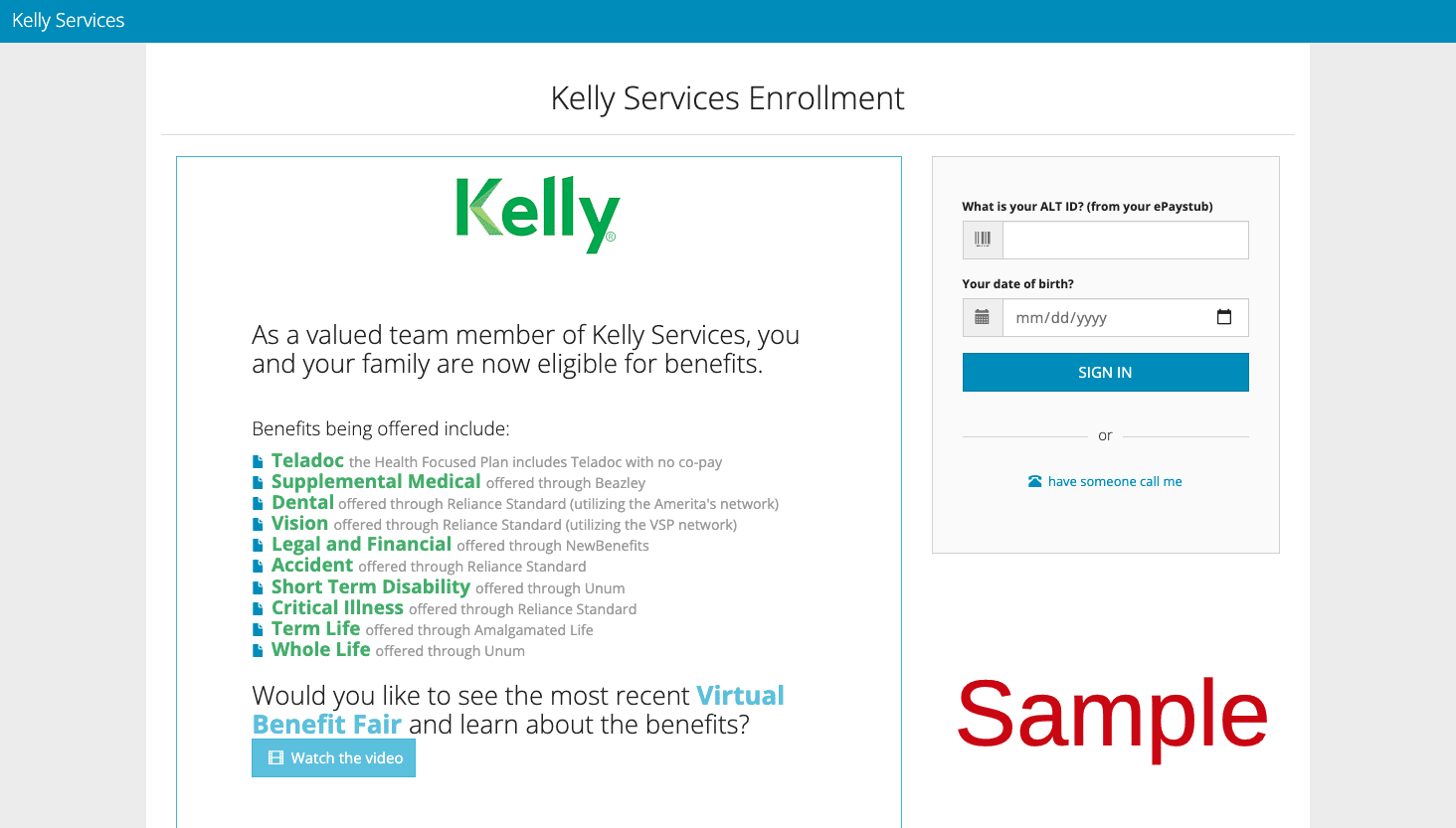
Eligible talent can review medical, dental, and vision coverage options through the benefits navigation menu. Kelly also provides access to employee discount programs covering cell phone plans, retail discounts, and continuous education courses through the Kelly Learning Center.
Troubleshooting Common MyKelly Account Issues
Technical problems can arise, particularly around tax season or during holiday pay rollouts when web traffic is high. Here are solutions to the most frequent hurdles.
Forgotten Password or Account Locked
If you enter the incorrect password three consecutive times, the portal locks your account automatically to prevent unauthorized access. To restore access:
- Use the Forgot Password? link on the main portal page.
- Enter your verified email address to receive an automated password reset link.
- Check your spam and promotions folders if the email does not land in your inbox within five minutes.
- Avoid submitting multiple reset requests simultaneously, as each new request invalidates the previous link.
Multi-Factor Authentication (MFA) Failure
If you change your mobile phone number without updating your account profile, you may find yourself locked out at the MFA stage. If SMS codes are not arriving, check your phone carrier’s settings to ensure short-code text messages are not blocked on your device. If you remain stuck, your local Kelly branch or technical support desk will need to manually reset your authentication methods after verifying your identity.
Display Errors and Session Timeouts
The talent portal uses strict session security. If your browser stays idle for more than 15 minutes, you will be automatically logged out. Additionally, older browser caches can interfere with modern dashboard rendering.
- Clear your browser cache, cookies, and temporary internet files.
- Disable active browser extensions or ad blockers that might block secure login scripts.
- Try opening the portal in a private or incognito browsing window.
- Ensure you are using an up-to-date version of Google Chrome, Mozilla Firefox, Microsoft Edge, or Apple Safari.
Getting Further Support
If self-service troubleshooting does not resolve your problem, you have direct avenues for assistance. Reach out to your assigned Kelly branch representative or recruiter for questions regarding assignment rates, approved timesheets, or schedule disputes.
For portal technical failures, forgotten usernames, or persistent MFA errors, contact the Kelly Talent Care Support line at 1-866-KELLY-4U (1-866-535-5948) during standard business hours. Having your employee identification number and assignment details ready will expedite the resolution process.