Natural Stone Seamless Texture: Guide & Resources
Understanding Natural Stone Seamless Texture in Digital Design

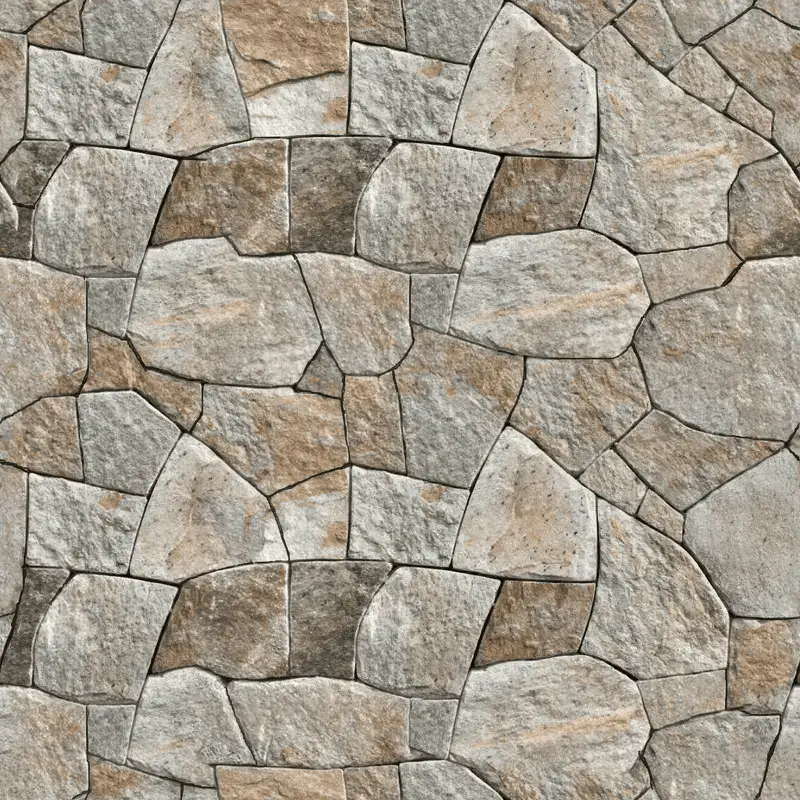
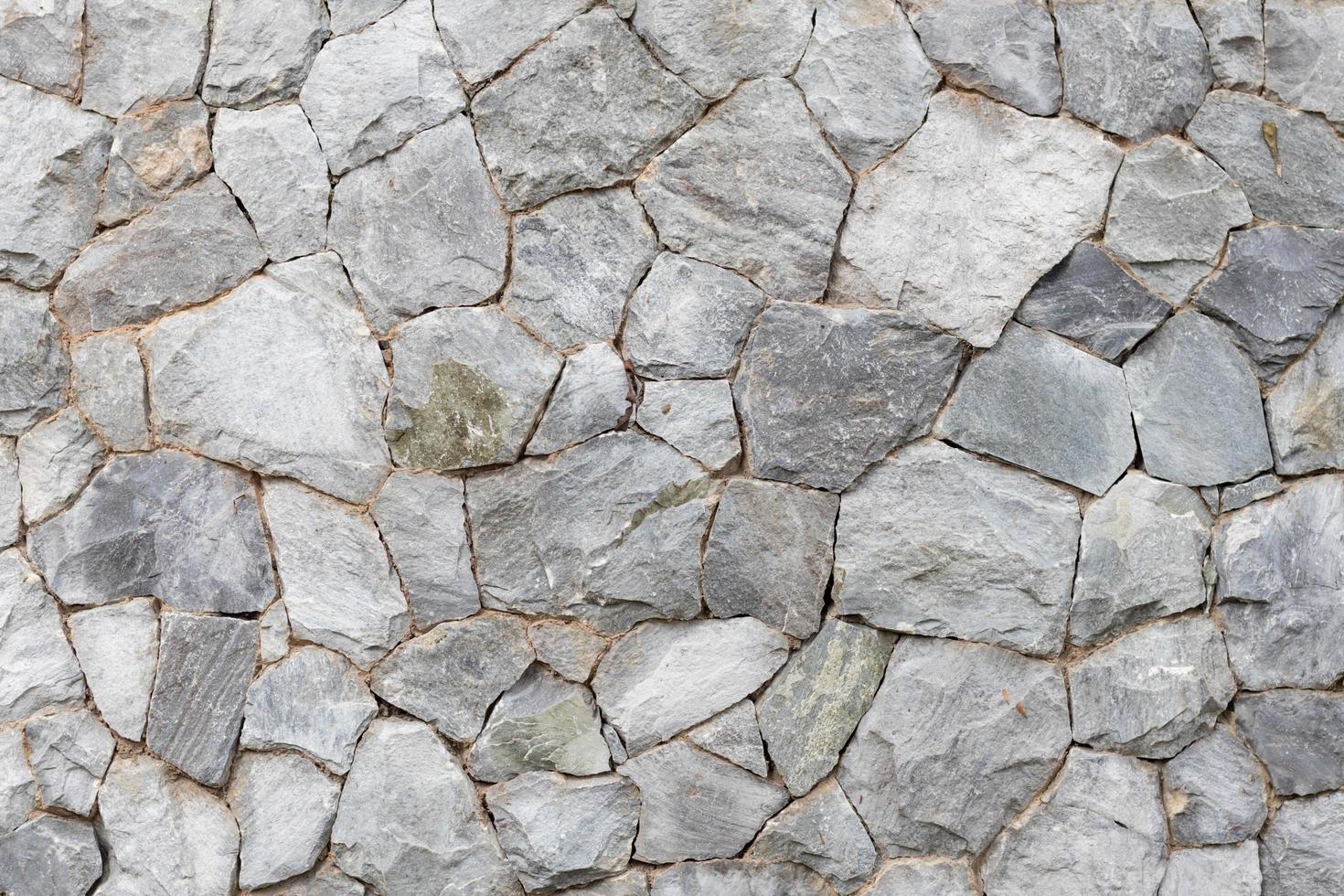
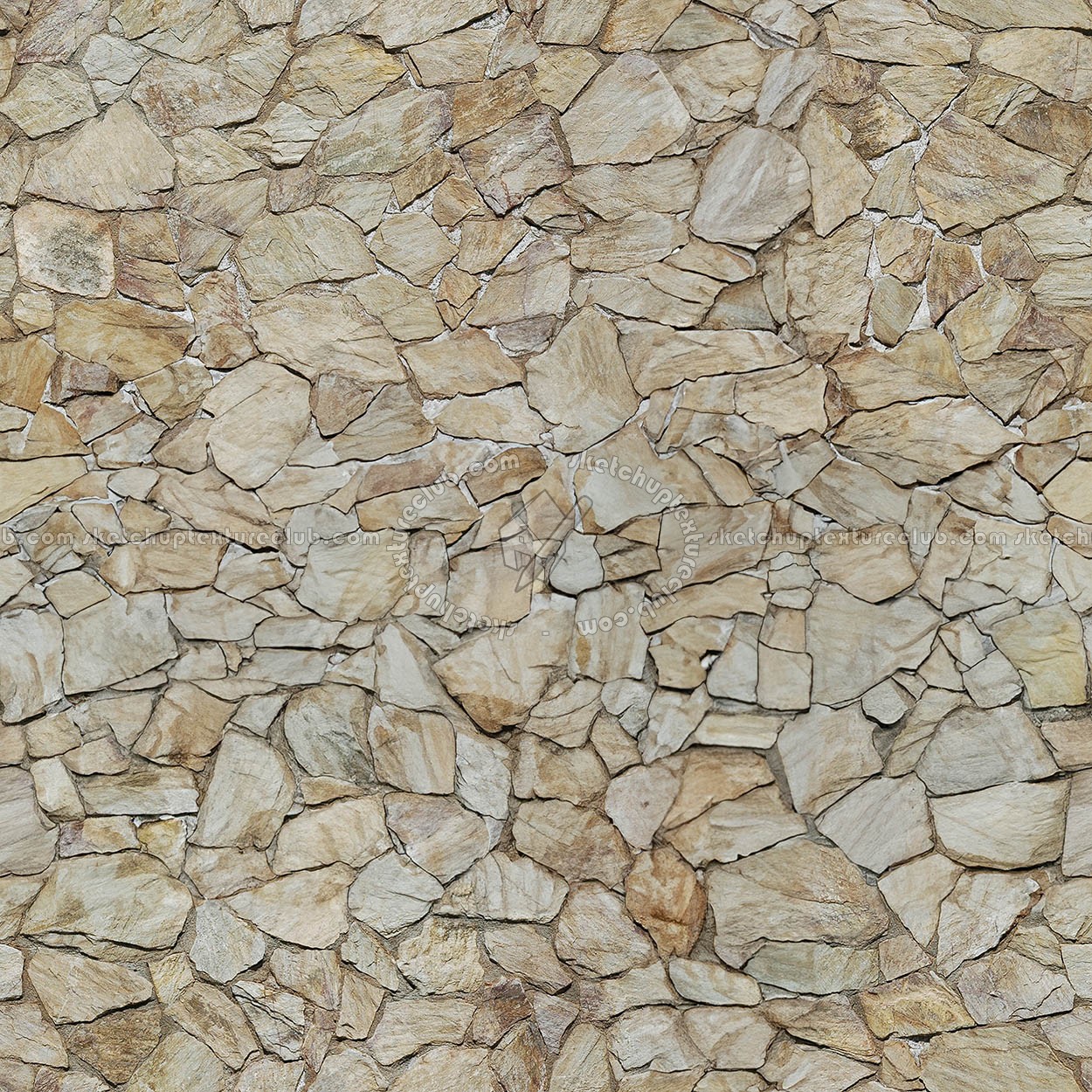
In the world of 3D modeling, architectural visualization, and digital design, achieving realism relies heavily on the quality of surface materials. A natural stone seamless texture is a digital image file—typically featuring slate, marble, granite, or limestone—that can be repeated endlessly across a surface without visible seams, edges, or repeating patterns. Whether you are rendering a modern kitchen backsplash, a grand exterior facade, or a rustic fireplace, using a high-quality tileable stone map is essential for eliminating artificial-looking grid lines and repetitive artifacts.
Natural stone is inherently irregular, featuring unique veining, color variation, and surface pitting. Replicating this organic randomness in a digital environment presents a unique challenge for texture artists. Seamless maps bridge the gap between nature's chaos and digital repetition, allowing designers to cover vast surfaces efficiently while maintaining a lifelike appearance.
Types of Natural Stone Textures
Different architectural styles call for different stone varieties. Understanding the physical characteristics of these stones helps you choose the right digital map for your rendering engine.
Marble and Quartzite
Marble is celebrated for its sweeping veins and translucent crystal structure. When looking for a seamless marble texture, pay close attention to the scale of the veining. If the texture repeats too frequently across a large wall, the human eye will immediately spot the pattern, breaking the illusion of luxury and realism.
Slate and Flagstone
Slate offers a distinct layered look with high-contrast surface relief. These textures work wonderfully for exterior walkways, feature walls, and rustic interiors. A good seamless slate map will incorporate strong normal and displacement data to capture the rough, cleaved surface of the stone.
Granite and Travertine
Granite features a dense, speckled composition of quartz, feldspar, and mica, making it remarkably forgiving when tiled digitally. Travertine, on the other hand, is characterized by open pores and parallel banding, requiring careful attention to the direction of the grain during the mapping process.
Key Components of PBR Stone Maps
Modern rendering engines like Blender (Cycles/Eevee), Unreal Engine, V-Ray, and Corona rely on Physically Based Rendering (PBR) workflows. To make a natural stone seamless texture look convincing, you need more than just a standard color image. A complete PBR material set includes several complementary maps:
- Albedo / Diffuse Map: The base color image that defines the natural pigmentation of the stone.
- Normal / Bump Map: Simulates micro-surface details and shallow crevices without adding polygon geometry.
- Roughness / Glossiness Map: Controls how light reflects off the stone surface. Polished marble has low roughness, whereas honed slate has higher roughness.
- Displacement / Height Map: Physically alters the geometry of the mesh to create deep pits, ridges, and authentic three-dimensional depth.
- Ambient Occlusion (AO) Map: Darkens corners, crevices, and contact points to enhance realistic shadowing.
Best Practices for Applying Stone Textures in 3D
Even the highest-resolution seamless texture can look unconvincing if applied incorrectly. Follow these professional tips to elevate your architectural renders.
1. Mind the Scale
Scale is the #1 giveaway of amateur 3D rendering. A granite block or marble tile has real-world dimensions. Ensure your UV mapping coordinates reflect reality—for example, standard floor tiles are often 300mm x 300mm or 600mm x 600mm. Measure your digital objects and adjust your texture tiling parameters accordingly.
2. Break Up Repetition
Even with a seamless texture, human eyes are remarkably good at spotting repeating patterns over massive surfaces like parking lots or skyscraper facades. To combat this, use texture-bombing shaders, mix two different stone maps using a mask, or layer subtle grunge and dirt maps on top of your primary stone material.
3. Utilize Displacement Sparingly
While displacement maps make stone look incredibly tactile, overusing them can cause severe rendering spikes and distorted geometry edges. Use normal maps for fine surface detail and reserve displacement maps for hero assets that sit close to the camera lens.
Where to Find High-Quality Stone Textures
Sourcing reliable assets saves hours of post-production cleanup. When downloading texture maps, look for platforms that offer free or paid PBR materials with a minimum resolution of 4K. High resolutions ensure that when a camera zooms in close to a countertop or wall, the stone retains its crisp detail rather than becoming pixelated or blurry.
Ultimately, mastering the use of a natural stone seamless texture empowers you to create stunning, photorealistic environments that capture the timeless beauty of earth's most durable materials. By combining proper PBR maps, correct physical scaling, and thoughtful texturing techniques, your digital stone surfaces will be virtually indistinguishable from reality.