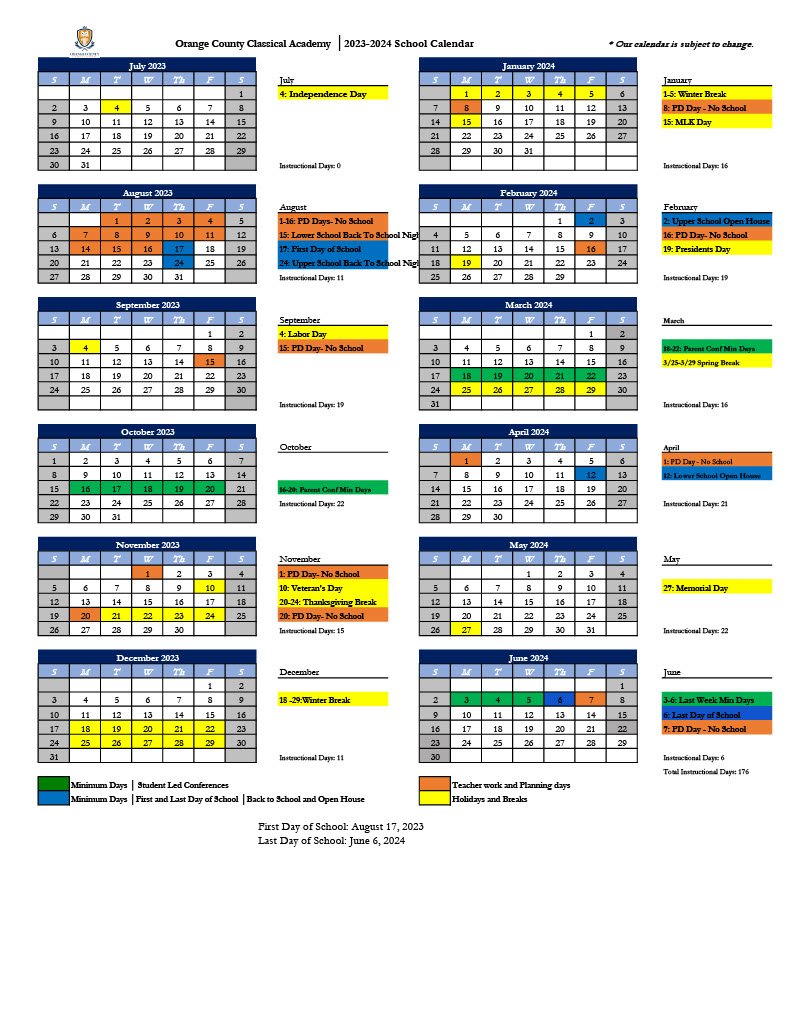
Navigating OCPS Florida's Professional Development Calendar
For educators in Orange County Public Schools, continuous learning is a requirement for maintaining certification, growing as an instructional leader, and staying updated on district initiatives. However, finding the right courses amid a bustling teaching schedule can feel overwhelming. Navigating OCPS Florida's Professional Development Calendar effectively is the key to managing your in-service points, meeting recertification requirements, and advancing your career without unnecessary stress.
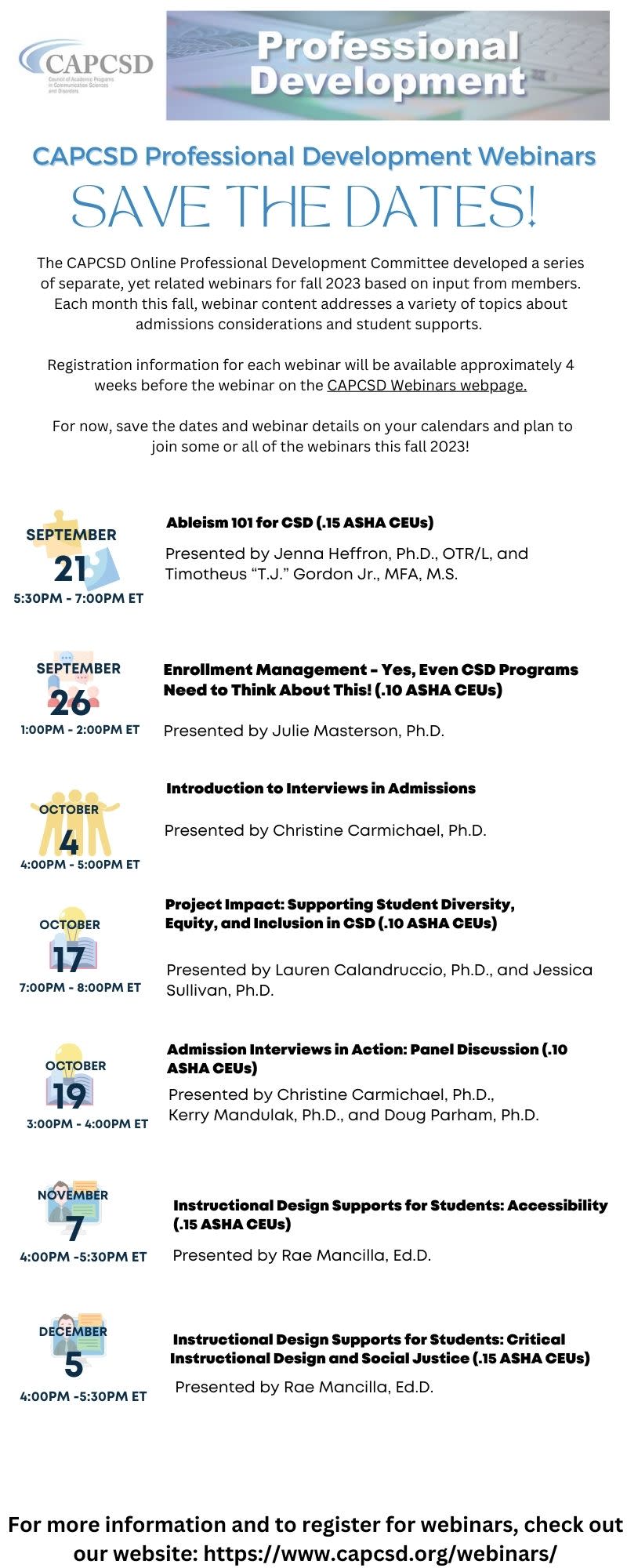
Whether you are a first-year teacher trying to clear your temporary certificate or a veteran educator looking to add a reading endorsement, mastering the district's professional learning portal saves time and ensures you never miss a registration window.
Accessing the OCPS Professional Development System
The journey begins long before you attend a workshop. To find available courses, you need to know where the district houses its scheduling data.
Logging In Through LaunchPad
Orange County Public Schools centralizes its application access through the LaunchPad portal.
- Open your web browser and navigate to the OCPS LaunchPad login page.
- Sign in using your district credentials (employee ID number and network password).
- Look for the tile labeled "Professional Learning," "MyPGS" (Professional Growth System), or the specific district portal designated for employee training. If the tile is missing from your dashboard, you can use the search bar within LaunchPad to locate it or contact your school's tech lead.
Understanding the Dashboard Layout
Once inside the professional learning system, you will land on a dashboard designed to show your current transcript, pending registrations, and a master catalog. Familiarize yourself with the main navigation menu:
- Catalog: Where you search for upcoming district, school-based, and online courses.
- Transcript: Your digital record of completed courses and earned in-service points.
- Calendar View: A monthly or weekly breakdown of scheduled face-to-face and hybrid sessions.
How to Find Courses on the OCPS Professional Development Calendar
The master catalog can yield hundreds of results at any given time. To avoid information overload, use strategic search techniques.
Using Filters Effectively
Instead of scrolling aimlessly through the entire OCPS Florida professional development calendar, narrow down your options using targeted filters:
- Subject Area or Grade Level: Filter for elementary math, high school science, exceptional student education (ESE), or administration.
- Delivery Format: Choose between face-to-face workshops, synchronous online meetings (Zoom/Teams), or self-paced canvas modules.
- Location: Look for sessions held at your specific school site, a local learning community office, or the Ronald Blocker Educational Leadership Center.
- Credit Type: Filter by endorsement areas (e.g., ESOL, Reading) or general professional learning points.
Reading Course Descriptions
Before clicking "Register," always read the fine print. Pay close attention to the following details:
- Target Audience: Some courses are strictly for instructional coaches, new teachers, or specific department heads.
- Prerequisites: Certain advanced workshops require completion of introductory modules.
- Attendance Policy: Understand the district's rules on tardiness and missing segments, especially for multi-day or hybrid courses where partial credit is rarely awarded.
Registration Best Practices and Deadlines
Securing a spot in high-demand OCPS professional learning sessions requires timing and preparation. Popular courses—particularly those offering ESOL or Reading endorsement points—fill up within minutes of release.
Setting Registration Alerts
Keep an eye on district communications, such as the *MyOCPS* newsletter or emails from the Department of Professional Learning. These communications often announce registration drop dates for high-profile cohorts.
Managing the Waitlist
If a course is full, do not hesitate to add yourself to the waitlist. Educators frequently drop courses due to shifting school schedules or personal conflicts, meaning waitlisted participants often receive clearance to attend a week or two before the start date.
Cancellation Protocols
If you register for a workshop but realize you cannot attend, cancel your registration immediately through the portal. This frees up a seat for a colleague and prevents automated flags on your professional learning record for unexcused absences.
Tracking In-Service Points and Recertification
Attending courses is only half the battle; ensuring those points accurately reflect on your Florida Department of Education (FLDOE) record is critical for certificate renewals.
Monitoring Your Transcript
Check your district transcript roughly two to three weeks after completing a course. Ensure that attendance was marked present by the instructor and that the correct number of in-service points has populated.
Bridging District Points to the FLDOE
While OCPS tracks your in-service points internally, renewing your professional educator certificate requires proper submission through the FLDOE online licensing system. When your five-year renewal cycle approaches:
- Download a certified copy of your OCPS professional development transcript.
- Verify that you have accumulated the required 120 points (including the mandatory students with disabilities/ESE points).
- Submit your renewal application and fee directly through the state's online portal, attaching your district records as proof of completion.
Tips for Maximizing Your Professional Learning
To get the most value out of your time spent navigating the OCPS professional development calendar, keep these practical tips in mind:
- Align with Your IPDP: Coordinate your course selections with your administrator during goal-setting sessions so your professional learning directly supports your annual evaluation growth targets.
- Batch Your Credits: Try to complete endorsement requirements during non-testing windows (such as early fall or late winter) to avoid burnout during spring state assessment seasons.
- Keep External Records: Save certificates of completion for any external or school-based professional development that requires manual entry into the district system.
By approaching professional learning with a strategic mindset and utilizing the district's digital tools efficiently, you can satisfy your certification requirements while gaining valuable instructional strategies to bring back to your OCPS classroom.