NBA 2K24 Roster Update Guide: How to Download & What's New
Keeping up with the dynamic nature of professional basketball is essential for any serious basketball simulation fan. Whether you are diving into MyNBA eras, playing head-to-head online, or starting a fresh MyCAREER save, having the most accurate player ratings and team lineups matters. Applying the official NBA 2K24 roster update ensures that recent trades, free-agent signings, and real-life performance adjustments are accurately reflected on your virtual hardwood.
How to Download the Latest NBA 2K24 Roster Update
For the most part, Visual Concepts handles roster maintenance automatically. Whenever you fire up your console or PC and connect to the internet, the game checks for background updates. However, if you want to ensure you have the absolute newest official file loaded—or if you need to manually force an update before playing an offline game with friends—the process is straightforward.
Automatic Updates vs. Manual Downloads
By default, if your system is connected to PlayStation Network, Xbox Live, Nintendo Switch Online, or Steam, 2K Sports pushes roster files directly into your game's memory whenever you reach the main menu. If you experience a sudden disconnect or play offline, your game might revert to the default launch-day rosters. To manually check for and apply the latest changes:
- Navigate to the main menu of NBA 2K24.
- Select the Features tab from the dashboard.
- Click on Roster and then select Official 2K Sports Roster.
- Download the file to sync your game with the league's current real-world status.
Key Changes Included in Official Roster Updates
When 2K Sports pushes a major patch or weekly tuning update, they do much more than simply move players from one team to another. A comprehensive roster update affects several core aspects of the game engine and offline modes.
Player Ratings and Attributes
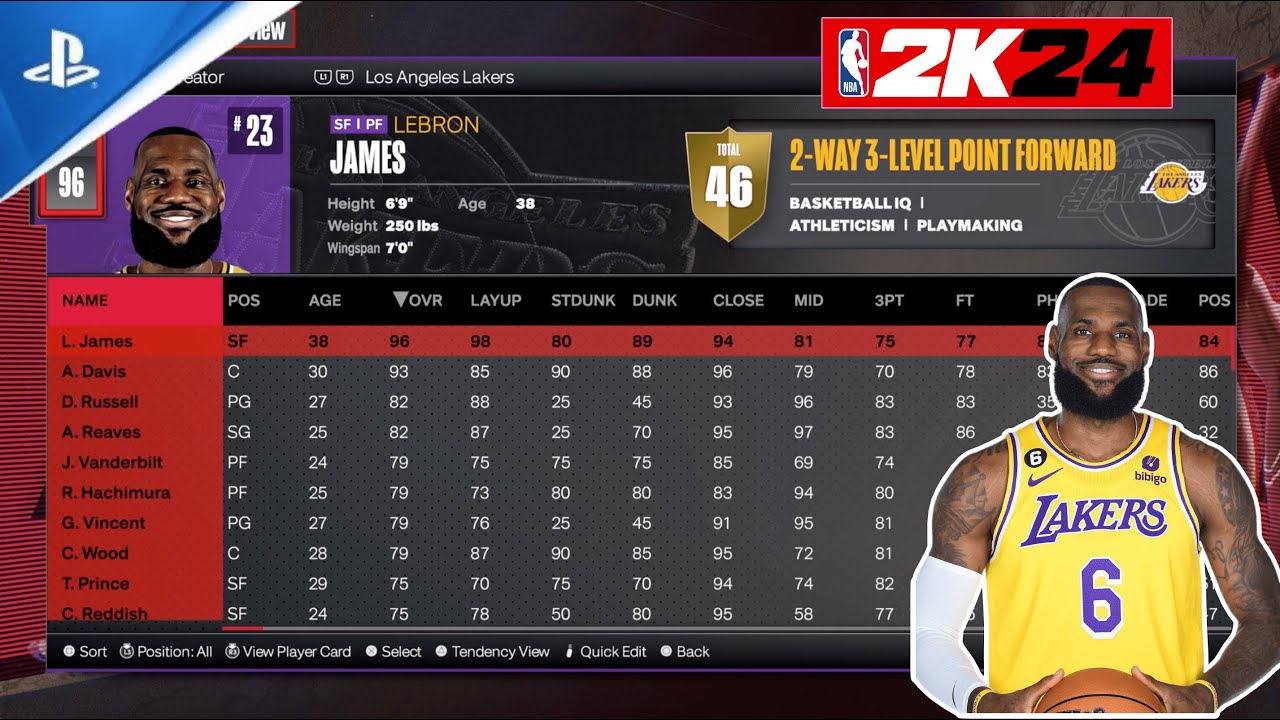
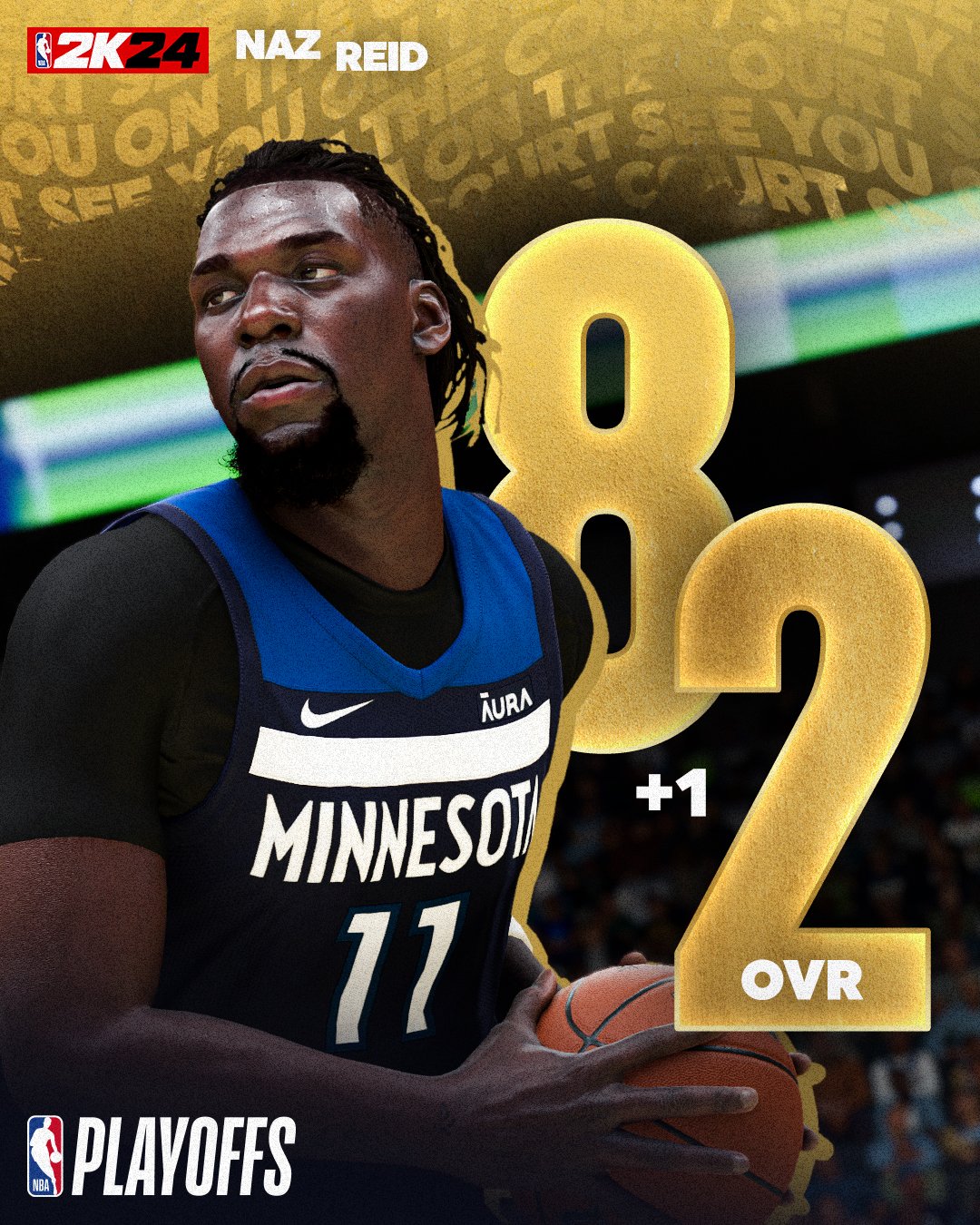
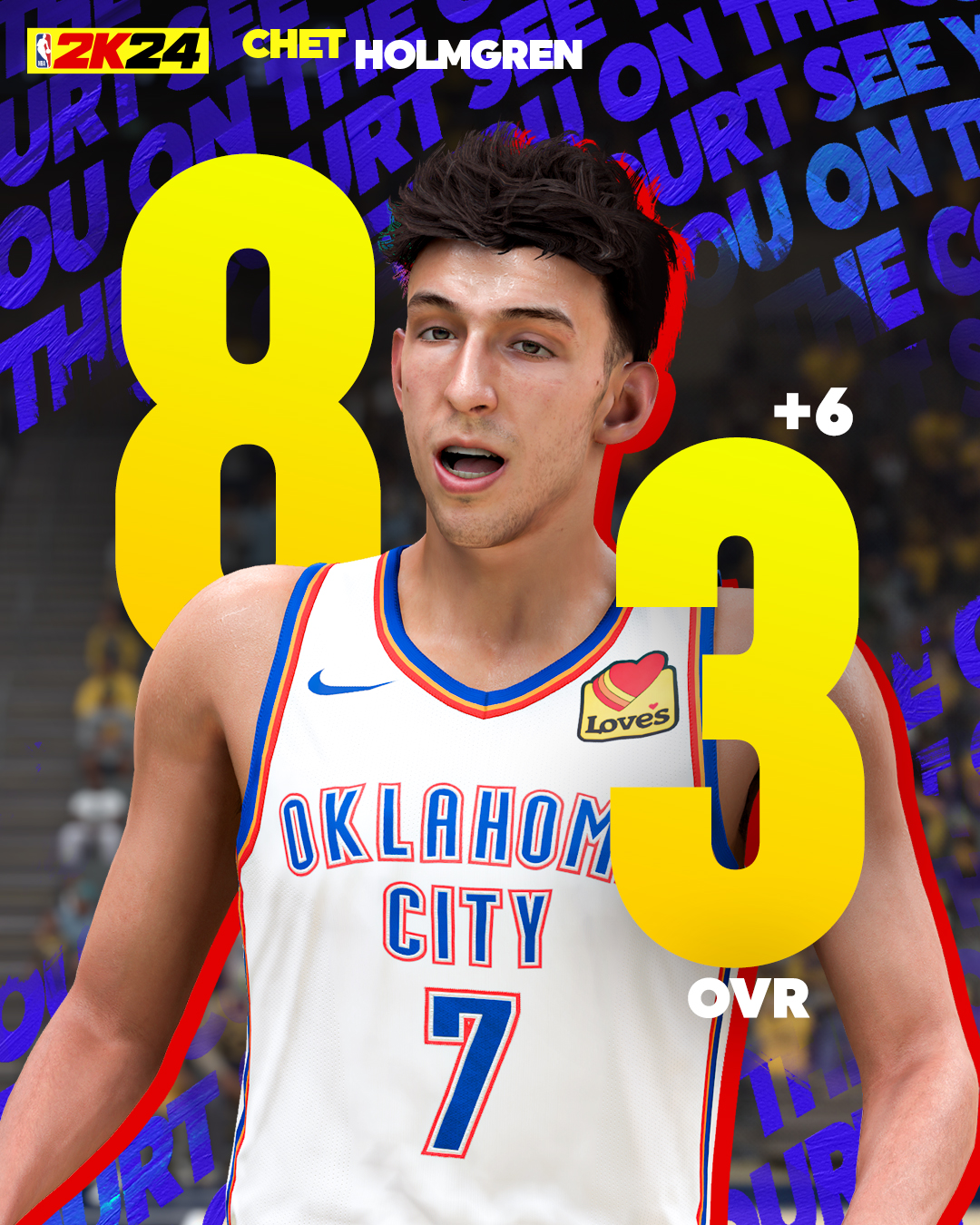
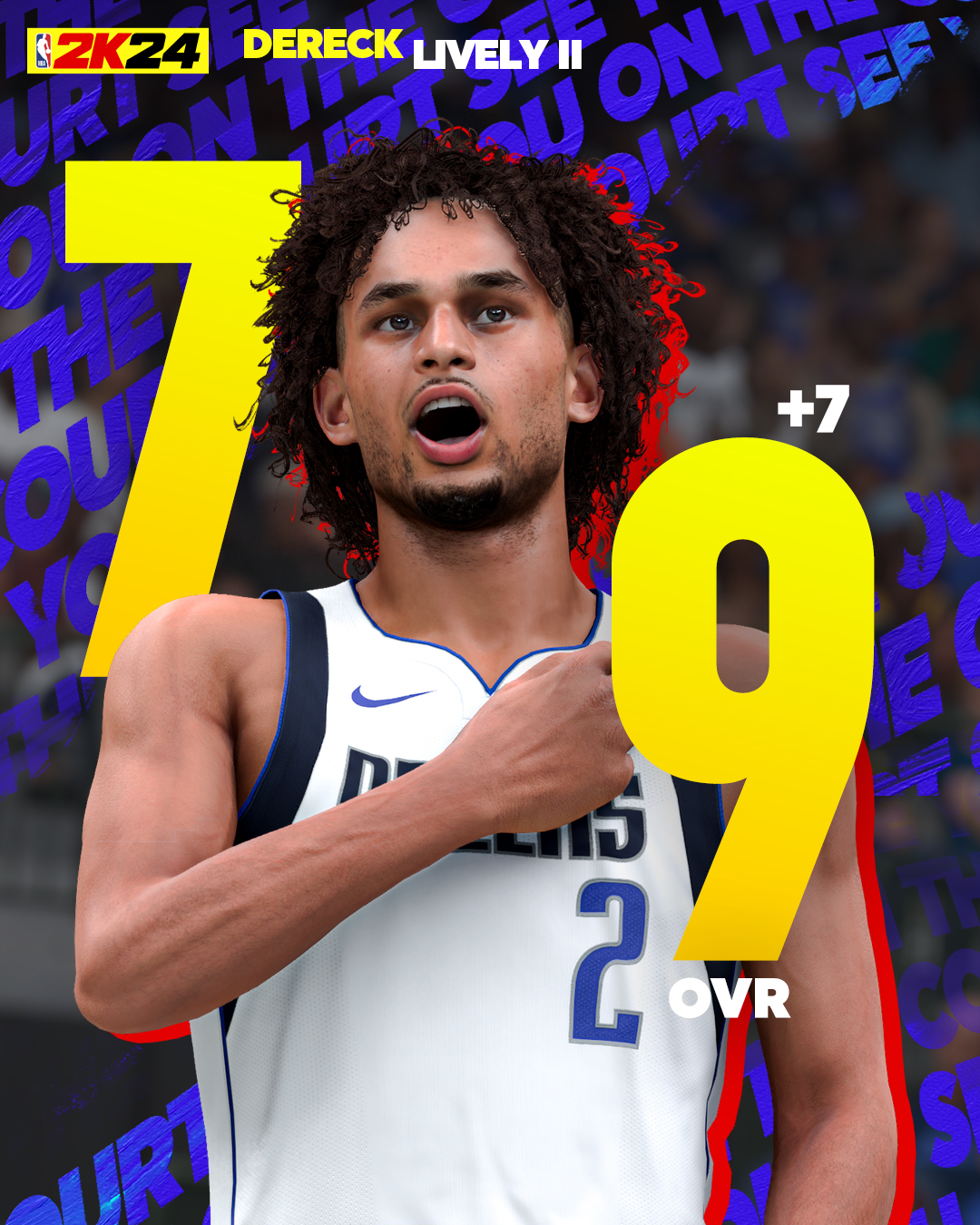
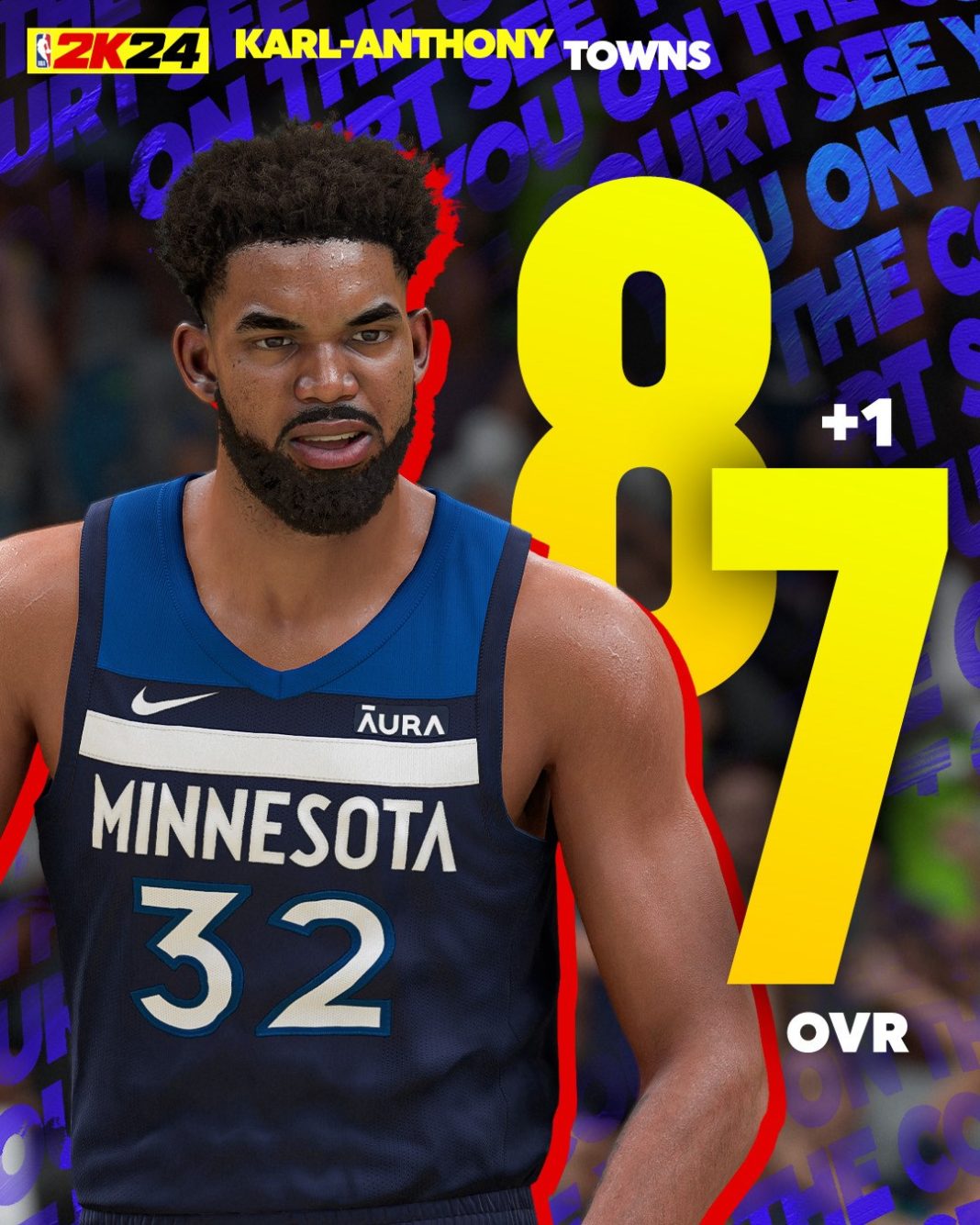
Real-life slumps and hot streaks directly influence virtual basketballers. Throughout the NBA season, developers evaluate player efficiency, shooting percentages, defensive metrics, and usage rates. Standout rookies who exceed expectations see steady bumps to their overall (OVR) ratings, while veterans experiencing prolonged shooting slumps may see their badges and attribute caps adjusted downward. These tweaks keep competitive matchups balanced and mirror the actual television broadcast.
Video: 9th Roster Update NBA 2K24 THE LAST ONE
Injuries and Lineup Adjustments
Injuries are an unfortunate reality of professional sports. When a star player goes down for weeks or months in real life, the official update reflects this by moving them to the injured reserve list and adjusting team starting lineups accordingly. This ensures that when you play standard Play Now games, the CPU controls realistic rotations instead of deploying injured athletes.
Community Rosters vs. Official 2K Rosters
While the official NBA 2K24 roster update provides the standard experience backed by the developers, the community-created roster ecosystem offers incredible alternatives. Dedicated creators spend countless hours building historical classes, fictional draft classes, and custom scenarios that go far beyond what 2K Sports officially supports.
Why Explore Custom Rosters?
If you prefer playing with legendary teams from past decades, or want updated rookie classes for future draft years in MyNBA, user-generated content fills the gap. You can easily search for community rosters by entering specific creator tags or keyword descriptions within the roster share menu. Always check user ratings and download counts to find the most polished and glitch-free custom files available.
Troubleshooting Roster Update Issues
Sometimes, players run into frustrating bugs where roster updates fail to apply, or online matches force default settings. If you notice missing players or outdated trades, try these quick troubleshooting steps:
- Check Your Connection: Ensure your platform is fully connected to your network and that servers are currently online.
- Clear Local Data: Occasionally, corrupted cache files prevent updates from saving. Clearing your system's temporary game cache can force a fresh download.
- Restart the Game: Completely close out of NBA 2K24 and relaunch it to trigger the background handshake with 2K servers.
By staying proactive and regularly checking for the latest updates, you will enjoy a much more immersive, accurate, and satisfying basketball gaming experience.