Newest Spectrum Router: Specs, Setup, & Review
If your home internet has started feeling sluggish, or your connection drops as soon as you walk into another room, your networking hardware might be past its prime. Charter Spectrum regularly updates its equipment fleet, and getting the newest spectrum router can make a massive difference in how your devices connect, stream, and game across your household.

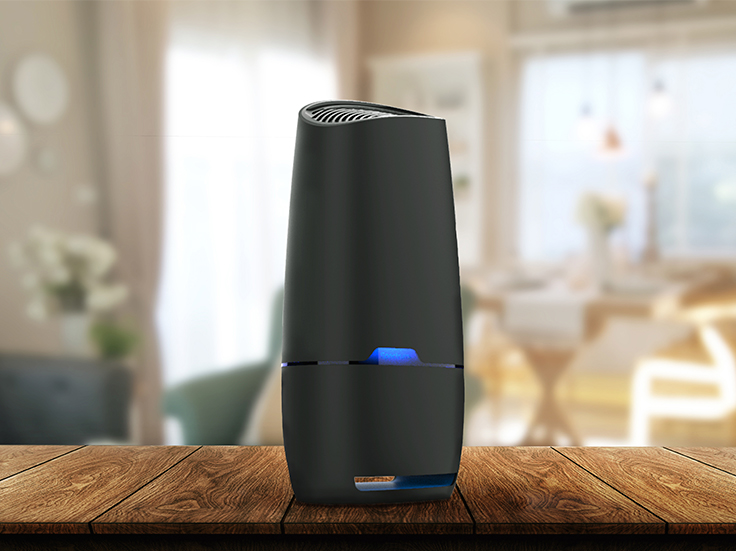
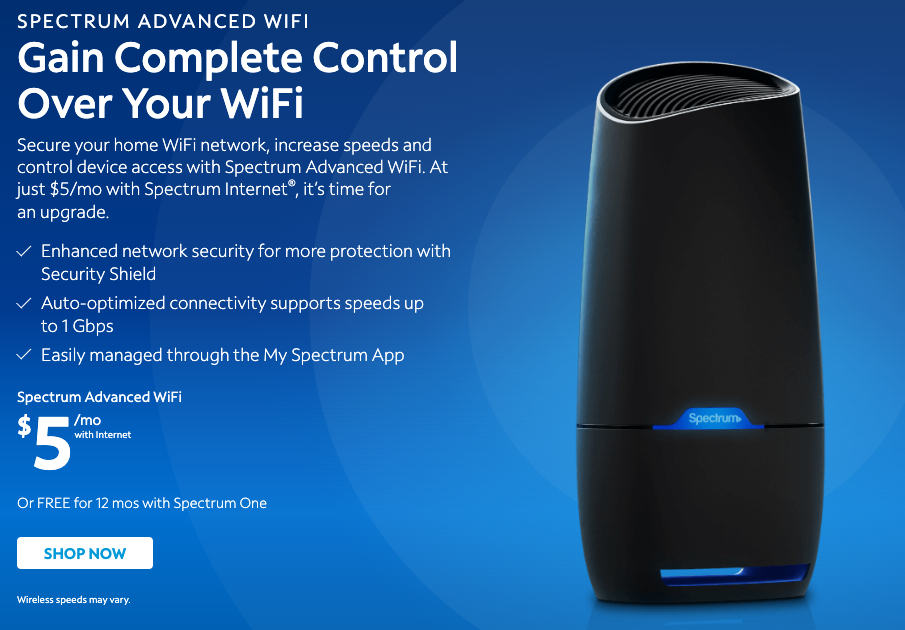
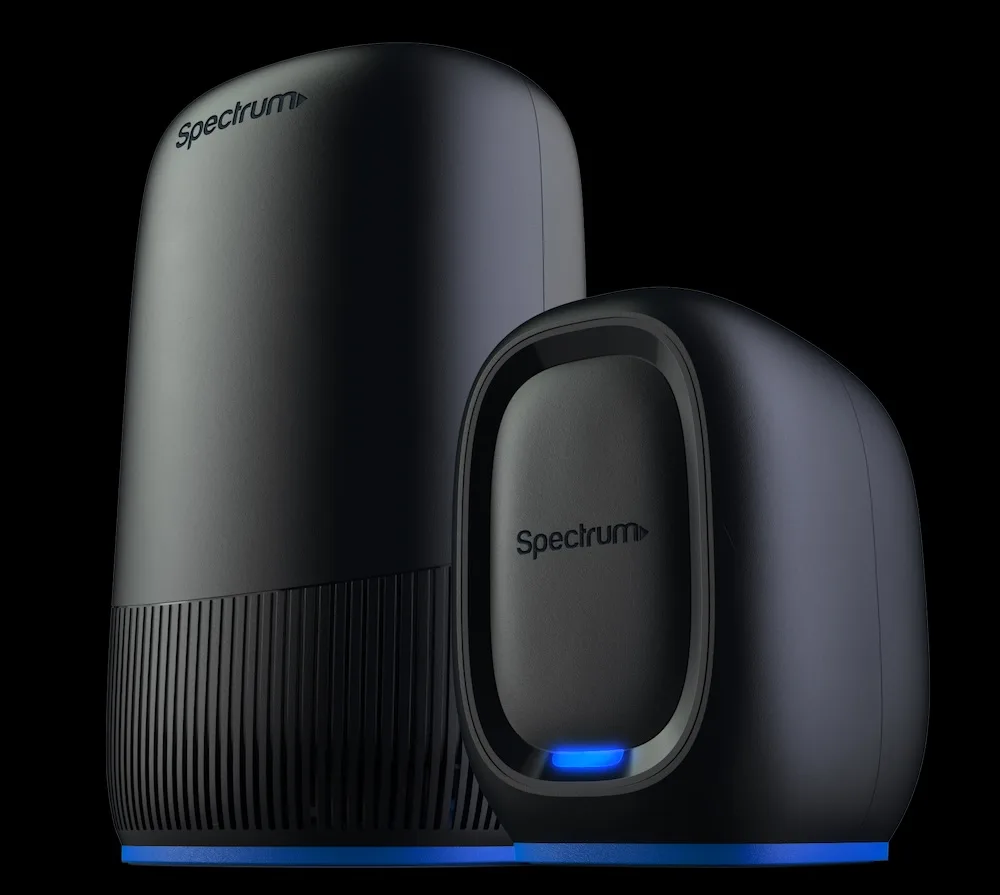
Currently, the flagship device deployed to residential subscribers is the Spectrum Advanced WiFi 6 Router (commonly distributed under model numbers such as SAX1V1K, SAX1V1R, and SAX1V1S). Designed to handle multi-gigabit workloads and dozens of concurrent devices, this router represents a major leap forward from older 802.11ac (Wi-Fi 5) boxes. But is it genuinely worth the monthly equipment fee, or are you better off bringing your own hardware? Here is an in-depth look at its specs, real-world capabilities, and overall value.
Features and Specs of the Newest Spectrum Router
The latest hardware standard from Spectrum runs on 802.11ax technology, universally known as Wi-Fi 6. While backward-compatible with older smartphones, laptops, and smart home gadgets, it is engineered specifically to maximize throughput on modern hardware.
- Wireless Standard: Wi-Fi 6 (802.11ax) dual-band concurrent operation
- Throughput Capacity: Up to 1.2 Gbps on 2.4 GHz and up to 4.8 Gbps on 5 GHz
- Ethernet Ports: 1 x 2.5 Gbps WAN port (for connection to DOCSIS 3.1 modems) and 3 x 1 Gbps LAN ports for hardwired devices
- Processor & Memory: Quad-core processing architecture to manage heavy data queues
- Antennas: High-gain internal antenna array with 4x4 MU-MIMO support
- Security: WPA3 personal encryption default with built-in Spectrum Security Shield
The inclusion of a 2.5 Gbps WAN port is a crucial detail. Spectrum’s top-tier Internet Gig plan delivers speeds up to 1 Gbps (and slightly over-provisions past that mark). Older routers bottlenecked at a standard 1 Gbps port could never deliver true gigabit speeds to end devices due to network overhead. With a multi-gig WAN interface, the router can ingest the full speed of your modem without artificial throttling.
Key Architectural Improvements: What Makes It Faster?
Speed is not merely a question of peak megabits per second; network capacity and latency management matter just as much. The newest router features two essential Wi-Fi 6 technologies that distinguish it from previous Spectrum gateways:
1. OFDMA (Orthogonal Frequency Division Multiple Access)
In older routers, data was sent to one device at a time in rapid sequence. If your smart TV was streaming 4K video, smaller packets from a smart thermostat had to wait their turn. OFDMA subdivides Wi-Fi channels into micro-channels, letting the router communicate with dozens of devices simultaneously. This dramatically cuts down latency for gaming and smart home automation.
2. Smart Band Steering
Instead of broadcasting two separate network names (SSIDs) for 2.4 GHz and 5 GHz, the latest router broadcasts a single unified network name. The hardware automatically negotiates with your device to place it on the best frequency. If you walk into your backyard, it hands your phone over to the long-range 2.4 GHz band. Walk back to the living room, and it seamlessly transitions you back to the high-speed 5 GHz band without dropping your connection.
App-Based Management and Security Shield
One of the most notable design decisions Spectrum made with this generation of routers is the removal of the traditional browser-based administrative portal. You can no longer type 192.168.1.1 into a browser to fine-tune deep technical settings like manual channel selection, custom NAT rules, or dedicated guest networks with custom subnets.
Instead, management is handled strictly through the My Spectrum App (available for iOS and Android). From the app, users can:

- View all connected devices and check their real-time signal health
- Pause internet access on specific devices (parental controls)
- Change your Wi-Fi network name and password in seconds
- Monitor Spectrum Security Shield
Security Shield is an automated, cloud-based network defense system enabled on the new router. It blocks traffic to known malicious domains, prevents outbound connections from compromised smart devices, and notifies you when an unauthorized client attempts to join your network. For non-technical users, this provides solid "set-it-and-forget-it" peace of mind without requiring subscription antivirus add-ons.
How Much Does the New Spectrum Router Cost?
Unlike standalone cable modems—which Spectrum provides for free with any internet tier—wireless routers carry a monthly rental charge for most users.
For standard Spectrum Internet (up to 300 Mbps) and Spectrum Internet Ultra (up to 500 Mbps), the router rental fee is typically $7.00 per month. If you subscribe to the Spectrum Internet Gig plan, this equipment fee is generally waived or rolled into the plan's base price. Subscribers who sign up for promotional tiers like "Spectrum One" often receive the router free for the first 12 months.
If you pay the $7 monthly fee, you are spending $84 every year on equipment rental. While that includes lifetime hardware replacements if the unit breaks, it is worth comparing against retail alternatives.
How to Upgrade to the Newest Spectrum Router
If you have had your current Spectrum equipment for more than two or three years, Charter will usually swap it out for the Wi-Fi 6 model at no extra charge (beyond your standard monthly Wi-Fi fee). You can initiate this upgrade through three main channels:
- Visit a Spectrum Retail Store: Bring your old router and power supply into a local store. Representatives can usually swap the hardware across the counter in a few minutes.
- Contact Customer Service: Call Spectrum support or open a chat in the app to request an equipment upgrade. They will ship a self-install kit containing the new Wi-Fi 6 router, an Ethernet cable, and return shipping instructions for your old gear.
- Upgrade Your Speed Tier: Moving up to the Gig plan automatically triggers an equipment evaluation, prompting Spectrum to send the 2.5 Gbps-capable hardware to support the higher speed.
Should You Use the Spectrum Router or Buy Your Own?
Deciding between renting the newest Spectrum router or buying a third-party unit comes down to control versus convenience.
Choose the Spectrum Router If:
- You prefer zero-maintenance hardware where Spectrum handles security patches and hardware replacements.
- You have Spectrum Internet Gig and receive the router at no additional monthly charge.
- You want unified customer support where technicians cannot blame third-party hardware for speed drops or line issues.
Buy Your Own Router If:
- You want to save $84 per year by eliminating rental fees. A quality $100-$150 Wi-Fi 6 router from brands like ASUS, TP-Link, or Netgear pays for itself in less than two years.
- You need granular networking controls, such as manual port forwarding, split 2.4/5 GHz SSIDs, dynamic DNS, or third-party VPN client integration.
- You live in a large home that requires a dedicated mesh system (like Eero or Deco) to eliminate dead zones across multiple floors.
Final Thoughts
The newest Spectrum router is a competent, well-engineered piece of hardware. By outfitting the unit with Wi-Fi 6, a 2.5 Gbps WAN port, and automated security monitoring, Spectrum has delivered an ISP-provided gateway that finally keeps pace with modern gigabit speeds. If you already pay the rental fee on an older model, upgrading to this latest version is an absolute no-brainer that will immediately improve your home network's responsiveness.