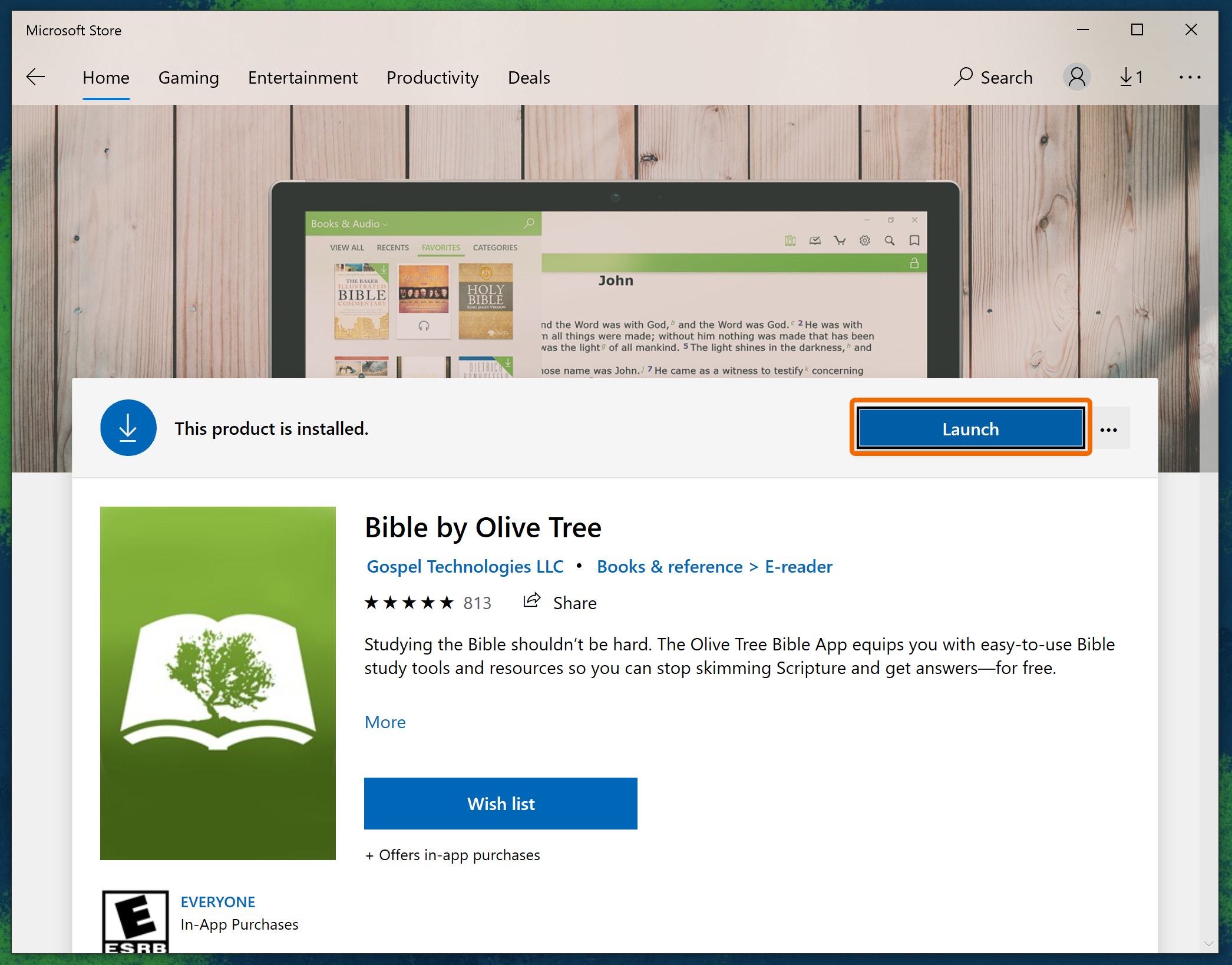
Olive Tree Bible Software: Complete Review & Guide
Studying the Bible digitally has transformed how believers interact with scripture, moving from dusty bookshelves to lightning-fast electronic libraries. Among the frontrunners in this digital space is Olive Tree Bible Software, a versatile tool designed to bridge the gap between casual daily reading and deep academic exegesis. Whether you are prepping a Sunday sermon, leading a small group, or walking through a personal reading plan, Olive Tree provides a streamlined, distraction-free environment to engage with the text.

In this comprehensive guide, we will explore the core features, ecosystem, and practical benefits of using Olive Tree for your daily scripture engagement.
What Makes Olive Tree Bible Software Unique?
At its core, Olive Tree stands out because of its layout and philosophy. Unlike software that tries to mimic a chaotic web browser with dozens of open tabs, Olive Tree uses a split-screen and resource-linking approach. As you scroll through the biblical text in one window, your commentaries, dictionaries, or cross-reference tools in the parallel window automatically track with you.
Furthermore, the software is built on a strong ecosystem of offline accessibility. Once you download your Bibles and study tools to your device, an internet connection is no longer required to study. This makes it an ideal companion for travel, remote missionary work, or simply disconnecting from web-based distractions while studying.
The Power of the Resource Library
Olive Tree offers thousands of titles in its in-app store, ranging from public domain classics to modern scholarly works. Key categories include:
- Bibles: A wide array of translations in English and global languages, including the ESV, NIV, NLT, CSB, and original Greek/Hebrew texts.
- Commentaries: Single-volume commentaries, exhaustive multi-volume sets, and historical works like Matthew Henry’s Concise Commentary.
- Lexicons and Dictionaries: Strong’s numbers-keyed resources, theological dictionaries, and Hebrew/Greek study aids.
- Devotionals: Daily reading guides to keep you consistent in the Word.
Core Features for Effective Bible Study
To get the most out of your digital study, Olive Tree includes several standout features designed to enhance comprehension and retention.
1. Resource Guide
The Resource Guide is arguably Olive Tree’s most powerful feature. As you read a specific verse, the Resource Guide automatically scans your entire library and displays every piece of relevant information you own for that verse. Instead of manually searching through five different commentaries and a dictionary, the app aggregates lexicon entries, cross-references, and commentary notes in a single, organized dropdown menu.
2. Note-Taking and Tagging
Digital note-taking in Olive Tree goes far beyond simple highlighting. You can color-code your highlights, attach notes to specific verses, and apply tags to your notes (e.g., #prayer, #prophecy, #doctrine). These notes sync across all your devices and can be searched instantly, turning your Bible into a personalized journal of your spiritual journey.

3. Reading Plans and Goals
Consistency is key to Bible study, and Olive Tree includes a robust reading plan section. You can choose from chronological plans, read-through-the-Bible-in-a-year plans, or topical devotionals. The app tracks your streak, shows your percentage completion, and reminds you when it's time for your daily reading.
Cross-Platform Syncing: Study Anywhere
One of the greatest frustrations of modern study tools is losing your place when switching devices. Olive Tree solves this with seamless cloud syncing. Your reading position, highlights, notes, and custom bookmarks are tied to your Olive Tree account.
You can start reading a passage on your desktop computer during your morning routine, continue on your tablet during your commute, and review your highlights on your smartphone before bed. The ecosystem supports iOS, Android, Mac, Windows, and even Apple Watch, ensuring you always have access to your library.
Is Olive Tree Free or Paid?
Olive Tree operates on a freemium model. The base app is completely free and comes pre-loaded with several useful Bible translations (like the KES or World English Bible), reading plans, and basic study tools.
However, the real power of the platform is unlocked through purchasing individual premium books or subscribing to one of their theology-specific reading bundles. Additionally, they offer a "Bible Study Pack" subscription model that gives you access to a curated library of commentaries, maps, and dictionaries for a low monthly or annual fee, sparing you the cost of buying each book individually.
Tips for Getting Started with Olive Tree
If you are new to the platform, the array of features can feel slightly overwhelming. Follow these steps to ease into the software:
- Download the App on Your Primary Device: Start on the device you use most frequently—whether that is your phone or laptop.
- Claim Your Free Resources: Log in and download the free starter pack of Bibles and devotionals included with your account.
- Explore the Split Window: Open a Bible translation on the left side and a commentary or dictionary on the right to get used to the synchronized reading experience.
- Set Up an Account: Ensure cloud syncing is enabled so your notes and highlights are safely backed up and accessible across devices.
Conclusion
Olive Tree Bible Software strikes a rare balance between user-friendly design and deep theological capability. It avoids the steep learning curve of advanced academic software while offering far more depth than a standard mobile e-reader. By combining a distraction-free reading interface with a powerful automated Resource Guide and seamless cross-platform syncing, Olive Tree equips modern students of scripture to dive deeper into the Word of God anytime, anywhere.