Onshift Wallet Guide: Features, Access & Payroll
Understanding the Onshift Wallet
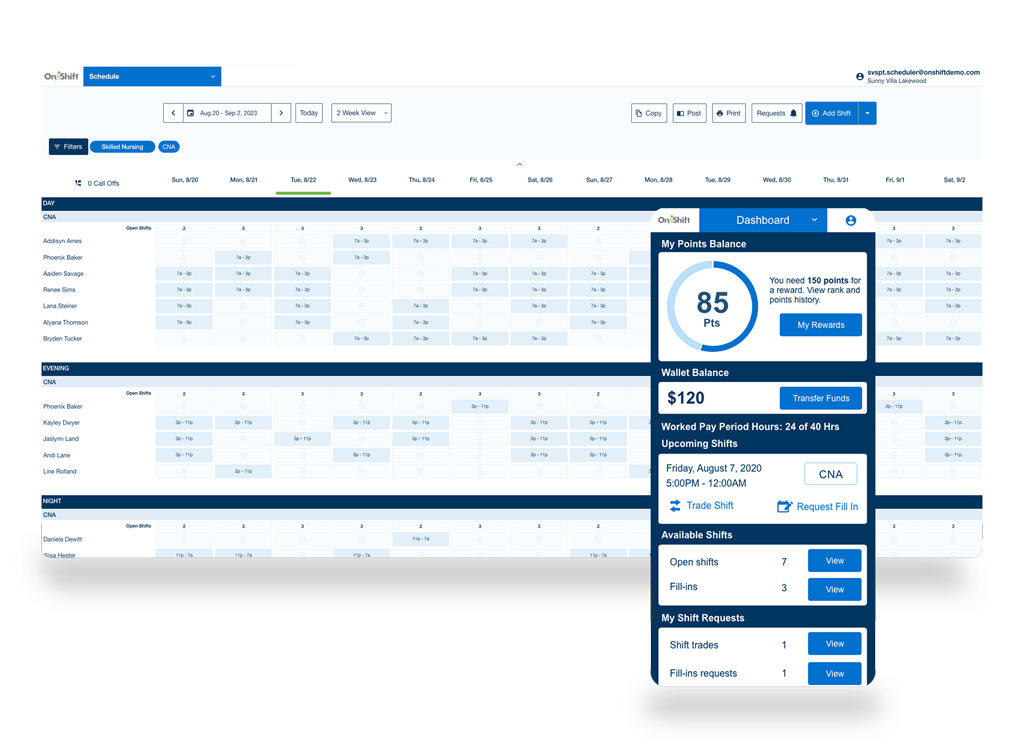
For healthcare professionals and senior living staff, waiting two weeks for a paycheck can create unnecessary financial strain. Unexpected car repairs, medical bills, or household expenses do not wait for a scheduled payday. To bridge this gap, many employers now utilize workforce management platforms that offer integrated financial tools. Central to this offering is the Onshift Wallet, a digital financial solution designed to give employees greater control over when and how they receive their hard-earned money.
By integrating directly with time-and-attendance systems, this digital wallet calculates earnings in real-time as shifts are completed. Instead of waiting for the traditional payroll cycle, workers can access a portion of their wages immediately after clocking out. This overview explores how the system operates, its core features, and what users need to know before linking their finances to the platform.
How Earned Wage Access Works
At the core of the Onshift Wallet experience is a concept known as Earned Wage Access (EWA). Traditional payroll systems accumulate hours over a bi-weekly or semi-monthly period, process the data, and issue payments days later. EWA disrupts this timeline by treating hours worked as an immediate asset.
Real-Time Tracking
When an employee completes a shift, the hours are automatically logged into the scheduling and payroll software. The system calculates the gross earnings for those specific hours, minus standard deductions like taxes and benefits if applicable. This creates an available balance that the worker can tap into before payday.
Transferring Funds
Once a worker decides they need a cash advance on their upcoming paycheck, they can initiate a transfer through the mobile application. Funds can typically be sent to a linked debit card or bank account. Depending on whether the user selects an instant transfer or a standard transfer, the funds arrive within minutes or a few business days.
Key Features of the Platform
The application is designed to be more than just a mechanism for early pay. It functions as a mobile financial hub tailored to the needs of hourly shift workers.
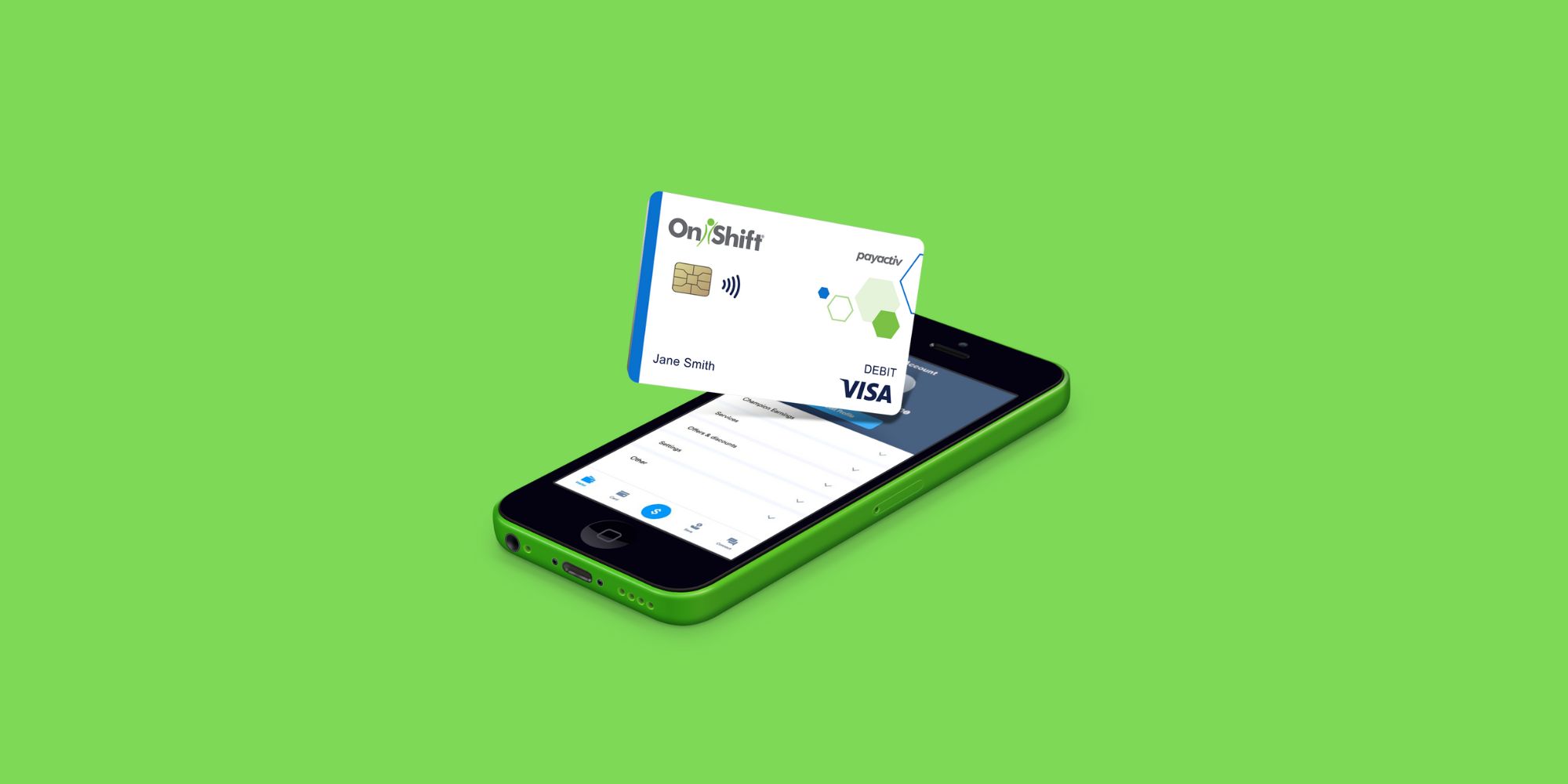
- Instant Payouts: Access earnings immediately after a shift for urgent expenses.
- Fee Transparency: Clear disclosures regarding any costs associated with instant transfers compared to standard processing.
- Budgeting Tools: In-app visibility into earnings helps workers track their spending and avoid over-advancing.
- Security Protocols: Industry-standard encryption safeguards personal and financial data against unauthorized access.
Benefits for Healthcare and Shift Workers
The senior care and healthcare sectors often rely heavily on part-time staff, certified nursing assistants (CNAs), and nurses working irregular schedules. Financial unpredictability is a common challenge in these demanding roles.
By utilizing tools like this digital wallet, workers can smooth out cash flow irregularities without resorting to high-interest payday loans or credit card debt. Having access to earned funds provides psychological relief and reduces workplace stress, which ultimately contributes to better patient care and higher job retention in an industry facing persistent staffing shortages.
Potential Downsides and Considerations
While early access to wages is undeniably convenient, financial experts advise users to approach EWA tools with caution. Treating future earnings as disposable income can sometimes create a cycle of dependency where workers consistently drain their paychecks before payday arrives.
Additionally, users should review the fee structure closely. While standard transfers may be free, instant transfers often carry a small flat fee or percentage-based charge. Over time, these fees can add up if transfers are made too frequently. It is best used as an emergency safety net rather than a routine daily banking habit.
Getting Started with Your Account
To use the platform, your employer must partner with the service provider. Setup typically involves the following steps:
- Receive an invitation or onboarding instructions from your employer's HR or payroll department.
- Download the official mobile application to your smartphone from the App Store or Google Play Store.
- Create an account using your employment credentials and verify your identity.
- Link a personal bank account or debit card where you want your funds deposited.
- View your available balance and manage your earnings as you complete shifts.
Conclusion
Financial wellness programs are rapidly changing how hourly workers interact with their income. The Onshift Wallet offers a practical solution for healthcare and senior living professionals who need flexibility and immediate access to their earnings. By understanding how to use the tool responsibly—keeping an eye on fees and avoiding over-reliance—workers can successfully navigate cash flow gaps and achieve greater financial peace of mind.


