Paying Sears Credit Card: 4 Easy Ways to Pay
How to Manage and Pay Your Sears Credit Card
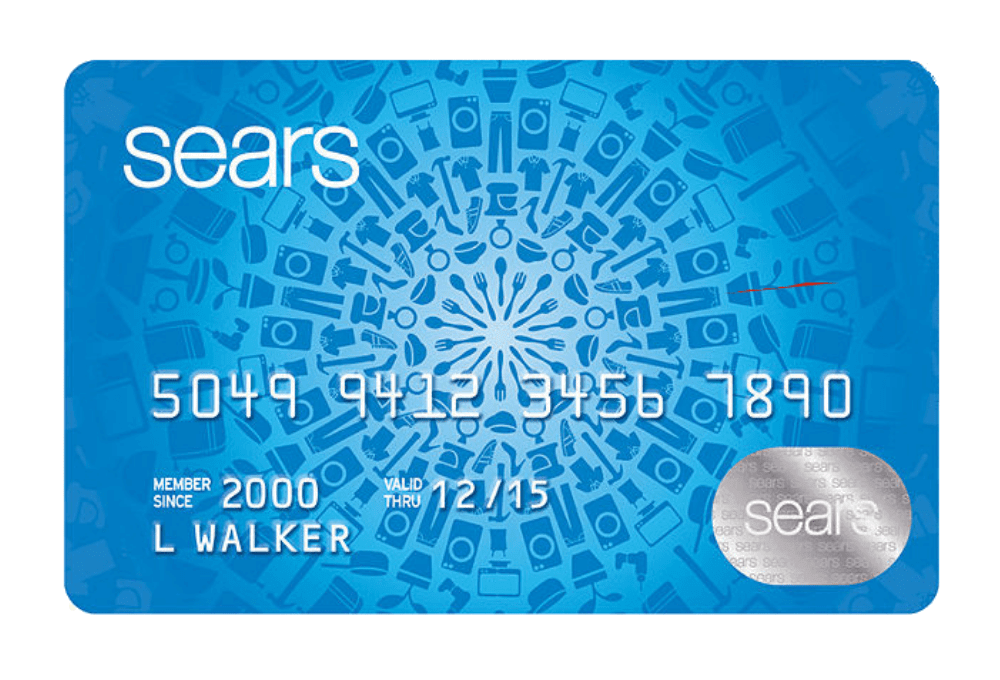
Managing your retail credit account effectively is essential for maintaining a healthy credit score. If you recently made purchases at Sears or partner brands, you might be wondering about the most efficient methods for paying your Sears credit card bill. Because Sears credit cards are issued and managed by Citibank, cardholders have access to several streamlined payment processing options.
Whether you prefer traditional paper billing or lightning-fast digital transactions, understanding your choices helps you avoid costly late fees and interest charges. Below is a detailed breakdown of the four primary ways to clear your balance and keep your account in good standing.
1. Paying Online via the Citi Portal
The most popular and efficient way to handle your monthly bill is through the official online portal. Because Citi services the account, you will use the Citi-backed interface to submit your funds.
Steps to Pay Online
- Navigate to the official Sears credit card login page hosted by Citibank.
- Log in using your user ID and password. If you are a first-time user, click the "Register Your Card" link to set up your profile.
- Locate the "Payments" tab on your account dashboard.
- Select your payment amount (minimum payment, statement balance, or a custom amount).
- Link a checking or savings account by entering your bank's routing number and your account number.
- Review the transaction details and submit your payment.
Online payments initiated before the daily cutoff time typically post to your account on the same day, making this an ideal choice if you are cutting close to your due date.
2. Paying by Phone
If you do not have reliable internet access or prefer speaking with an automated system, paying by phone is a convenient alternative. Keep your card number, bank routing number, and account number handy before dialing.
Phone Payment Details
- Call the dedicated Sears credit card customer service and payment line at 1-800-669-8488.
- Follow the automated voice prompts to enter your credit card information and banking details.
- Alternatively, you can choose to speak with a live representative to process your payment. Note that using a live agent may sometimes incur a phone payment processing fee, so check with the representative beforehand.
3. Paying Through the Mobile App

For cardholders who prefer managing finances on the go, the Citi Mobile App provides a seamless smartphone experience. Since Citibank manages the backend infrastructure, downloading the app gives you full control over your Sears account right from your pocket.
Using the App
Download the Citi Mobile app from the Apple App Store or Google Play Store. Log in using your credentials, tap on your Sears credit card account, and select "Make a Payment." You can set up biometric logins like Face ID or fingerprint scanning for quicker access in the future. The app also allows you to schedule one-time or recurring automatic payments so you never miss a billing cycle.
4. Paying by Mail
If you prefer traditional methods, you can mail a check or money order. However, you must factor in postal delivery times to avoid late penalties.
Mailing Instructions
- Make your check or money order payable to Citibank / Sears.
- Clearly write your Sears credit card account number on the memo line of the check.
- Include the payment coupon from the bottom of your paper statement.
- Mail your payment to the official remittance address listed on your billing statement. (Generally, standard payments should be sent to the address provided on the payment coupon, as lockbox addresses can vary based on your region).
Always allow at least 5 to 7 business days for mail delivery and processing to ensure your payment arrives before the due date.
Tips to Avoid Late Fees and Interest
Mastering your payment routine saves you money and protects your credit history. Keep these best practices in mind:
- Set Up Auto-Pay: Enroll in automatic monthly payments for at least the minimum amount due, or the full statement balance, to ensure you never incur a late fee.
- Understand the Cutoff Time: Online payments must usually be submitted by 5:00 PM Eastern Time to credit as of that same calendar day.
- Monitor Due Dates: Keep track of your billing cycle. Your payment due date is typically consistent each month, falling at least 23 days after the close of the billing cycle.
By utilizing the online portal, mobile app, phone system, or mail service, paying your Sears credit card is a straightforward process that keeps your personal finances running smoothly.