Peachjar Data Breach: 10 Essential Steps to Take
When a digital platform trusted by schools and parents suffers a security event, it can trigger immediate concern for family privacy. Dealing with the aftermath of a Peachjar data breach requires swift action and a clear understanding of what information might have been exposed. Peachjar is widely used by school districts across the United States to distribute digital flyers, community programs, and announcements directly to parents. Because the platform bridges educational institutions and families, it holds sensitive contact details and user account records.

If you have received a notification regarding a security incident, or if you suspect your account may be compromised, ignoring the warning is not an option. Cybercriminals frequently target educational technology providers because they store valuable parent and guardian data. To help you navigate this stressful situation, we have outlined the most critical protective measures you can take today.
Understanding the Peachjar Data Breach
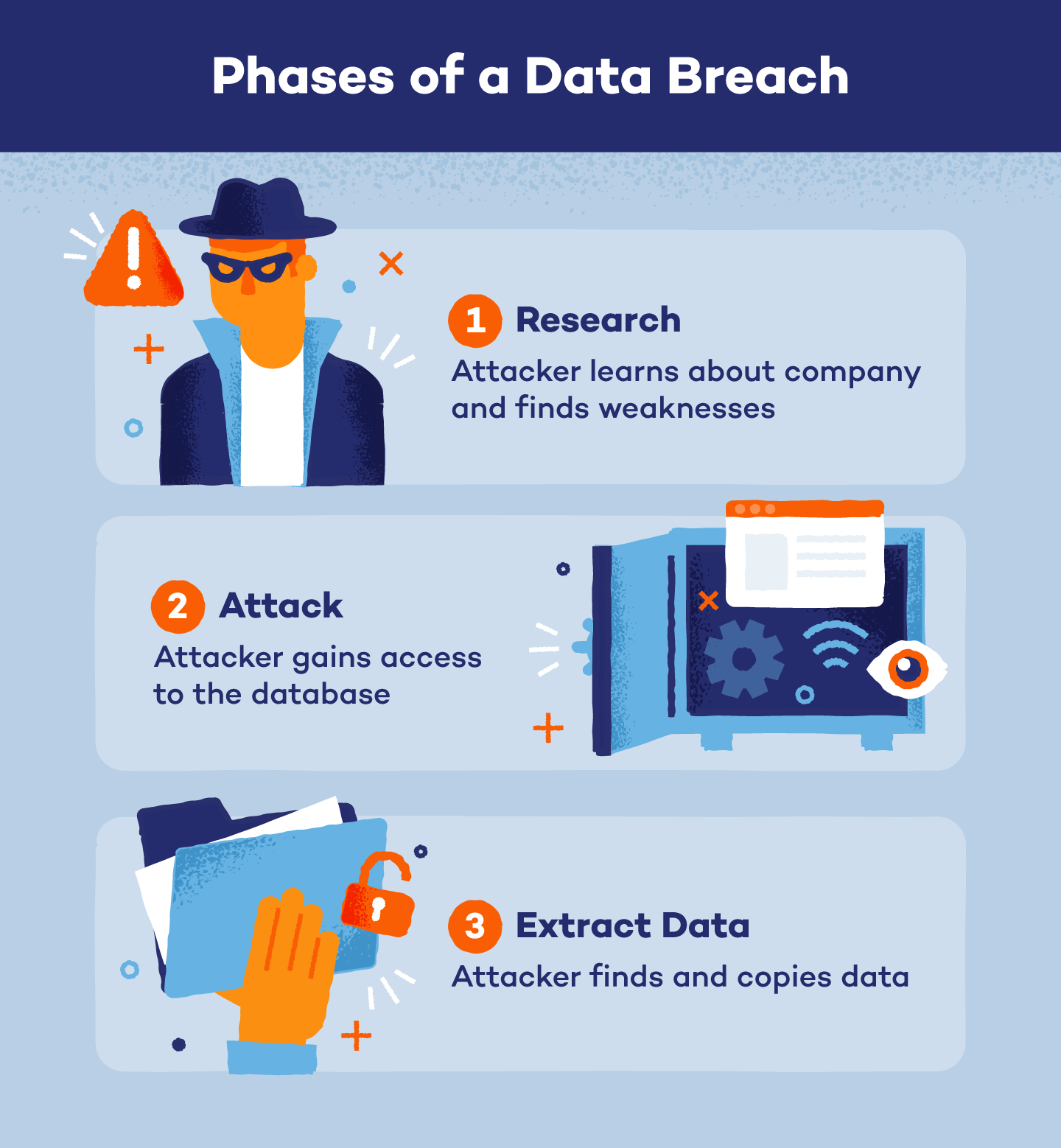
Before diving into protective measures, it helps to understand the scope of what typically happens in incidents affecting educational SaaS providers. Unauthorized actors often gain access to databases containing user profile information, email addresses, names, and occasionally password hashes or phone numbers. While financial details like credit card numbers are rarely stored directly on flyer-distribution platforms, the exposed data is still more than enough for bad actors to launch targeted phishing campaigns or attempt credential-stuffing attacks across other websites.
Peachjar Data Breach: 10 Essential Steps to Take Right Now

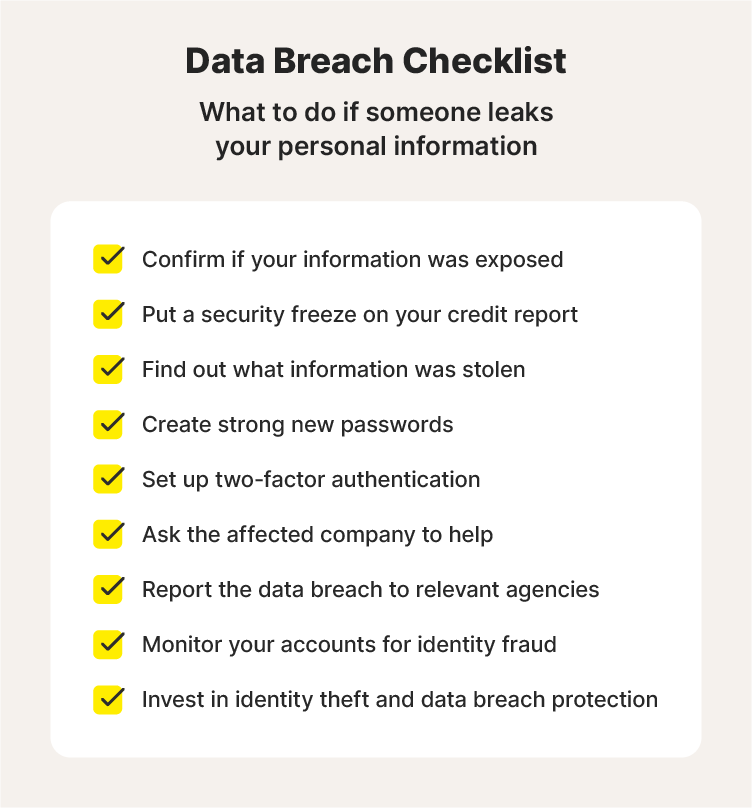
Taking immediate, structured steps can dramatically reduce your risk of identity theft and secondary scams. Here are the ten actions you should take right now:
- Read the Official Breach Notice Carefully: Look closely at the email or letter sent by Peachjar or your school district. Pay attention to the specific types of data compromised (e.g., email addresses, passwords, or phone numbers) so you know exactly what you are defending against.
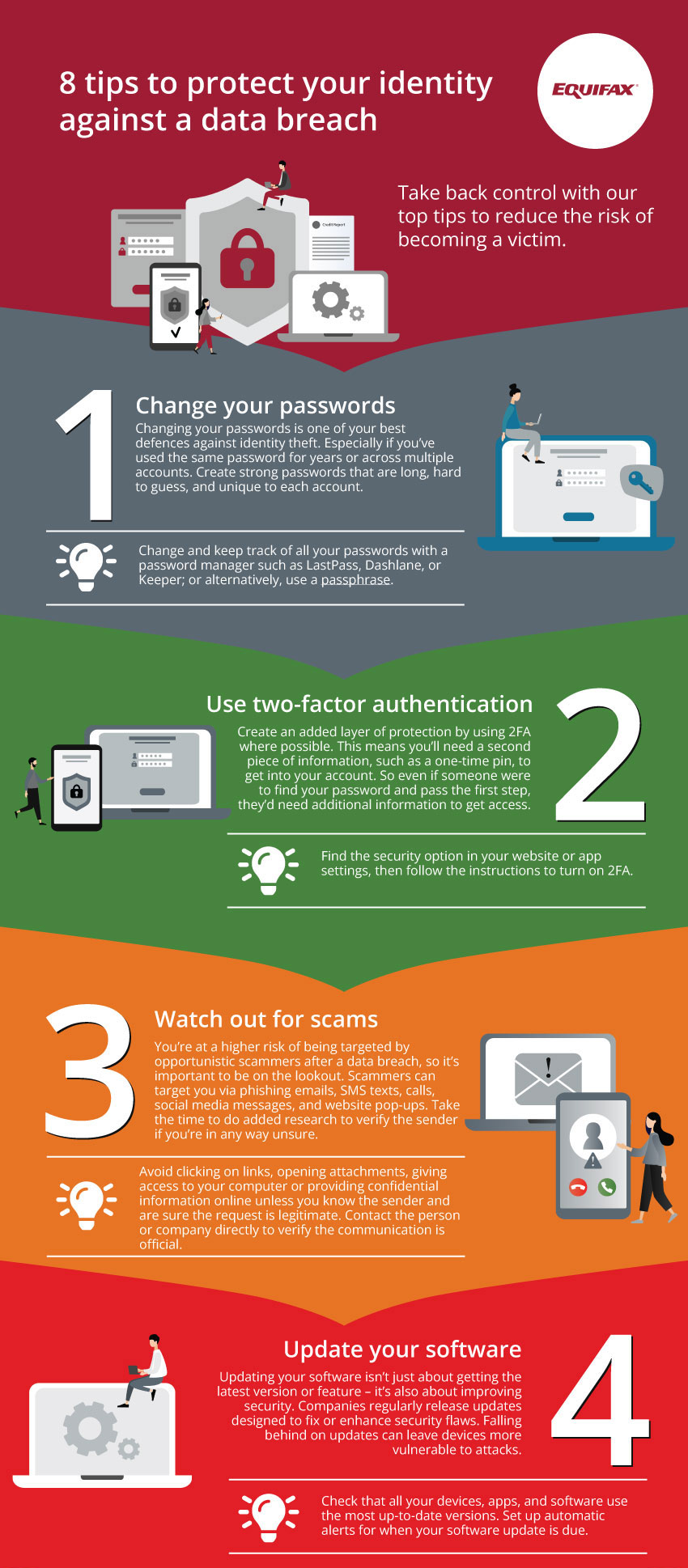
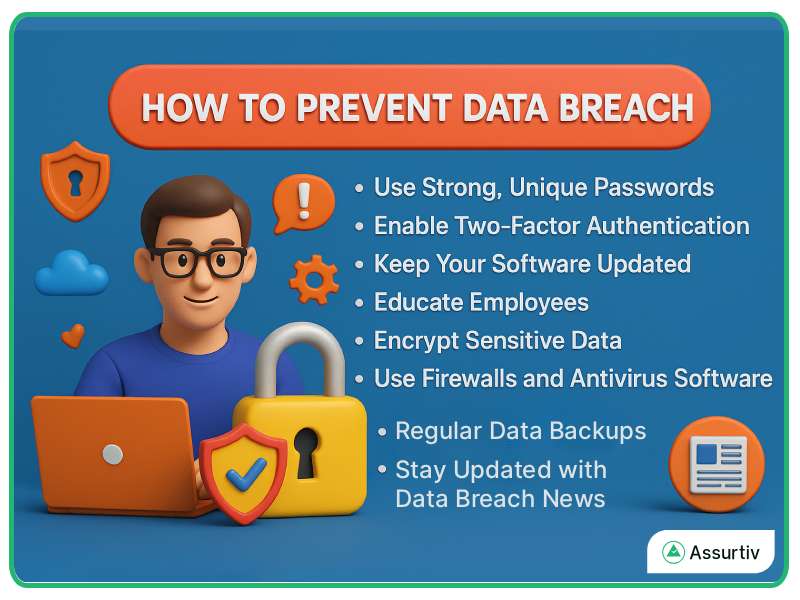
- Change Your Password Immediately: Log into your Peachjar account and change your password to something strong, unique, and long. If you used that same password on any other websites, change those immediately as well.
- Enable Multi-Factor Authentication (MFA): If Peachjar or any connected accounts offer multi-factor authentication, turn it on. This adds an extra layer of security that prevents unauthorized access even if your password is stolen.
- Watch Out for Targeted Phishing Scams: Attackers often use data from breaches to send convincing emails pretending to be your school district, Peachjar, or local government agencies. Never click links or download attachments from unsolicited emails.
- Check Your Credit Reports: Pull your free annual credit reports from AnnualCreditReport.com. Look for any unfamiliar accounts, loans, or inquiries opened in your name or your children's names.
- Consider a Credit Freeze: Placing a credit freeze on your credit reports with the major bureaus (Equifax, Experian, and TransUnion) completely blocks lenders from opening new lines of credit. It is free to set up and provides robust protection.
- Monitor Minor Child Credit: Child identity theft is a growing concern because minors have clean credit profiles that go unmonitored for years. Contact the credit bureaus to check if a profile exists for your child and freeze it if possible.
- Update Security Questions Elsewhere: If you used the same security questions and answers on Peachjar that you use for your bank, email, or utility accounts, change those recovery questions immediately across all platforms.
- Use a Password Manager: Moving forward, stop reusing passwords. A reputable password manager generates and stores complex, unique passwords for every single online account you manage.
- Report Suspicious Activity: If you notice unauthorized access, financial fraud, or identity theft, report it immediately to local law enforcement, the Federal Trade Commission (FTC) at IdentityTheft.gov, and your financial institutions.
Moving Forward Safely
Incidents involving educational platforms can feel invasive because they involve your children and your local school community. However, by staying vigilant and executing these ten steps, you take back control of your digital footprint. Treat all unexpected communications with healthy skepticism over the coming months, and keep your security settings updated across all family accounts.