Peachjar Data Leak: 10 Steps to Protect Kids
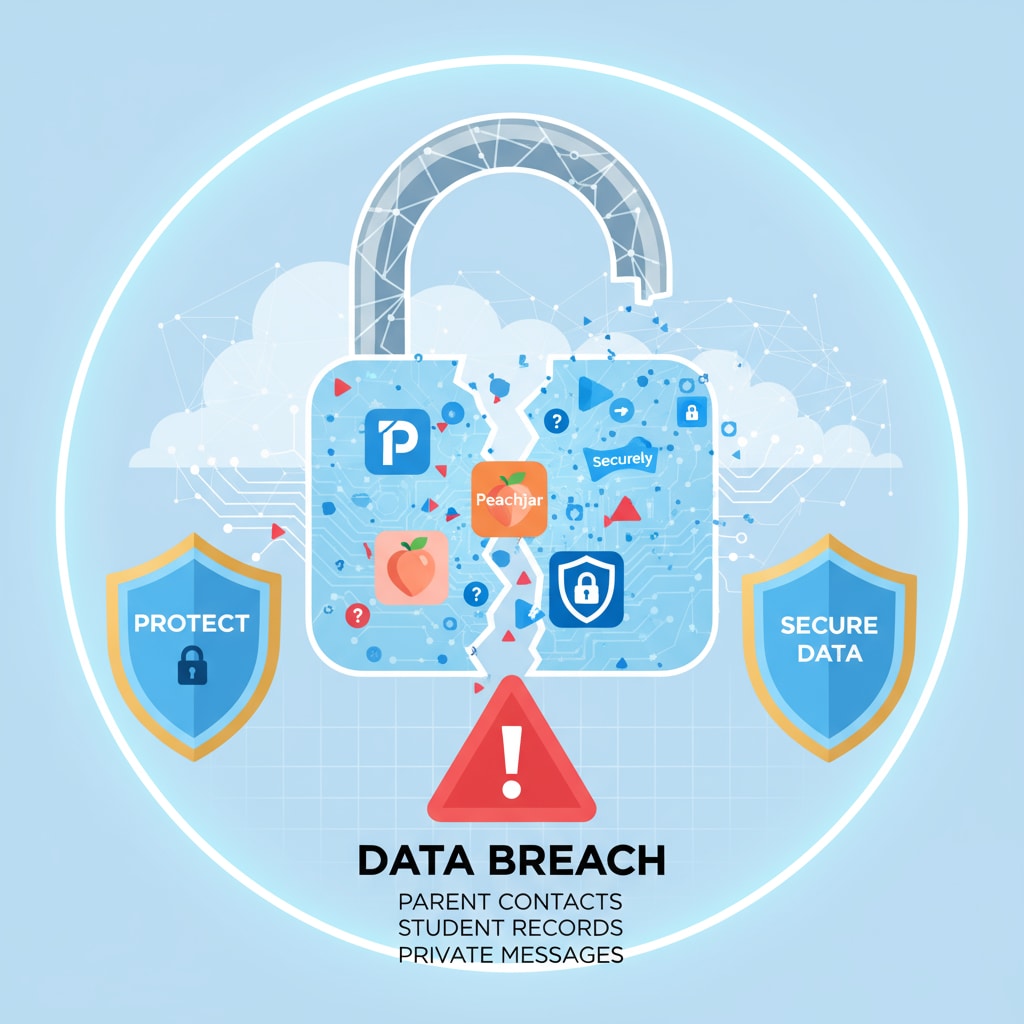
In an increasingly digital school environment, platforms like Peachjar have become the go-to method for distributing flyers, announcements, and event details to parents. However, convenience often comes with hidden risks. When a security incident like a Peachjar data leak makes headlines, it naturally sends a wave of panic through households across the country. Because these platforms store valuable directory information, any compromise puts families on high alert.

Understanding what happened and taking immediate, proactive measures can dramatically reduce the risk of secondary exploitation, such as identity theft or targeted phishing scams. Below is a comprehensive guide detailing the nature of these incidents and 10 critical steps you can take right now to protect your family's digital footprint.
Understanding the Peachjar Data Leak
Digital platforms used by school districts are prime targets for cybercriminals because they aggregate massive lists of verified email addresses, parent names, student details, and occasionally phone numbers or home addresses. While companies typically patch vulnerabilities quickly and notify affected users, the data that leaves secure servers can end up on the dark web or in the hands of malicious actors.
When a breach occurs, the primary concern isn't usually immediate financial theft—since these systems rarely store credit card numbers—but rather the compilation of data profiles. Bad actors use this information to craft convincing phishing emails, pose as school officials, or even attempt to open lines of credit in a minor's name. Knowing how to respond is your best defense.
10 Critical Steps to Safeguard Your Child's Information
- Read the Official Notification Carefully
If your district or the platform itself sends an alert, read it thoroughly. It will typically outline what specific types of data were compromised. Knowing whether hackers accessed only email addresses or more sensitive demographic data dictates your next moves.
- Change Your Passwords Immediately
If you use the same password across multiple platforms, a breach on one site compromises them all. Update your Peachjar account password immediately, and ensure you never reuse passwords for your banking, email, or school portal accounts.
- Enable Multi-Factor Authentication (MFA)
Wherever available, turn on two-factor or multi-factor authentication. This adds an extra layer of security by requiring a code sent to your phone or authenticator app in addition to your password, blocking unauthorized access even if your credentials are leaked.
- Freeze Your Child’s Credit
Many parents do not realize that minors can be victims of identity theft. Because children have clean credit histories, they are prime targets for fraudsters. Contact the major credit bureaus (Equifax, Experian, and TransUnion) to place a security freeze specifically on your child's social security number or name.
- Watch Out for Phishing Scams
Hackers often capitalize on data breaches by sending follow-up phishing emails disguised as the school district, Peachjar, or tech support. Never click links or download attachments from unsolicited emails demanding you verify your account or reset passwords.
- Audit Your Connected Apps and Permissions
Review the third-party apps and services linked to your email and school portals. Revoke access for any platforms you no longer use or do not recognize, minimizing the potential entry points for future attacks.
- Monitor Your Family’s Email Accounts
Keep a close eye on your inbox for unusual login alerts, password reset requests you didn't initiate, or strange spam messages. Setting up inbox filters can help catch suspicious activity before it causes harm.
- Directly Verify School Communications
If you receive an unexpected message regarding school fees, policy updates, or district events following the Peachjar data leak, verify it independently. Call the school directly or log into the official district portal rather than replying to the email or text.
- Educate Your Children on Digital Hygiene
Depending on their age, talk to your children about online safety. Teach them never to share personal details—such as home addresses, school names, or phone numbers—on unverified websites, social media, or public gaming chat rooms.
- Consider Identity Monitoring Services
If extensive personal data was compromised, look into family identity theft protection services. Many services offer dark web monitoring, alerting you instantly if your child's information appears where it shouldn't.
Moving Forward Safely
Data breaches and leaks have become an unfortunate reality of the modern digital landscape. While you cannot control the cybersecurity measures of every third-party vendor your school district utilizes, you have total control over how you respond. By staying vigilant, treating your family's data with extreme care, and implementing these ten steps, you can significantly mitigate the fallout from a Peachjar data leak and ensure your children remain protected online.



.png#keepProtocol)