Pickaway County Clerk of Courts Record Search Guide
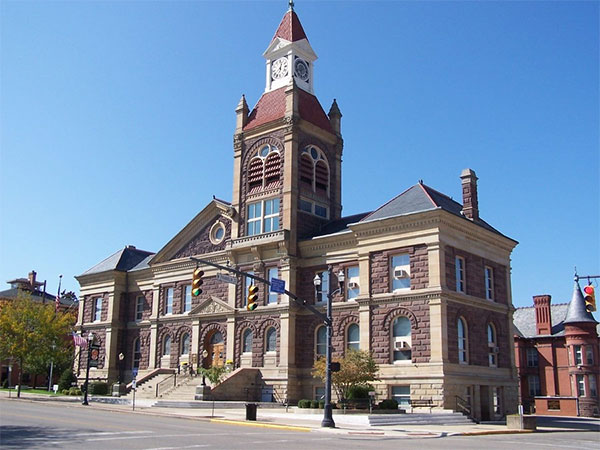
Navigating public legal documents in Ohio can feel overwhelming if you do not know where to start. Whether you are conducting a background check, researching a property dispute, or following a local legal proceeding, knowing how to properly execute a Pickaway County clerk of courts record search saves time and effort. Pickaway County, located just south of Columbus with its county seat in Circleville, provides multiple pathways for citizens to access public court files.
Types of Records Available
Before initiating your search, it is helpful to understand which division holds the specific documents you need. The Pickaway County Clerk of Courts manages records for several distinct court divisions:
- Common Pleas Court (General Division): Handles felony criminal cases, civil lawsuits involving claims over $15,000, domestic relations (divorce, dissolution, child custody), and administrative appeals.
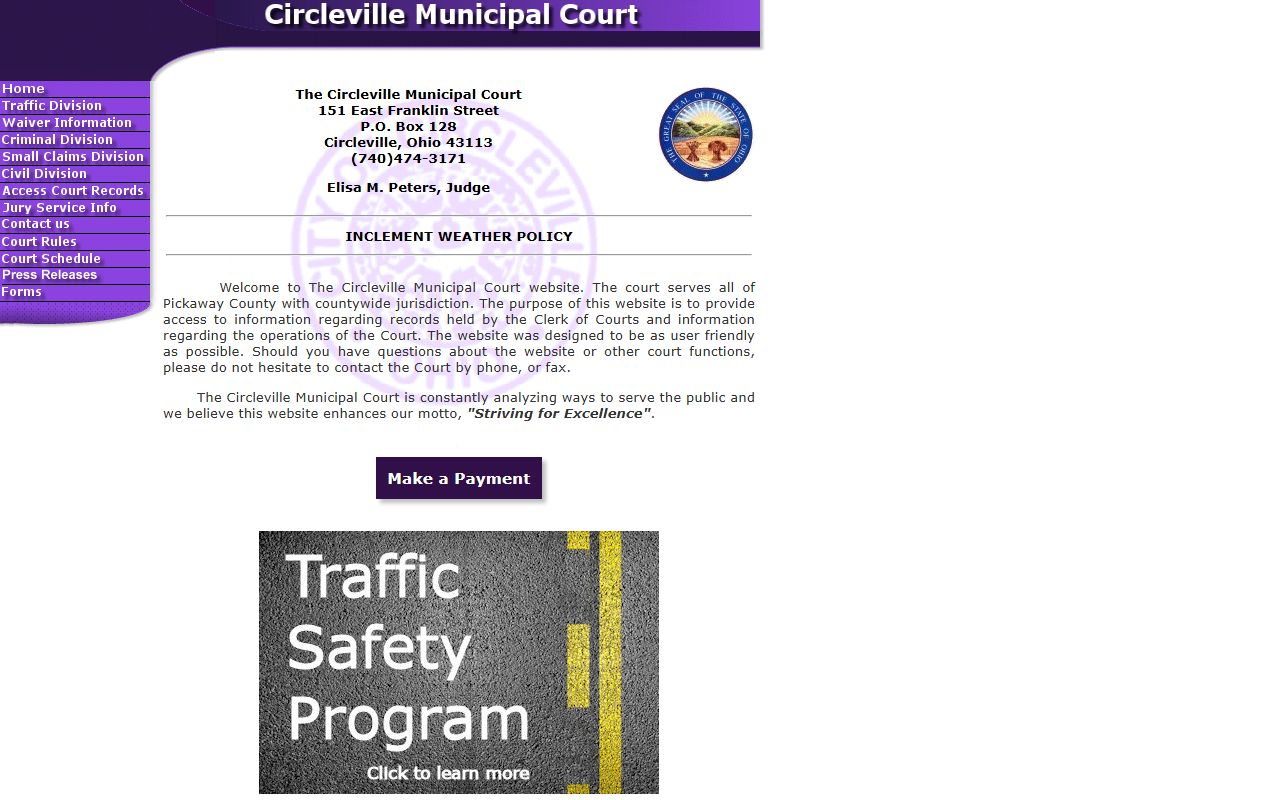
- Municipal Court: Handles misdemeanor criminal offenses, traffic violations, and civil lawsuits involving claims of $15,000 or less.
- Auto Title Division: While technically a separate function under the clerk's office, vehicle title records are managed here and are often searched for vehicle history and lien verification.
How to Perform an Online Record Search
For most users, searching online is the fastest and most convenient method. The Pickaway County Common Pleas Court and Municipal Court provide public access portals through their official websites.
Searching Common Pleas Records
To look up general civil, criminal, and domestic cases handled by the Common Pleas Court:
- Visit the official Pickaway County Common Pleas Court website.
- Navigate to the online docket or records search section.
- Accept the terms of use for public record searches.
- Enter search criteria such as the party's last name and first name, case number, or filing date range.
- Review the case docket, which lists scheduled hearings, filed motions, and final judgments.
Searching Municipal Court Records
For traffic tickets, minor misdemeanors, and lower-value civil disputes, you will need the Municipal Court database:
- Access the Pickaway County Municipal Court online docket portal.
- Select the appropriate search category (Name, Case Number, or Ticket Number).
- Input the defendant's details.
- Click through individual case numbers to view charges, court costs, disposition status, and payment histories.
In-Person and Mail-In Record Searches
Video: How To Search Court Records
Not all historical or sensitive documents are available online. Juvenile records, sealed files, and older paper archives often require an in-person visit or a formal written request to the clerk's office.

Visiting the Courthouse
If you prefer to search records in person or need certified copies of documents, you can visit the courthouse during standard business hours (typically Monday through Friday, 8:00 AM to 4:00 PM).
- Location: Pickaway County Courthouse, 207 South Court Street, Circleville, OH 43113.
- Resources: Public computer terminals are usually available inside the clerk's office or the courthouse law library for self-service record lookups.
- Staff Assistance: While clerk staff cannot provide legal advice or look up extensive files over the phone, they can guide you on how to use the public terminals and explain copying fees.
Mail Requests
If you cannot visit the courthouse and a record is not available online, you can submit a written request via mail. Your request should include:
- The full name of the plaintiff, defendant, or individual involved.
- The approximate date range of the case.
- Case numbers, if known.
- A self-addressed, stamped envelope for document return.
- A check or money order to cover standard copy fees (typically around $0.10 to $0.50 per page, plus an additional fee if you require a certified seal). Call the clerk's office beforehand to confirm exact fee amounts.
Understanding Fees and Restrictions
While viewing public dockets online or via public terminals at the courthouse is generally free, obtaining official copies of documents incurs standard statutory fees. Furthermore, keep in mind that certain records are restricted by Ohio law and will not appear in a standard search.
Restricted or confidential records include juvenile court proceedings, adoption files, mental health commitments, cases that have been officially sealed or expunged by a judge, and specific domestic violence filings protected by protective orders. If a case is sealed, neither the public docket nor the underlying documents will be accessible without a specific court order.
Tips for a Successful Search
To ensure your records search yields accurate results, keep these practical tips in mind:
- Check spelling: Minor spelling errors in names can result in zero search matches. Try variations or common nicknames if your initial search fails.
- Know the jurisdiction: Ensure you are searching the correct court. A traffic ticket issued within Circleville city limits or county roads goes to Municipal Court, whereas a major felony drug charge goes to Common Pleas.
- Verify case status: Active cases may have pending motions not yet fully updated on the online docket, while closed cases provide a complete history of filings and judgments.
By leveraging these online tools and understanding local courthouse procedures, you can efficiently complete a Pickaway County clerk of courts record search for personal, legal, or professional needs.