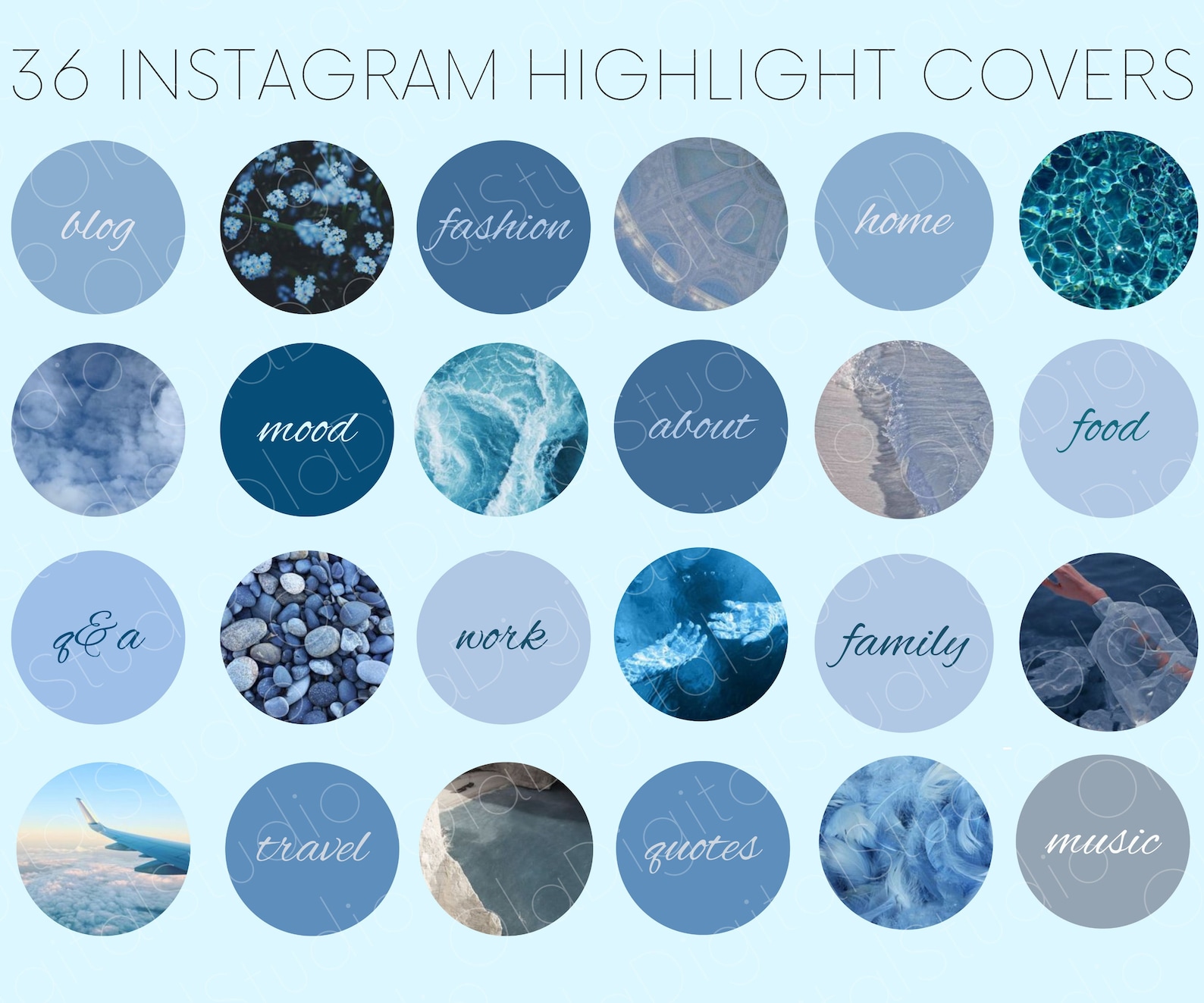
Pinterest Instagram Highlight Covers: Best Ideas & Guide
Your Instagram profile is your digital storefront, portfolio, and personal brand hub all rolled into one. While your grid layout gets plenty of attention, your Instagram story highlights sit right at the top, making them the very first thing new visitors see. If you want to make an instant impression, upgrading your profile with curated Pinterest Instagram highlight covers is one of the easiest and most effective design hacks available.
In this guide, you will learn why Pinterest is the ultimate resource for highlight icons, how to choose a cohesive aesthetic, and step-by-step instructions on how to add these custom covers to your profile.
Why Use Pinterest for Instagram Highlight Covers?
Designing custom graphics from scratch can be time-consuming if you aren't a graphic designer. Fortunately, creators from around the world upload thousands of free, ready-to-use icon packs to Pinterest.
Pinterest operates as a visual search engine, making it uniquely suited for discovering design trends. Whether you are looking for minimalist line art, moody earth tones, pastel watercolors, or neon icons, searching for highlight covers on the platform yields endless inspiration and downloadable assets.
Benefits of Using Curated Cover Packs
- Cohesion: Instant alignment with your brand colors or aesthetic vibe.
- Professionalism: Turns a messy archive of stories into an organized, magazine-style layout.
- Time-Saving: No need to spend hours in design software like Photoshop or Canva.
Popular Aesthetic Trends to Search On Pinterest
Before you start downloading random images, it helps to narrow down your visual style. When searching on Pinterest, try combining your preferred theme with terms like “story highlight icons” or “Instagram covers.”
1. Minimalist Line Art
Minimalism never goes out of style. Clean black-and-white icons featuring simple outlines of coffee cups, airplanes, hearts, and cameras create a chic, uncluttered profile. Search for “minimalist line art Instagram highlight covers” to find these sleek options.
2. Neutral and Boho Earth Tones
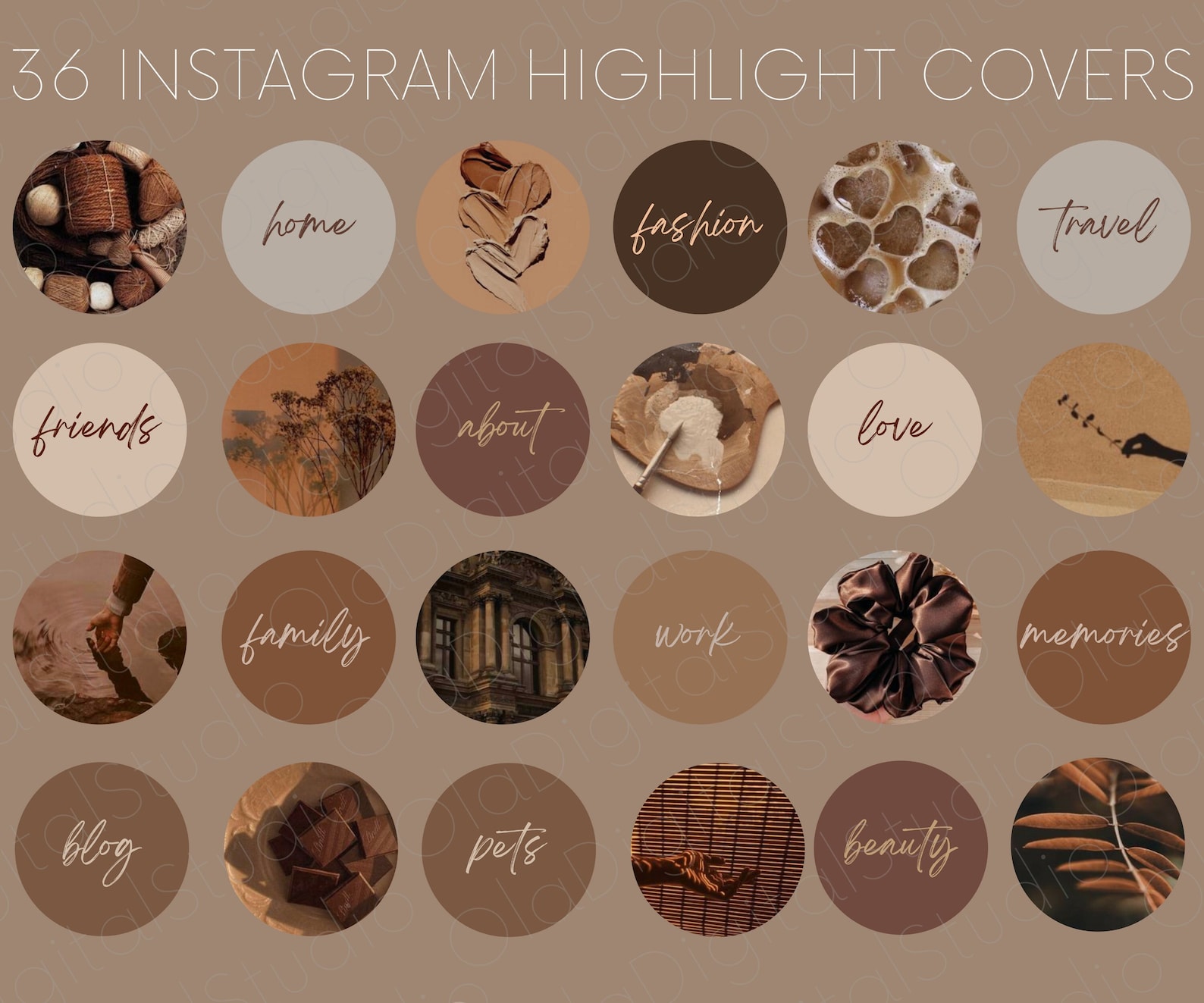
If your grid features warm photography, beige tones, and natural textures, look for terracotta, sage green, cream, and warm brown highlight covers. These evoke a calm, organic feel that works exceptionally well for lifestyle bloggers, wellness coaches, and travel creators.

3. Aesthetic Typography and Quotes
Instead of icons, some creators prefer using words. Typography highlight covers—featuring words like “Travel,” “Food,” “OOTD,” or “Q&A” in elegant serif fonts—offer a modern editorial look.
How to Find and Download Covers from Pinterest
Finding and saving your favorite icon packs is a straightforward process whether you are using the Pinterest mobile app or desktop website.
- Open the Pinterest app or go to Pinterest.com.
- Type your desired style into the search bar, such as “pastel pink Instagram highlight covers”.
- Browse the results and click on a pin that contains a full set of matching icons.
- If the pin links to an external blog or Google Drive folder, follow the link to download the high-resolution images directly to your phone's camera roll. Otherwise, simply tap the three dots on the pin and select “Download image” for individual icons.
Step-by-Step: How to Add Covers to Your Instagram Profile
Once you have saved your favorite icon images to your smartphone, adding them to your profile takes less than two minutes. You do not even need to add the image to a live story first—Instagram now allows direct uploads from your camera roll.
Method 1: Updating Existing Highlights
- Go to your Instagram profile and tap on the highlight you want to update.
- Tap the More (three dots) icon in the bottom right corner, then select Edit Highlight.
- Tap Edit Cover right above the title.
- Tap the photo icon on the far left of the image selection row to open your phone’s camera roll.
- Select your chosen Pinterest cover image.
- Pinch and drag the image inside the circle to frame the icon correctly, then tap Done in the top right corner.
Method 2: Creating a Brand New Highlight
- Go to your profile and tap + New under your bio.
- Select the past stories you want to include in this highlight, then tap Next.
- Tap Edit Cover at the top of the screen.
- Upload your preferred Pinterest icon from your camera roll and adjust the framing.
- Type a clear, concise title for your highlight (keep it to 1-2 words so it doesn't get cut off) and tap Add.
Tips for Maintaining a Unified Profile Aesthetic
Choosing great highlight covers is only the first step. To keep your profile looking polished and intentional, keep these quick design tips in mind:
- Limit Your Color Palette: Stick to two or three core colors that match your grid photos or brand identity.
- Keep Titles Short: Long titles get truncated with ellipses (...), which looks messy. Use punchy words like “Travel,” “Style,” or “Work.”
- Audit Periodically: As your content evolves, archive outdated highlights and update your covers to reflect your current brand direction.
By leveraging free resources and thoughtful design choices, Pinterest Instagram highlight covers can completely transform your profile, turning casual profile visitors into loyal, engaged followers.