Pixelmon Wormhole Guide: How to Find and Enter
Venturing into the late-game content of the Pixelmon mod introduces mechanics that go far beyond standard gym battles and route exploration. If you want to encounter some of the strongest and most unconventional entities in the game, stumbling upon a pixelmon wormhole is your gateway to an entirely different realm: Ultra Space. These swirling dimensional rifts act as portals, bridging the regular Overworld with bizarre alien biomes teeming with high-tier loot and powerful Ultra Beasts.
However, finding and safely exploring an Ultra Wormhole requires preparation. Between navigating low-gravity environments, surviving hostile terrain, and having the right tools to capture Ultra Beasts, entering a wormhole unprepared can easily end in disaster. This guide covers everything you need to know about spotting, entering, and mastering wormholes in Pixelmon.
What Is an Ultra Wormhole in Pixelmon?
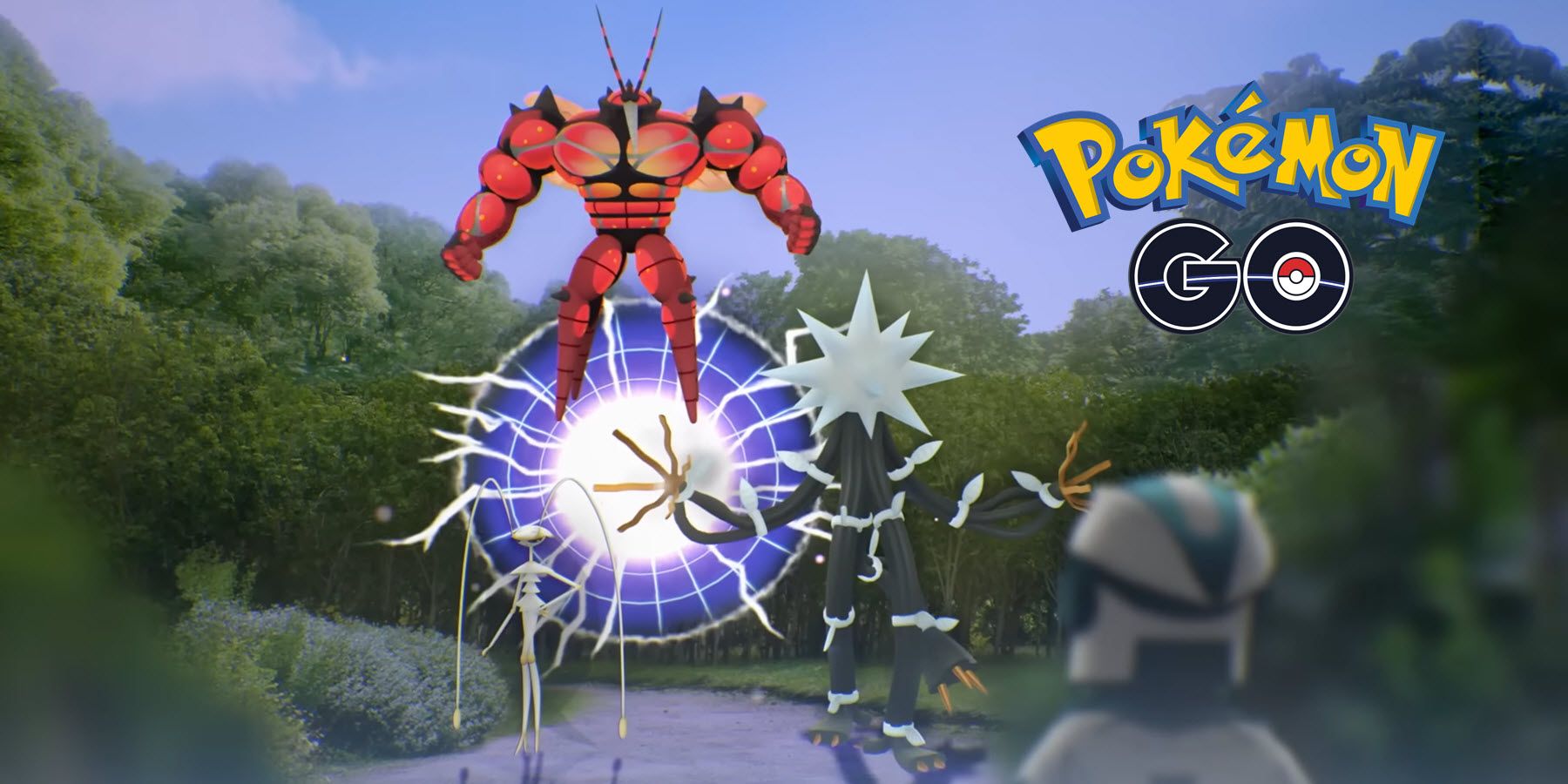
In official Pokémon lore, Ultra Wormholes are unstable tears in spacetime connecting the Pokémon world to Ultra Space. Pixelmon translates this concept directly into Minecraft. A wormhole appears as a floating, swirling vortex in the sky, resembling a dynamic, colorful portal framed by cosmic particle effects.
These portals do not stay open indefinitely. Once a wormhole spawns, it slowly expands, remains stable for a set period, and eventually collapses. If you fail to enter before it shrinks and disappears, you must wait for another event to trigger or use specific Pokémon abilities to generate a new rift.
How to Find a Pixelmon Wormhole
Finding an Ultra Wormhole involves either patience and observation or utilizing the unique field abilities of legendary Pokémon.
1. Natural Spawns in the Overworld
By default, wormholes generate naturally above the player at random intervals, similar to legendary Pokémon spawn ticks. Keep these points in mind when hunting for natural rifts:
- Look Up: Wormholes spawn high in the air, usually between Y-levels 90 and 150. If you spend all your time underground or deep in dense forests with thick canopies, you might miss one spawning directly above you.
- Listen for Audio Cues: When an Ultra Wormhole opens nearby, it emits a distinct, echoing cosmic hum. If you play with game audio enabled, keep your ears open for unnatural spatial sounds.
- Render Distance: Running a moderate-to-high render distance makes spotting the rift particles much easier across wide-open biomes like plains, oceans, and deserts.
2. Summoning Wormholes with Solgaleo and Lunala
If waiting around for random spawns feels too slow, you can manually open an Ultra Wormhole using the box legendaries from Generation VII. Having either Solgaleo or Lunala in your party gives you access to a dedicated external move or interaction (depending on your Pixelmon version) that can rip open a passage to Ultra Space on demand, bypassing the wait time entirely.
Essential Preparation Before Entering
Entering Ultra Space without proper equipment can leave you stranded or defeated by high-level wild spawns. Before heading toward the rift, ensure your inventory contains the following essentials:
- A Reliable Flying Mount: Because wormholes hover high in the atmosphere, you cannot reach them on foot. Bring a flying Pokémon like Corviknight, Charizard, Dragonite, or a Minecraft Elytra equipped with fireworks.
- Plenty of Beast Balls: Standard Pokéballs suffer an extreme catch rate penalty (a 0.1× catch modifier) against Ultra Beasts. Beast Balls flip this mechanic, granting a massive 5× multiplier when used on Ultra Beasts. Craft or buy several dozen before stepping through.
- High-Level Battle Team: Ultra Beasts typically spawn at level 60 to 70 and boast exceptional stats. Carry Pokémon that can inflict status conditions like Sleep or Paralysis, along with a reliable user of False Swipe.
- Waystones, Compasses, or Waypoint Mods: Ultra Space is vast and disorienting. If you play with JourneyMap or Xaero's Minimap, set a waypoint at the exact portal location where you enter so you can find your way back.
- Supplies: Bring building blocks, torches, plenty of food, and Potions. Resources in Ultra Space do not mirror standard Overworld terrain.
How to Enter and Navigate the Portal
Once you locate a stable wormhole, mount your flying Pokémon and ascend directly toward the vortex. Fly into the very center of the anomaly. The game will display a brief loading screen while transferring your player data from the Overworld to the Ultra Space dimension.
Upon arriving, take note of the local environmental differences:
- Altered Gravity: Ultra Space features modified physics, often providing lower gravity. Jumps are higher, and descents are slower, making navigation feel floaty. Be careful when falling from extreme heights, as fall damage can still be fatal.
- Floating Islands: The terrain consists largely of fragmented islands floating in an endless void. Falling off an island can drop you into the void, resulting in item loss unless your server or world rules have inventory retention enabled.
- Alien Biomes: Each section of Ultra Space mimics the native habitat of specific Ultra Beasts.
Ultra Space Biomes and Ultra Beasts
Ultra Space is split into distinct biomes, each hosting specific Ultra Beasts that cannot spawn naturally anywhere in the standard Overworld. Here is where to look for each target:
- Ultra Deep Sea: A dark, underwater-themed cavernous expanse where Nihilego spawns.
- Ultra Jungle: Packed with massive, glowing trees and vines, this is the prime habitat for Buzzwole.
- Ultra Desert: A barren, dusty landscape where the lightning-fast Pheromosa roams.
- Ultra Plant: Filled with electric spires and alien wiring, serving as the home of Xurkitree.
- Ultra Forest: A dense, bamboo-like biome where the origami-inspired Kartana can be encountered.
- Ultra Crater: A ruined, metallic biome hosting heavy defensive threats like Celesteela and Stakataka.
- Ultra Ruin: A desolate urban wasteland where the monstrous Guzzlord lurks.
- Ultra Megalopolis / Alien Corridors: Regions where you may encounter Poipole and Blacephalon.
How to Safely Return to the Overworld
Getting into Ultra Space is only half the journey; you also need an escape route. To return home safely, use one of the following methods:
- Locate an Exit Wormhole: Exit wormholes generate naturally inside Ultra Space, hanging in the air just like their Overworld counterparts. Flying into one will send you back to the Overworld near your original entry coordinates.
- Use Your Set Waypoint: If you placed a map waypoint immediately upon loading in, you can fly straight back to your original entry node before it despawns.
- Solgaleo / Lunala: If you brought your legendary summoner, you can reopen a path to return without searching the sky for a natural rift.
Helpful Server Commands and Configurations
For single-player worlds or server administrators managing Pixelmon instances, Ultra Wormhole behavior can be adjusted inside the pixelmon.hocon configuration file. Admins can tweak:
- Wormhole Spawn Chance: Adjust how frequently wormholes spawn per player tick.
- Lifespan: Increase or decrease how long a wormhole remains stable before closing.
- Dimension IDs: Resolve conflicts if Ultra Space shares an ID with another installed mod dimension.
Admins can also use the command /spawnow [player] or locate specific biomes directly using /locatebiome to test spawn mechanics and troubleshoot dimensional links.
Final Exploration Tips
Patience is the biggest asset when working with Pixelmon wormholes. Because natural spawns depend on timers and coordinates, setting up a base in a flat, high-visibility biome like a desert or ocean makes spotting them far easier. Keep a dedicated Ultra Space explorer kit in your Ender Chest—filled with Beast Balls, Max Potions, and high-tier bait—so that whenever a wormhole tears open the sky, you are ready to fly straight in.