PST to UTC: Quick Conversion Guide and Chart
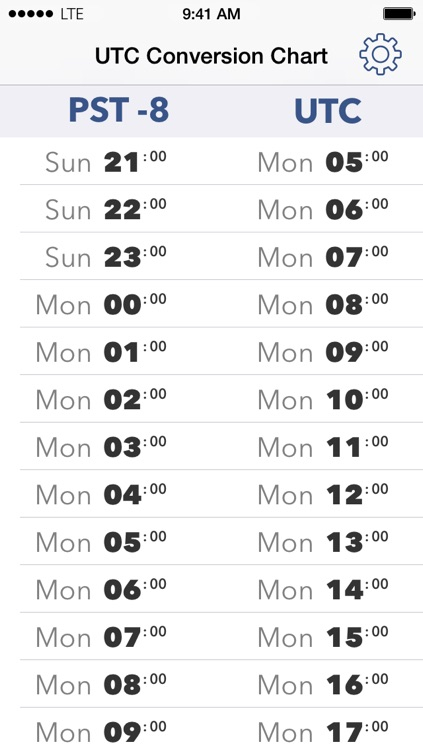
Converting pst to utc is straightforward once you understand the fixed relationship between the two time standards. Pacific Standard Time (PST) is eight hours behind Coordinated Universal Time (UTC). To convert any standard Pacific time to UTC, you simply add eight hours.

However, real-world scheduling often leads to confusion due to daylight saving time, midnight date rollovers, and cross-border project management. This guide provides the exact conversion formulas, an hour-by-hour reference table, and tips to ensure you never miss an international deadline.
The Core Formula: How to Convert PST to UTC
PST is officially designated as UTC-8. Because UTC is the baseline reference point for civil time across the globe, converting standard Pacific time to universal time requires addition:
- UTC = PST + 8 hours
For example, if a system maintenance window starts at 04:00 PST, you add eight hours to find the UTC equivalent: 12:00 UTC.
Handling the Date Boundary
Because you are adding eight hours, late afternoon and evening times in PST will push the result into the following calendar day in UTC. Any PST time at or after 16:00 (4:00 PM) lands on the next day in UTC.
- 8:00 AM PST on Tuesday = 4:00 PM (16:00) UTC on Tuesday
- 4:00 PM PST on Tuesday = 12:00 AM (00:00) UTC on Wednesday
- 9:30 PM PST on Friday = 5:30 AM UTC on Saturday
The Critical Difference: PST vs. PDT
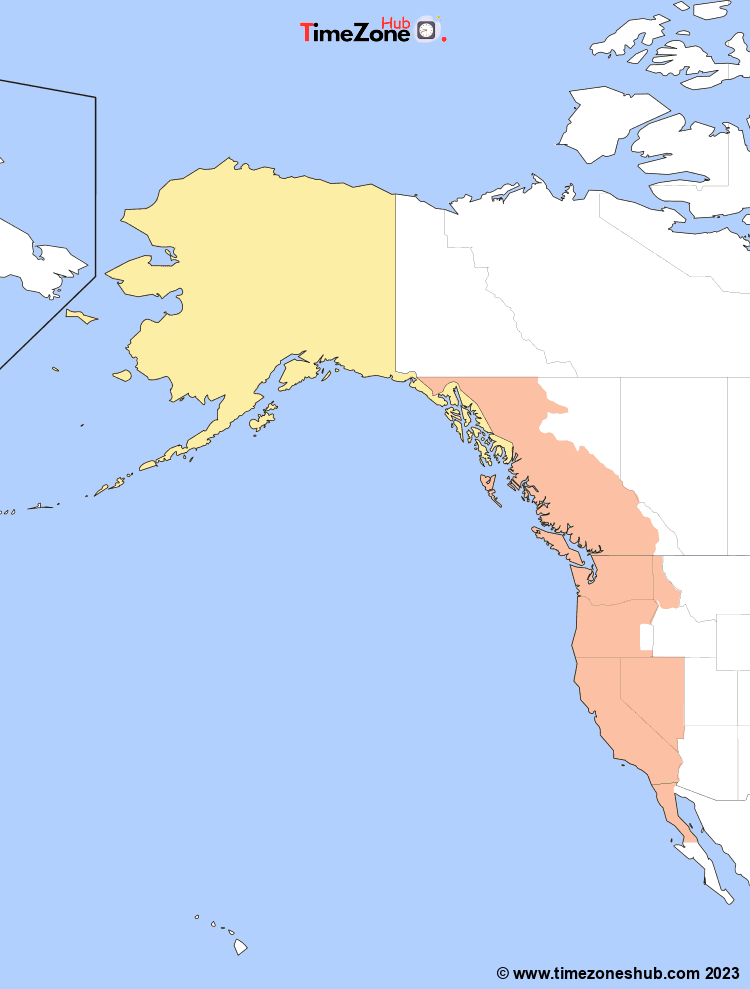
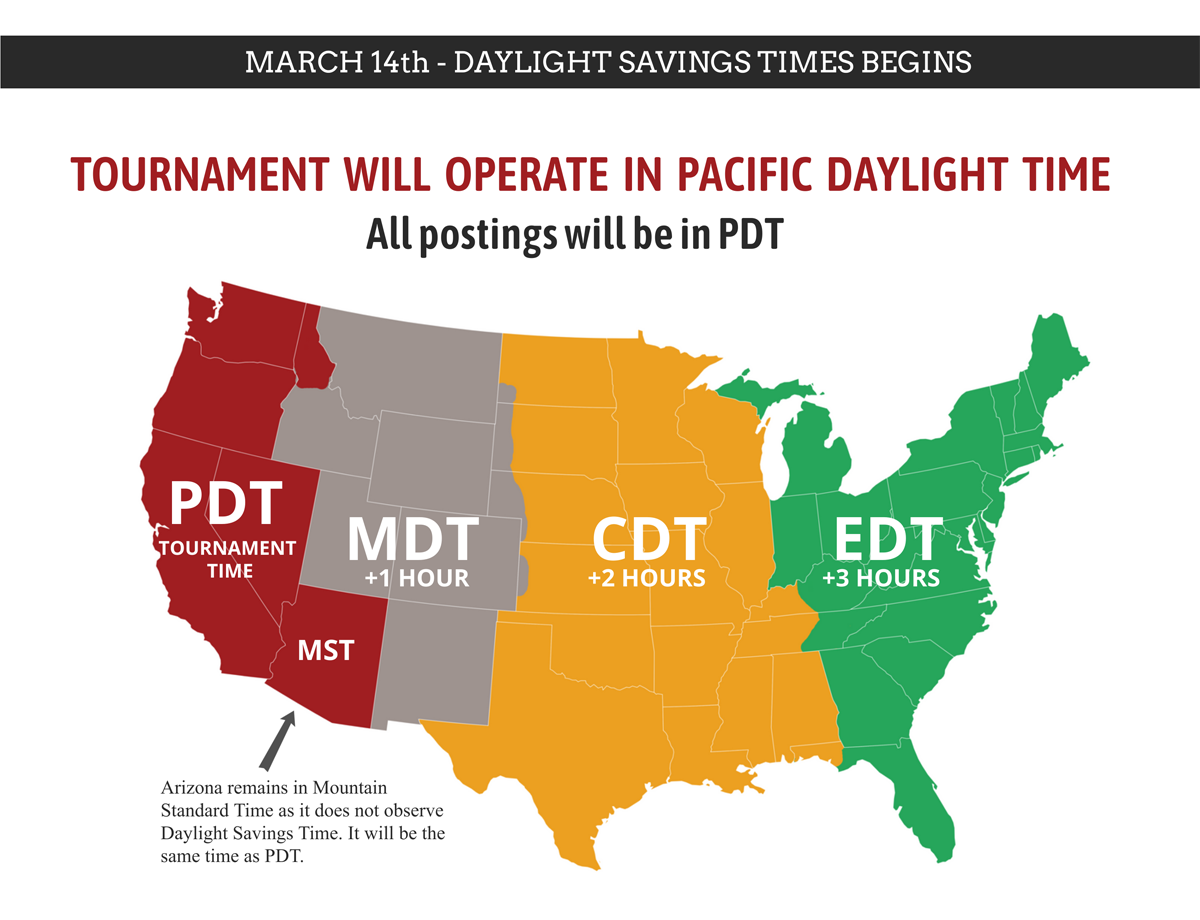
One of the most frequent errors in global time calculation is conflating PST with PDT. Pacific Standard Time (PST) applies only during the autumn and winter months. During the spring and summer, the Pacific time zone shifts to Pacific Daylight Time (PDT) to observe daylight saving time.
- PST (Pacific Standard Time): UTC-8 (Active from early November to mid-March)
- PDT (Pacific Daylight Time): UTC-7 (Active from mid-March to early November)
If you perform a conversion between mid-March and early November, you are almost certainly in PDT, not PST. In that case, add seven hours instead of eight. Using the standard eight-hour offset during the summer will result in a one-hour scheduling discrepancy.
PST to UTC Quick Reference Chart
Video: How to convert utc to pst?
The following table maps standard 12-hour and 24-hour PST increments to UTC. This chart assumes Pacific Standard Time (UTC-8).
| PST (12-Hour) | PST (24-Hour) | UTC | Day Difference |
|---|---|---|---|
| 12:00 AM (Midnight) | 00:00 | 08:00 | Same day |
| 02:00 AM | 02:00 | 10:00 | Same day |
| 04:00 AM | 04:00 | 12:00 | Same day |
| 06:00 AM | 06:00 | 14:00 | Same day |
| 08:00 AM | 08:00 | 16:00 | Same day |
| 10:00 AM | 10:00 | 18:00 | Same day |
| 12:00 PM (Noon) | 12:00 | 20:00 | Same day |
| 02:00 PM | 14:00 | 22:00 | Same day |
| 04:00 PM | 16:00 | 00:00 | Next day |
| 06:00 PM | 18:00 | 02:00 | Next day |
| 08:00 PM | 20:00 | 04:00 | Next day |
| 10:00 PM | 22:00 | 06:00 | Next day |
Why UTC Is Used as the Global Standard
Coordinated Universal Time (UTC) is not a time zone tied to a specific country; it is the universal standard that regulates clocks worldwide. Unlike local time zones, UTC never observes daylight saving time. It remains constant throughout the entire year.
Understanding UTC is critical across several key industries:
- Software Development & Cloud Architecture: Servers, databases, and container logs almost universally record timestamps in UTC to avoid conflicts across distributed regions.
- Aviation & Maritime Operations: Flight plans, weather reports, and vessel movements rely on UTC (historically referred to as Greenwich Mean Time or Zulu time) to eliminate miscommunication between air traffic controllers and pilots.
- Financial Markets: Cryptocurrency networks and global exchanges track transactions against universal timestamps to establish precise chronological order.
Best Practices for Developers Converting Pacific Time
If you are writing code or configuring infrastructure that requires translating Pacific timestamps into UTC, follow these engineering best practices:
1. Store in UTC, Display in Local Time
Never store user-submitted Pacific timestamps as raw, offset-free strings in your database. Store timestamps using the standard ISO 8601 format with the UTC designator (for example, 2026-01-15T18:00:00Z). Let the client application handle formatting and local offset adjustments for the end user.
2. Use IANA Time Zone Identifiers
Hardcoding an 8-hour offset in software creates bugs when daylight saving transitions occur. Instead of using static labels like "PST", use canonical IANA database identifiers such as America/Los_Angeles or America/Vancouver. These identifiers account for historical and future daylight saving changes automatically.
// Modern JavaScript Example
const date = new Date('2026-01-15T10:00:00');
const utcString = date.toISOString(); // Generates canonical UTC
Summary Checklist
Before confirming an appointment or submitting a system schedule, run through this quick checklist:
- Verify whether the event occurs during standard time (PST, add 8 hours) or daylight saving time (PDT, add 7 hours).
- Check whether adding the offset pushes the time past 24:00, which advances the calendar date by one day.
- Use 24-hour notation whenever possible to eliminate confusion between morning and afternoon times.