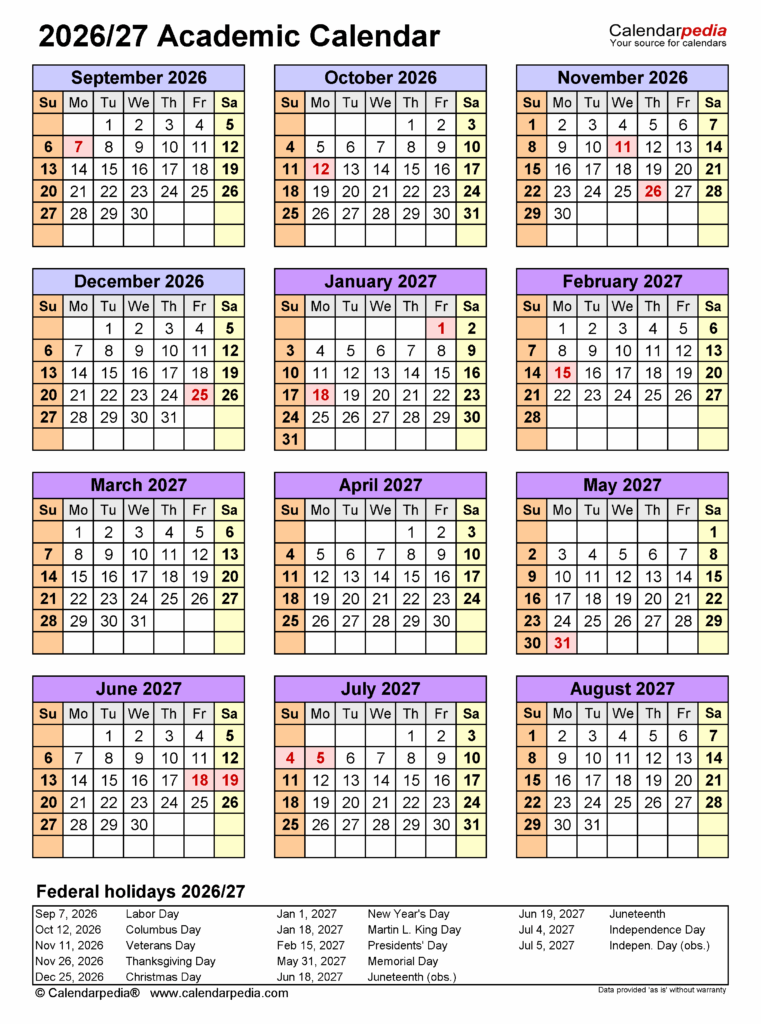
Purdue Calendar Planner: Unlock Your Potential
Attending a top-tier research university like Purdue University in West Lafayette comes with rigorous academic expectations. Between engineering problem sets, lab reports, collaborative group projects, and extracurricular commitments, managing your time is a fundamental survival skill. For Boilermakers looking to excel rather than merely keep up, unlocking your potential with Purdue West Lafayette's academic calendar planner tools is the most effective way to maintain control over your collegiate journey.

Purdue offers a powerful suite of digital utilities designed to streamline your schedule, highlight critical milestones, and eliminate the panic of missed deadlines. Understanding how to leverage these resources will help you navigate your semester with confidence and strategic focus.
The Anatomy of Purdue's Academic Calendar
Before diving into specific digital tools, it is crucial to understand how Purdue structures its academic cycle. The Office of the Registrar publishes detailed calendars years in advance, covering fall, spring, and summer terms.
Key calendar benchmarks that every student must track include:
- Course Add/Drop Deadlines: Purdue operates on strict tiered drop deadlines. In a standard 16-week semester, dropping a course in the first two weeks leaves no record on your transcript. Subsequent weeks introduce "W" (Withdrawal) notations and eventual cutoffs where dropping is no longer permitted without an approved petition.
- Tuition Refund Milestones: Dropping credits directly impacts billing. The Registrar outlines dates for 100%, 80%, and partial refunds early in each session.
- Time Ticket Windows: Priority registration does not occur all at once. Your "time ticket" dictates the exact day and hour you can register for upcoming terms via myPurdue.
- Quiet Period (Dead Week): The week immediately preceding final exams limits major assignments, giving students dedicated preparation time.
- Final Exam Schedules: Released mid-semester, the final examination schedule dictates your departure date and study rhythm.
Core Planning Tools Available to Purdue Students
Purdue West Lafayette provides several native platforms that integrate with the central academic calendar. Combining these tools creates a comprehensive planning system.
1. The myPurdue Scheduling Assistant (UniTime)
Built upon the open-source UniTime scheduling engine, the Scheduling Assistant in the myPurdue portal is more than just a course registration module. It allows students to visually map their weekly commitments, check for classroom locations, assess travel times across campus, and test hypothetical course loads without altering their official registration.
Students can input custom time constraints—such as club sports practices, part-time jobs, or dedicated study blocks—and the system will calculate the most optimal schedule that prevents conflicts.
2. Brightspace Calendar Synchronization
Purdue's learning management system, Brightspace, automatically aggregates assignments, quizzes, and discussion board due dates across all enrolled courses into a centralized calendar. One of its most underutilized features is the iCal subscription feed.
By generating an external calendar link in Brightspace, you can sync your assignment deadlines directly with Google Calendar, Apple Calendar, or Microsoft Outlook. When professors adjust dates within the syllabus, your personal calendar reflects those changes automatically.
Video: The New Purdue Campus Explained: Direct Admission to Engineering + Guaranteed Internships
3. BoilerConnect
Academic planning cannot happen in isolation from degree progression. BoilerConnect bridges the gap between daily scheduling and long-term milestones. It serves as the primary scheduling portal for meeting with your academic advisor, accessing tutoring resources via the Academic Success Center (ASC), and tracking academic flags or progress reports.
Unlocking Your Potential with Purdue West Lafayette's Academic Calendar Planner Tools
Having access to scheduling software does not automatically guarantee academic success; your organizational workflow determines your outcomes. Unlocking your potential with Purdue West Lafayette's academic calendar planner tools requires a proactive framework rather than a reactive one.
High-achieving Boilermakers treat the academic calendar as an operational roadmap. By knowing precisely when registration holds are applied, when grade-mode changes (such as Pass/No Pass) expire, and how midterms align across departments, you remove unexpected surprises from your semester.
When you automate deadline reminders and schedule recurring study blocks, you free up cognitive bandwidth. Instead of worrying about what might be due tomorrow, you can focus deeply on mastering complex subject matter, engaging in undergraduate research, or building career-ready technical skills.
A 4-Step Strategy to Master Your Semester Schedule
To turn these tools into a reliable routine, follow this step-by-step implementation guide at the start of each semester:
- Import the Official Registrar Deadlines on Day One: Visit the Purdue Office of the Registrar website and download the term calendar. Immediately input add/drop deadlines, university holidays, and reading days into your master digital calendar with push notifications set for 48 hours in advance.
- Sync Brightspace Feeds with Your Mobile Device: Export your Brightspace iCal link into your primary calendar application. Color-code each course so you can visually assess heavy assignment days at a single glance.
- Set "Pre-Flight" Alarms for Registration: As soon as your priority registration time ticket is posted in myPurdue, schedule a reminder 15 minutes before the window opens. Pre-populate your primary and backup courses in the Scheduling Assistant to ensure a single-click submission.
- Map Out Midterm Exam Clusters: Purdue courses often hold evening exams (typically 6:30 PM or 8:00 PM in Elliott Hall of Music or larger lecture halls). Cross-reference your syllabi during week one and block out dedicated preparation phases ten days before each exam window.
Common Scheduling Mistakes to Avoid
Even motivated students run into academic pitfalls when they overlook subtle scheduling policies. Avoid these common traps:
- Ignoring Module Courses: Some courses (especially in management, technology, or introductory seminars) run on 8-week modules rather than the full 16-week term. These accelerated courses have completely distinct add/drop and withdrawal timelines.
- Overlooking Final Exam Conflict Rules: University policy states that if you have three or more final exams scheduled in a single calendar day, or two exams scheduled at the exact same hour, you are entitled to reschedule the middle exam. You must petition this through the Registrar before the stated semester deadline.
- Relying Exclusively on Memory for Time Tickets: Class capacity at Purdue fills quickly. Waiting even a few hours after your time ticket opens can relegate you to an unfavorable waitlist or disrupt your intended plan of study.
Build Your Routine for Long-Term Boilermaker Success
Purdue West Lafayette provides a world-class academic environment, but the autonomy of university life requires deliberate time management. By centralizing the Registrar’s dates, utilizing the myPurdue Scheduling Assistant, and automating reminders via Brightspace, you create a sustainable structure for academic excellence.
Take control of your schedule today. Spend an hour setting up your digital planners before the semester intensifies, and give yourself the time, focus, and clarity needed to thrive as a Boilermaker.