SchoolCash CFISD: Guide to Parent Online Payments
Introduction to SchoolCash CFISD
Managing school expenses for children in the Cypress-Fairbanks Independent School District has never been easier thanks to the SchoolCash CFISD platform. Gone are the days of sending cash in backpacks, writing checks, or worrying about lost permission slips and payment envelopes. This secure online payment system allows parents and guardians to view, track, and pay for all school-related activities in one centralized location.
Whether you have a single student in elementary school or multiple children spread across middle and high schools, SchoolCash streamlines communication and financial transactions between families and campuses. This guide covers everything you need to know to set up your account, make payments, and manage your student's school fees efficiently.
How to Set Up Your SchoolCash CFISD Account
Getting started with the platform takes just a few minutes. Because CFISD integrates student data securely, you will need a few specific details about your child to link their profile to your parent account.
Step-by-Step Registration Guide
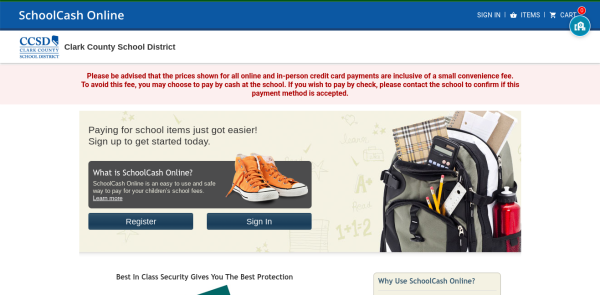
- Visit the Portal: Navigate to the official SchoolCash CFISD login page via the Cypress-Fairbanks ISD website or directly through the SchoolCashOnline portal.
- Click Register: Select the "Register" button to begin creating your profile. You will be asked to enter your first and last name and create a secure password.
- Verify Your Email: Check your inbox for a verification email. Click the link provided in the message to activate your account.
- Add Your Student: Once logged in, navigate to the "My Students" tab. You will need to input your child's student ID number, legal last name, and birth date to connect them to your profile.
If you have more than one child enrolled in the district, you can add up to eight students to a single parent profile, making it simple to manage household school expenses from one dashboard.
Types of Fees You Can Pay Online
CFISD utilizes the SchoolCash platform for a wide variety of campus purchases. Instead of dealing with different payment methods for every event, parents can handle almost all school-related transactions digitally.
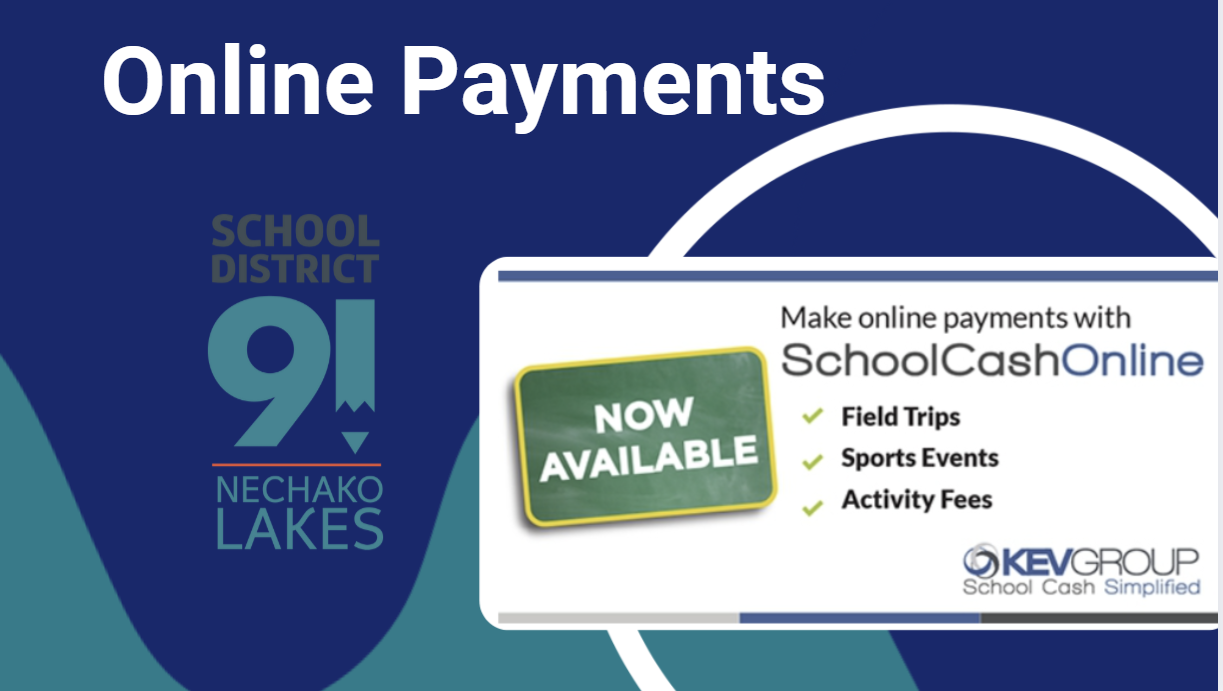
- Field Trips: Pay for educational excursions and digitally sign permission forms where applicable.
- Class and Course Fees: Cover materials for electives, art classes, or specialized labs.
- Extracurricular Activities: Pay dues for clubs, athletics, band, theater, and other campus organizations.
- Yearbooks and Spirit Wear: Purchase annual yearbooks, spirit shirts, and school merchandise.
- Testing and Event Tickets: Pay fees for advanced placement (AP) exams, PSAT, or tickets to school dances and sporting events.
Benefits of Using SchoolCash for Parents
Transitioning to a digital payment system offers numerous advantages over traditional cash and check methods. SchoolCash CFISD was implemented specifically to reduce administrative burdens on teachers and staff while providing peace of mind for families.
Security and Convenience
Carrying cash to school poses security risks for young children and creates extra work for school secretaries who must count, log, and bank physical money. The SchoolCash platform uses PCI-DSS compliant payment processing, ensuring your credit or debit card data remains encrypted and secure.
Furthermore, the platform provides:

- 24/7 Access: Pay fees at midnight, on weekends, or during your lunch break from your smartphone, tablet, or computer.
- Instant Receipts: Receive immediate digital receipts via email for your records and tax purposes.
- Payment History: View past transactions easily, which helps when budgeting for seasonal school expenses.
- Email Notifications: Opt-in to receive alerts whenever a new fee is assigned to your student, preventing missed deadlines.
Accepted Payment Methods
To make the system as accessible as possible, SchoolCash CFISD supports multiple payment methods. Depending on your preference and bank availability, you can use:
- Credit Cards: Visa, MasterCard, and Discover.
- Debit Cards: Cards bearing major network logos.
- eCheck: Direct electronic funds transfer from your checking or savings account (availability may vary based on district settings).
Note that while the school district does not profit from processing fees, third-party payment gateways may charge a small convenience fee per transaction. These fees are clearly outlined before you finalize any purchase.
Troubleshooting Common Issues
While the platform is designed to be user-friendly, parents occasionally run into minor roadblocks. Here is how to resolve the most common issues quickly.
Student Not Found Error
If the system cannot locate your child when you attempt to add them, double-check that you are entering the exact student ID number provided by CFISD. Ensure the last name matches school records precisely, including hyphens or spaces. If problems persist, contact your child's campus front office to verify that the student information system has your current contact details.
Forgot Password
If you are locked out of your account, click the "Forgot Password" link on the login page. Enter your registered email address, and the system will send you a secure reset link. Check your spam folder if you do not see the email within a few minutes.
Missing Items or Fees
Not all teachers or grade levels use the system at the exact same time. If a specific fee or field trip does not appear on your dashboard, reach out directly to the teacher, coach, or club sponsor managing the event to confirm when items will be posted to SchoolCash.
Conclusion
The implementation of SchoolCash CFISD represents a major step forward in modernizing school communications and financial operations. By taking a few minutes to register and link your students, you eliminate the hassle of physical payments and ensure you never miss an important school deadline again. Embrace the convenience of digital payments and keep your focus where it belongs: supporting your student's educational journey in Cypress-Fairbanks ISD.