Set Your Whirlpool Microwave to Boost Productivity
When people look for ways to streamline their day, they usually turn to digital calendars, task managers, or automated software. Yet some of the most effective efficiency upgrades happen in the physical spaces where routines stall. If you spend unnecessary minutes waiting around the kitchen during busy mornings or rushed lunch hours, you can boost productivity by setting your Whirlpool microwave to operate on your schedule rather than interrupting it.

Modern Whirlpool microwaves are equipped with an array of programmable features, precision sensors, and dual-purpose tools that most owners never touch. By configuring these settings once, you eliminate guesswork, prevent burnt food, automate complex heating tasks, and turn an everyday appliance into a streamlined productivity hub.
The Cost of Kitchen Friction During the Workday
Whether you work from home or juggle a hectic family schedule, small delays compound quickly. Standing in front of an appliance, repeatedly punching in 30-second increments, stirring lukewarm leftovers, and monitoring defrosting meat pulls your attention away from deep-focus tasks.
Cognitive switching—shifting your brain from work or planning mode to micro-managing a meal—drastically reduces mental stamina. Setting up your appliance properly allows you to initiate a task, walk away, and trust the outcome completely.
How to Boost Productivity By Setting Your Whirlpool Microwave
Unlocking real speed and reliability requires moving beyond the default "Start" button. Here are the core settings and techniques you can apply to make meal preparation fast, consistent, and hands-off.
1. Program Multi-Stage Cooking
One of the most powerful yet underutilized settings on Whirlpool microwaves is multi-stage cooking. Many meals require an initial burst of high heat followed by a simmer at lower power to heat thoroughly without drying out edges.
Instead of running one cycle, waiting for the beep, manually dialing down the power, and starting another, program both stages at once:
- Press Cook Time and enter your initial duration (e.g., 2 minutes).
- Press Power Level and set it to 10 (100%).
- Immediately press Cook Time again to enter your second duration (e.g., 3 minutes).
- Press Power Level and select 5 (50%).
- Press Start.
Your microwave automatically transitions between high-heat rethermalizing and gentle simmering. You set it once, step away to answer an email or pack a bag, and return to an evenly heated meal.
2. Use the Independent Kitchen Timer as a Timeboxing Tool
Most Whirlpool units feature a dedicated Timer Set/Off or Kitchen Timer button separate from the cooking cycle. Because this timer operates independently, it does not activate the magnetron or turntable, making it an excellent analog productivity tool right in the kitchen.
If you practice timeboxing or the Pomodoro Technique while working in an open-concept apartment, you can use the microwave display as a visible countdown clock for deep-work sprints or quick lunch breaks. Because it emits a distinct, loud alert, you will never lose track of time while prepping meals or stepping away from your desk.
Video: How to Use Whirlpool Microwave – Step-by-Step Guide for Settings, Cooking, Defrost & Timer Functions
3. Calibrate Sensor Cycles for True "One-Touch" Operation
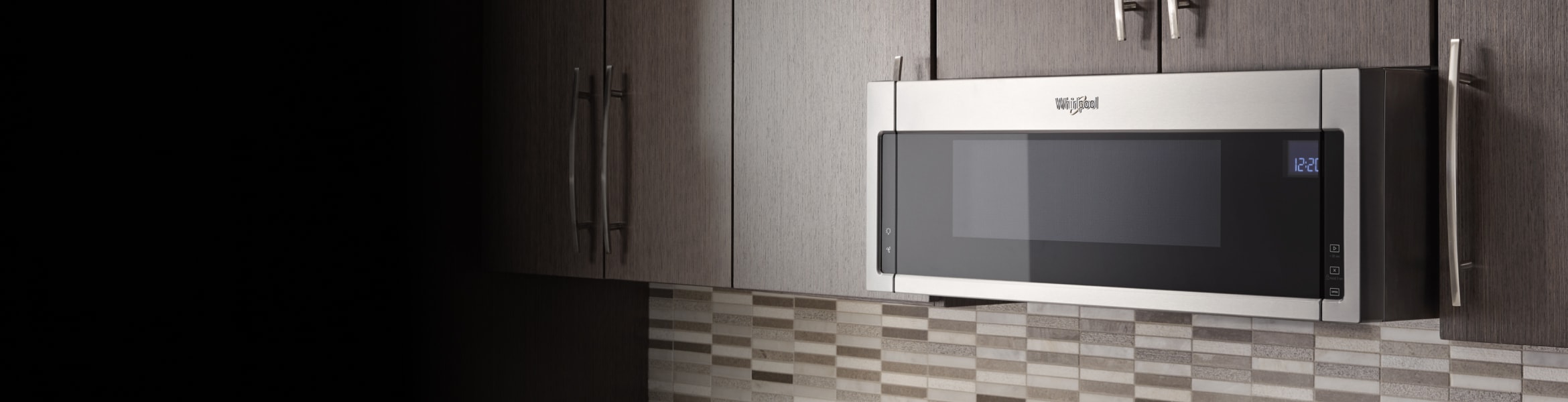
If your model features Whirlpool’s AccuWave or Sensor Cooking technology, manually guessing reheat times is a waste of mental energy. Built-in humidity sensors calculate the exact moisture level emitting from food and adjust both time and power output dynamically.
To get the most productivity out of sensor presets:
- Reheat Setting: Place your plate inside, hit Sensor Reheat, and press Start. The machine stops automatically when the interior temperature hits target warmth, eliminating scorched sauces or cold centers.
- Defrost by Weight: Avoid rubbery chicken breasts by programming the exact weight via the Auto Defrost menu rather than relying on rapid defrost guesswork.
- Steam/Simmer Functions: On higher-end models, pairing a microwave-safe steamer container with the dedicated steam setting cooks raw vegetables or fish in under five minutes with zero oversight.
Refining System Settings to Reduce Distractions
Productivity is not only about moving faster; it is also about minimizing audio and visual friction in your environment. Whirlpool includes utility configurations that can tailor the appliance to your household’s noise tolerance.
Silencing or Lowering Keypad Alerts
The repetitive chime of microwave buttons can disrupt household members, babies sleeping nearby, or concentration during remote meetings. Most Whirlpool microwaves allow you to mute button beeps entirely.
Depending on your model, you can disable alert chimes by holding down the Cancel button, holding the number 2 or 8 for three seconds, or navigating to the Sound menu under setup options. Once muted, the microwave performs all cycles silently, saving its alerts solely for completed cycles or running completely quiet depending on the mode.
Engaging the "Keep Warm" Feature
Unexpected phone calls and meetings routinely derail lunch plans. If your food finishes cooking while you are trapped on a call, it quickly cools, requiring another reheat cycle that saps moisture and flavor.
If your Whirlpool has a Keep Warm setting, turn it on before you hit start or immediately as food finishes. It pulses low heat (around 10% to 20% power) to maintain serving temperature for up to 60 minutes without continuing to cook the food. You can wrap up your call and eat immediately without restarting your meal prep.
Quick Reference: Whirlpool Productivity Setup
| Goal | Feature / Setting | Immediate Benefit |
|---|---|---|
| Hands-off two-stage cooking | Multi-Stage Programming | No need to return mid-cycle to lower power level. |
| Zero-guesswork reheating | AccuWave / Sensor Reheat | Eliminates frequent checking and cold spots. |
| Meal timing protection | Keep Warm Function | Prevents food from cooling off when meetings run long. |
| Focus management | Independent Kitchen Timer | Enforces strict break boundaries and timeboxing. |
| Quiet environment | Sound / Mute Setting | Eliminates shrill button beeps during work hours. |
Designing an Efficient Kitchen Workflow
Configuring the buttons is only half the battle; pairing those settings with intentional habits creates a truly seamless system. Consider this streamlined routine for a busy workday:
- Morning Prep: Set up your lunch container using a microwave-safe glass dish with a vented lid. Vented lids allow steam sensors to function accurately without creating messy splatters that demand clean-up time.
- Midday Transition: Use your 30-minute lunch break purposefully. Drop the meal in, select Sensor Reheat, and walk away to stretch or pour a glass of water.
- Seamless Execution: If an urgent message pings your phone right as the cycle finishes, activate Keep Warm. Your lunch stays fresh while you handle the brief task.
Small Adjustments, Meaningful Time Recovered
Productivity rarely hinges on a single major transformation; it stems from removing minor frictions scattered throughout your day. By taking ten minutes to understand and program your Whirlpool microwave's advanced settings, you turn an overlooked kitchen box into a reliable tool that preserves your time, protects your focus, and simplifies your daily meals.