Spectrum Stores Guide: Locations, Services & Hours
Navigating Spectrum Stores: What You Need to Know

Whether you need to pick up a new Wi-Fi router, swap out a malfunctioning cable box, or inquire about upgrading your internet speed, visiting physical Spectrum stores is often the fastest way to get direct assistance. While customer support over the phone can involve long wait times and automated menus, walking into a local retail center allows you to interact face-to-face with knowledgeable representatives.
Spectrum operates thousands of retail locations across its service footprint spanning 41 states. However, before heading out the door, it helps to know what these brick-and-mortar locations can and cannot do for you, how to check their hours, and what items you should bring along to ensure a smooth visit.
Common Services Offered at Spectrum Retail Locations
Spectrum stores are designed primarily as customer service and hardware hubs rather than sales showrooms. While you can sign up for new services or bundle television, internet, and mobile plans, most customers visit for hardware-related tasks.
Equipment Pickup and Returns
The most frequent reason people visit local Spectrum locations is to manage their hardware. You can walk in to:
- Pick up self-installation kits for new internet or TV service.
- Obtain additional cable boxes, remote controls, or digital adapters.
- Return leased equipment when canceling service or downgrading a plan.
- Swap out outdated modems and routers for newer, faster models.
Pro tip: Always get a receipt when you return equipment. Keep this receipt in a safe place for at least a few months to prove you handed back the hardware, protecting you against unreturned equipment fees.
Account Management and Bill Pay
If you prefer not to pay your bill online or through the My Spectrum app, you can handle financial transactions at most retail stores. Representatives can accept cash, check, or card payments. You can also ask questions about billing discrepancies, update your contact information, or discuss hardship programs if you are struggling to make payments.

Mobile Service Assistance
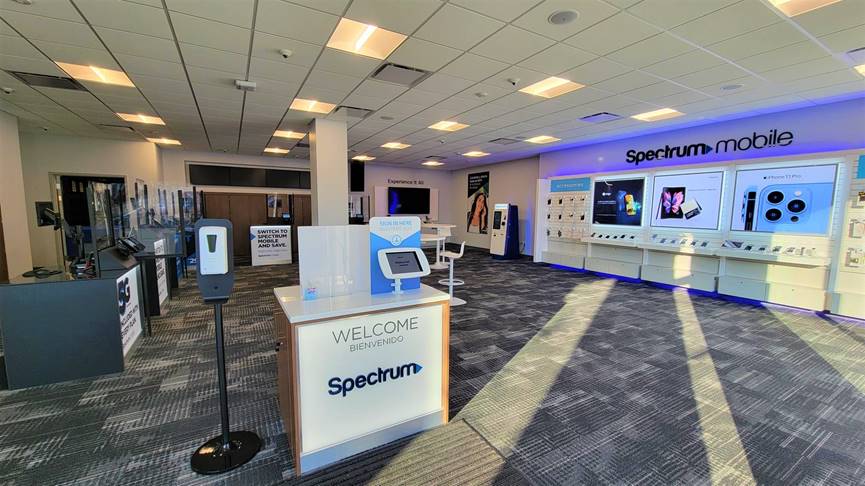
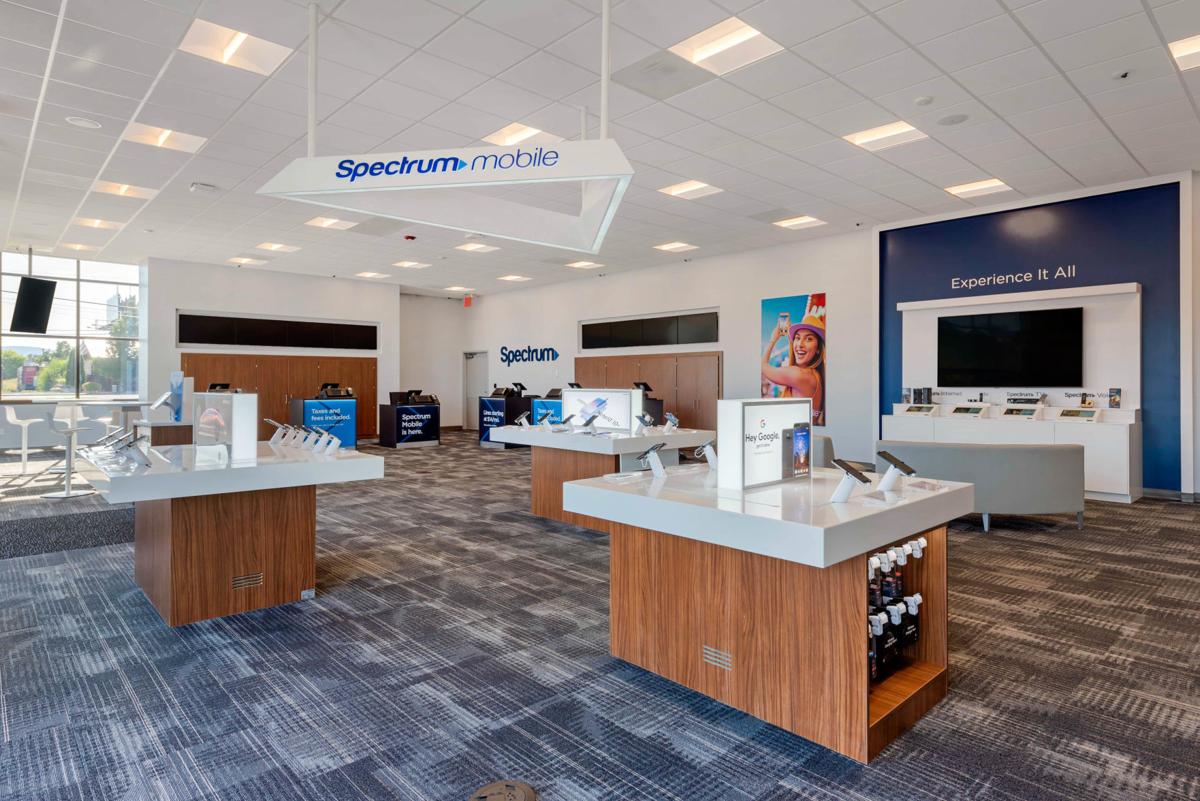
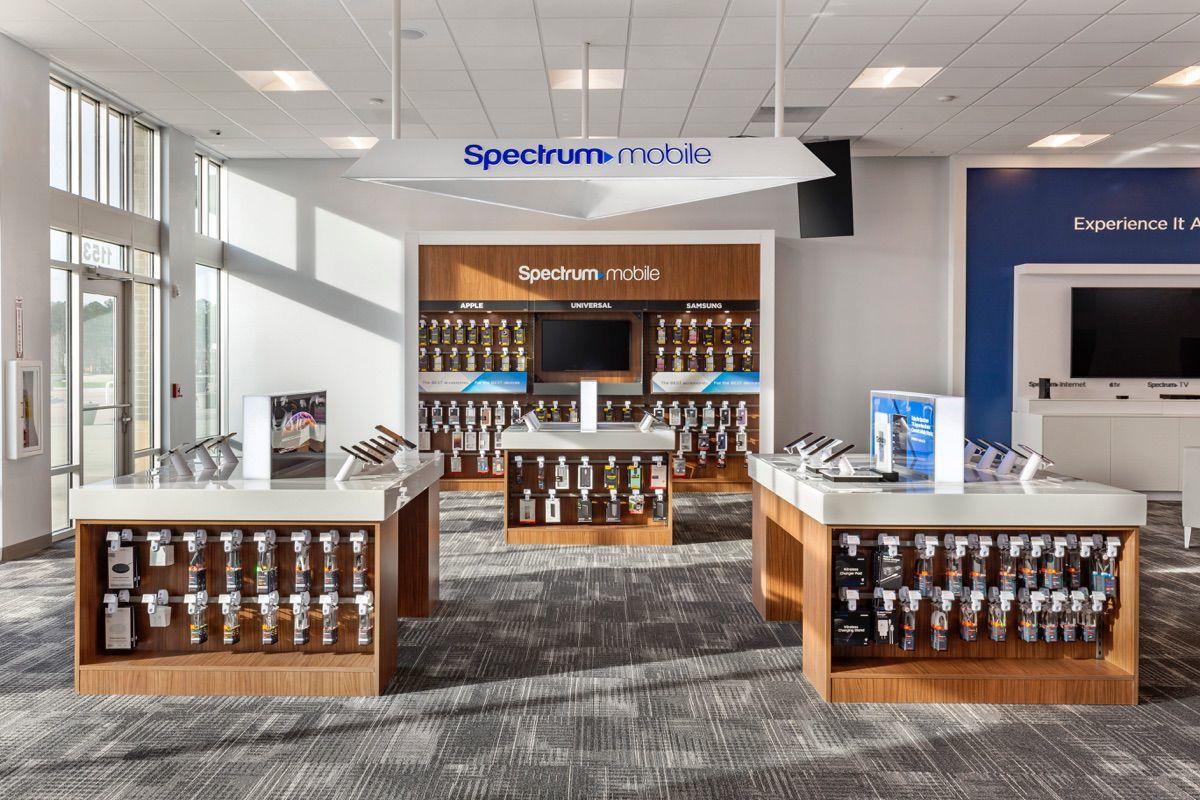
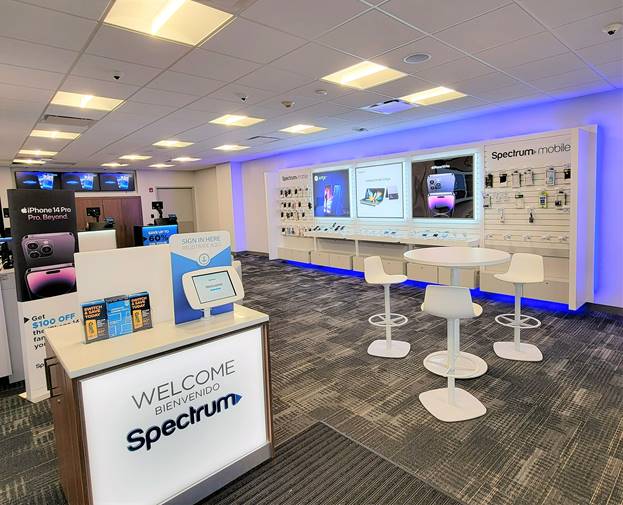
With the growth of Spectrum Mobile (which piggybacks on Verizon’s major network), many stores now feature mobile display areas. You can purchase new smartphones, activate mobile plans, or troubleshoot SIM card issues directly with a mobile specialist.
How to Find Spectrum Stores Near You
Finding a physical location is straightforward, but it is important to use official channels to avoid outdated listings on third-party map sites.
- Use the Official Store Locator: Go to the official Spectrum website and navigate to their store locator tool. Enter your ZIP code, city, or state to see a curated list of nearby branches.
- Check Operating Hours: Standard hours are typically Monday through Saturday from 9:00 AM to 7:00 PM or 8:00 PM, with shorter hours on Sundays (often 12:00 PM to 5:00 PM). However, hours vary widely by location and local mall regulations.
- Look for Authorized Retailers vs. Corporate Stores: Some locations are corporate-owned, while others are authorized shipping or partner centers. Corporate stores generally offer the full suite of billing and equipment services, whereas partner stores may only handle basic equipment exchanges or new sign-ups. Call ahead if you have a complex request.
Tips for Saving Time During Your Visit
Brick-and-mortar utility and telecom offices are notorious for midday rushes. To minimize your wait time, keep these practical strategies in mind:
- Book an Appointment: Many locations now allow you to schedule an appointment online before you arrive. This lets you bypass the general walk-in queue.
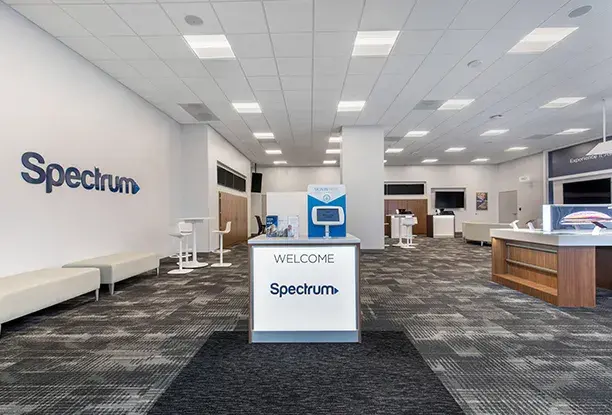
- Check in Digitally: When you walk through the doors of a busy store, look for a kiosk or digital check-in station. Entering your phone number and the reason for your visit ensures you are placed in the correct queue.
- Time It Right: Avoid visiting during standard lunch hours (11:30 AM to 1:30 PM), Saturday afternoons, or right at opening and closing times. Mid-morning on a Tuesday or Wednesday is typically the quietest time to visit.
- Bring Identification: Make sure you bring a valid government-issued photo ID and the account holder's name or account number. If you are returning equipment on behalf of someone else, bring a note of authorization and their account details just in case.
Alternative Options If You Want to Skip the Trip
If there are no convenient Spectrum stores near your home, or if you simply prefer not to travel, you have alternative ways to handle your account:
For equipment swaps, Spectrum often allows you to request a replacement modem or router to be shipped directly to your house. They typically include a prepaid return shipping label in the box so you can mail back your old gear without stepping foot in a store. Keep in mind that shipped replacements may take a few business days to arrive.
For billing, plan changes, and technical troubleshooting, the My Spectrum app and the web portal can resolve nearly 90% of issues that would otherwise require an in-person visit. You can reboot your equipment remotely, run speed tests, chat with live support agents, and adjust your channel lineups entirely from your smartphone or computer.