Spot Fake Blocked Text Messages Online
We have all been there: you send an urgent text message, it stays stubbornly unread, and a creeping sense of dread sets in. Did they block you? To make matters worse, the internet is flooded with memes, prank generators, and fake screenshots designed to trick people into thinking they are blocked. If you want to cut through the confusion, you need to know how to spot fake blocked text messages with these proven online hacks now.
Understanding How Carriers Handle Blocked Numbers
Before diving into specific detection hacks, it helps to understand the underlying mechanics of modern smartphone operating systems like iOS and Android. When a phone carrier blocks a number, the block happens at the network or operating system level.
When you send an SMS to someone who has blocked you, your phone still transmits the message to the cellular tower. However, the recipient's phone silently drops the incoming packet without triggering a notification, a sound, or a vibration. The sender's phone almost never receives an explicit error message like "Error: Number Blocked" because carriers intentionally keep this ambiguous for privacy and safety reasons.
How to Spot Fake Blocked Text Messages With These Proven Online Hacks Now
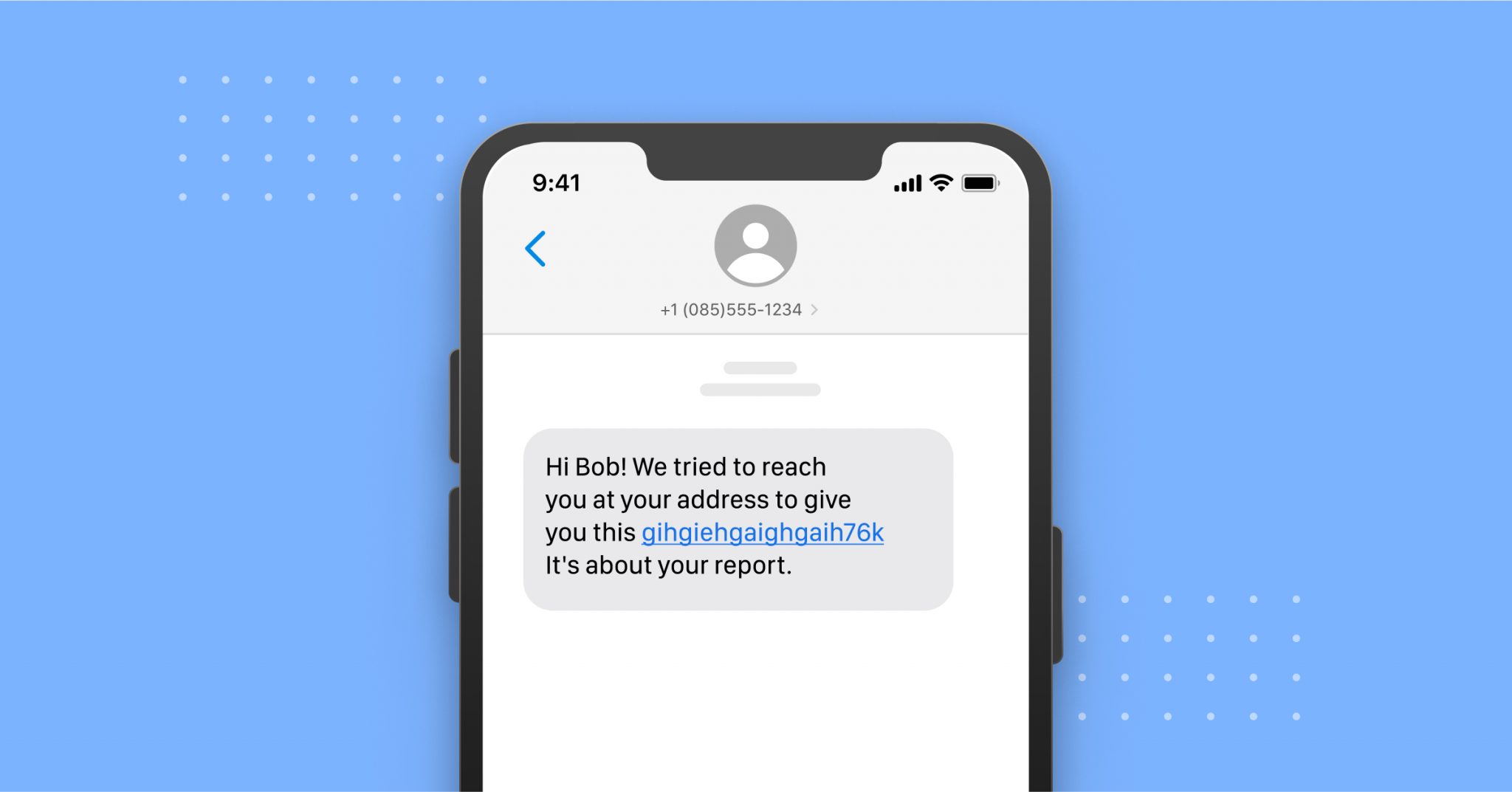
Because of this ambiguity, pranksters and malicious actors often create fake screenshots or use web-based spoofing tools to make you believe a block has occurred. Here is how you can use technical clues and online verification methods to expose the truth.
1. Inspect the Delivery Status and Read Receipts
If you are messaging another iPhone user via iMessage, the chat bubbles provide critical data. A genuine block is often characterized by the sudden disappearance of read receipts (like "Read 4:15 PM") or the complete absence of a "Delivered" status beneath the message bubble.
However, if someone shows you a screenshot of a text thread claiming they blocked you, look closely at the typography and alignment:
- Check the font weight and anti-aliasing. Native iOS and Android fonts render very specifically.
- Look for mismatched spacing in timestamps or battery icons at the top of the screenshot.
- Online screenshot generators often leave subtle artifacts around text bubbles that give away the deception.
2. Test the Call Behavior
Text messaging can be deceptive, but voice calls offer a more reliable secondary test. When you call a number that has genuinely blocked you, you will typically experience a very specific routing pattern:
Normally, a phone rings three to four times before going to voicemail. When blocked, the call will usually ring only once—or sometimes not at all—before immediately redirecting to voicemail, or the line will disconnect instantly with a busy signal. If a friend claims you are blocked on text, but your call rings normally multiple times before hitting voicemail, the text block claim is likely false or merely a temporary cellular glitch.

3. Leverage Cross-Platform Verification
If you suspect a text message block is fake, try reaching out through alternative communication channels. People rarely block contacts across every single app simultaneously unless there is a severe falling out.
Check platforms like WhatsApp, Telegram, or Signal. These third-party apps have distinct status indicators:
- WhatsApp: A single grey checkmark means the message was sent, but double grey checkmarks mean it was delivered. If you see double grey checkmarks, your number is definitely not blocked on that app, proving any claim of a total communication block is false.
- Social Media DMs: Instagram and Facebook Messenger handle blocks differently. Checking if their profile is still searchable or if past chat histories are intact can help verify whether a communication blackout is real or fabricated.
4. Use SMS vs. RCS Status Indicators on Android
Android users utilizing Google Messages rely on Rich Communication Services (RCS) chat features, which function similarly to iMessage by showing typing indicators and read receipts.
If an Android user has blocked you, your RCS messages will fail to send as chat features, and your phone will automatically fallback to standard SMS. If a screenshot provided by someone shows active RCS read receipts ("Read") sent *after* a claimed block date, the screenshot is demonstrably fake.
Common Misconceptions About Blocked Texts
Many online guides claim you can use secret SMS ping services or third-party apps to verify blocked numbers. Be extremely cautious with these tools. Most apps advertised as "block detectors" are scams designed to steal your data, inject malware, or force you into expensive monthly subscriptions.
Furthermore, remember that poor cellular service, a dead phone battery, Do Not Disturb mode, or simply switching carriers can mimic the symptoms of a blocked text. Never jump to conclusions based on a single unanswered message.
Conclusion
Navigating digital communication can be stressful, especially when relationships are on the line. By knowing how to spot fake blocked text messages with these proven online hacks now, you can avoid unnecessary misunderstandings. Always rely on consistent behavior, cross-platform checks, and careful inspection of digital evidence rather than taking suspicious screenshots at face value.