Stay Updated: Carrboro Chapel Hill Schools Guide
Navigating District News in CHCCS
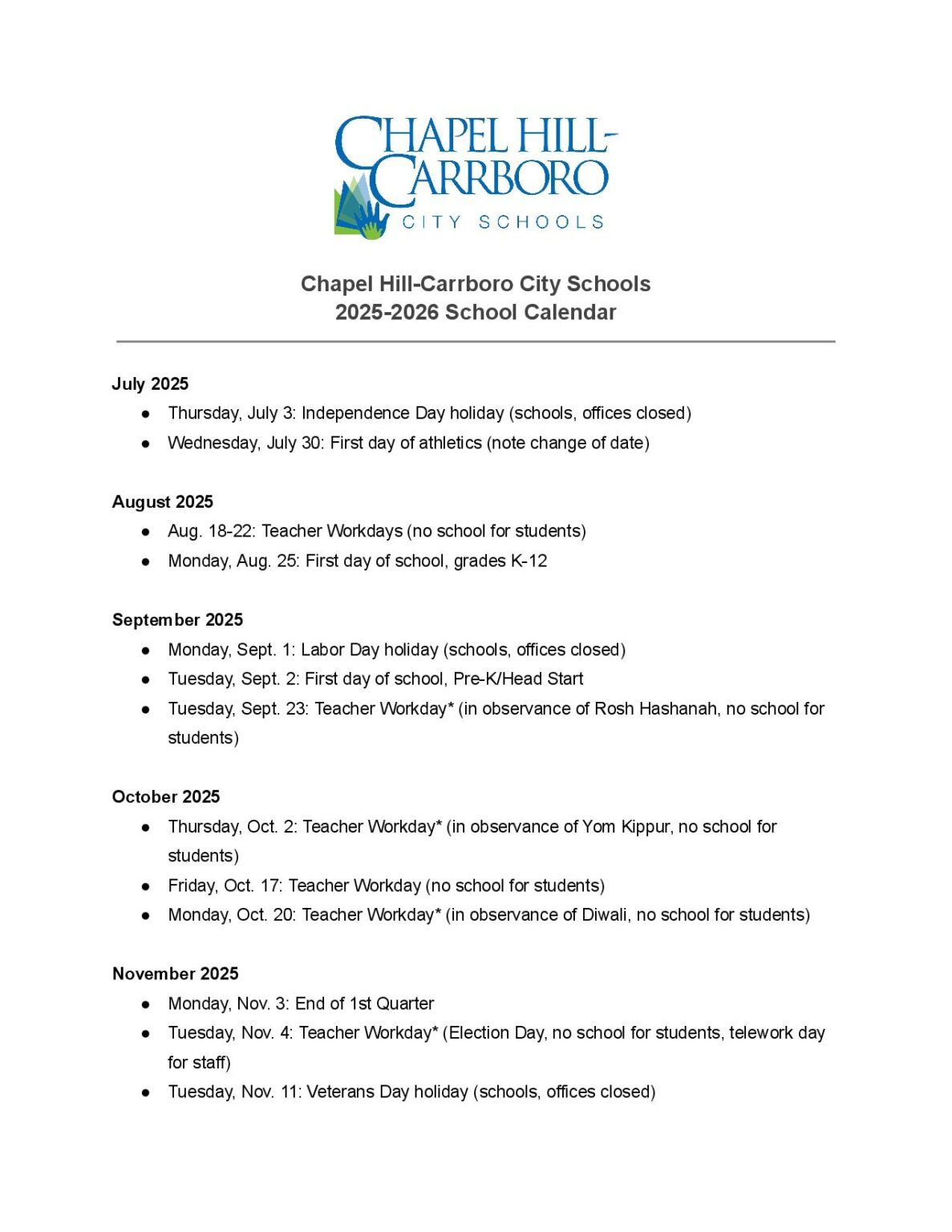
Staying connected with your local school district is essential for supporting your child's academic journey and keeping tabs on community events. For families living in the Triangle area, knowing how to stay informed with the latest Carrboro Chapel Hill Schools updates ensures you never miss a beat regarding weather delays, curriculum changes, or school board decisions.
The Chapel Hill-Carrboro City Schools (CHCCS) district serves thousands of students across multiple elementary, middle, and high schools. Because policies, schedules, and community events shift rapidly throughout the academic year, relying on a single source of information isn't always enough. Utilizing a mix of official district channels, social media, and community groups creates a reliable information safety net.
Official CHCCS Channels for Direct Information
The most accurate source of news will always come directly from the district administration and individual school sites. Bookmark these primary web destinations to check regularly for official announcements.
The Main CHCCS Website and School Pages
The official CHCCS district website acts as the central hub for district-wide news. Here, you can find the academic calendar, emergency closure notices, and press releases. Additionally, every individual school within Carrboro and Chapel Hill maintains its own subpage. Checking your specific child's school page ensures you see updates regarding PTA meetings, picture days, and grade-specific field trips.
District Communication Platforms
CHCCS utilizes automated communication systems to reach families directly via email, text message, and phone calls. To ensure you receive these alerts:
- Keep your contact information up to date in the district’s student information system (PowerSchool).
- Check your spam folder periodically and whitelist emails coming from the `@chccs.k12.nc.us` domain.
- Opt-in to SMS text messaging alerts for urgent notifications like morning weather delays or early dismissals.
Social Media and Digital Newsletters
For quick updates on-the-go, digital and social media platforms provide a streamlined way to consume district news. Algorithms may not always show you everything, so a proactive approach helps.
Following Official Social Accounts
Video: CHCCS Live Stream

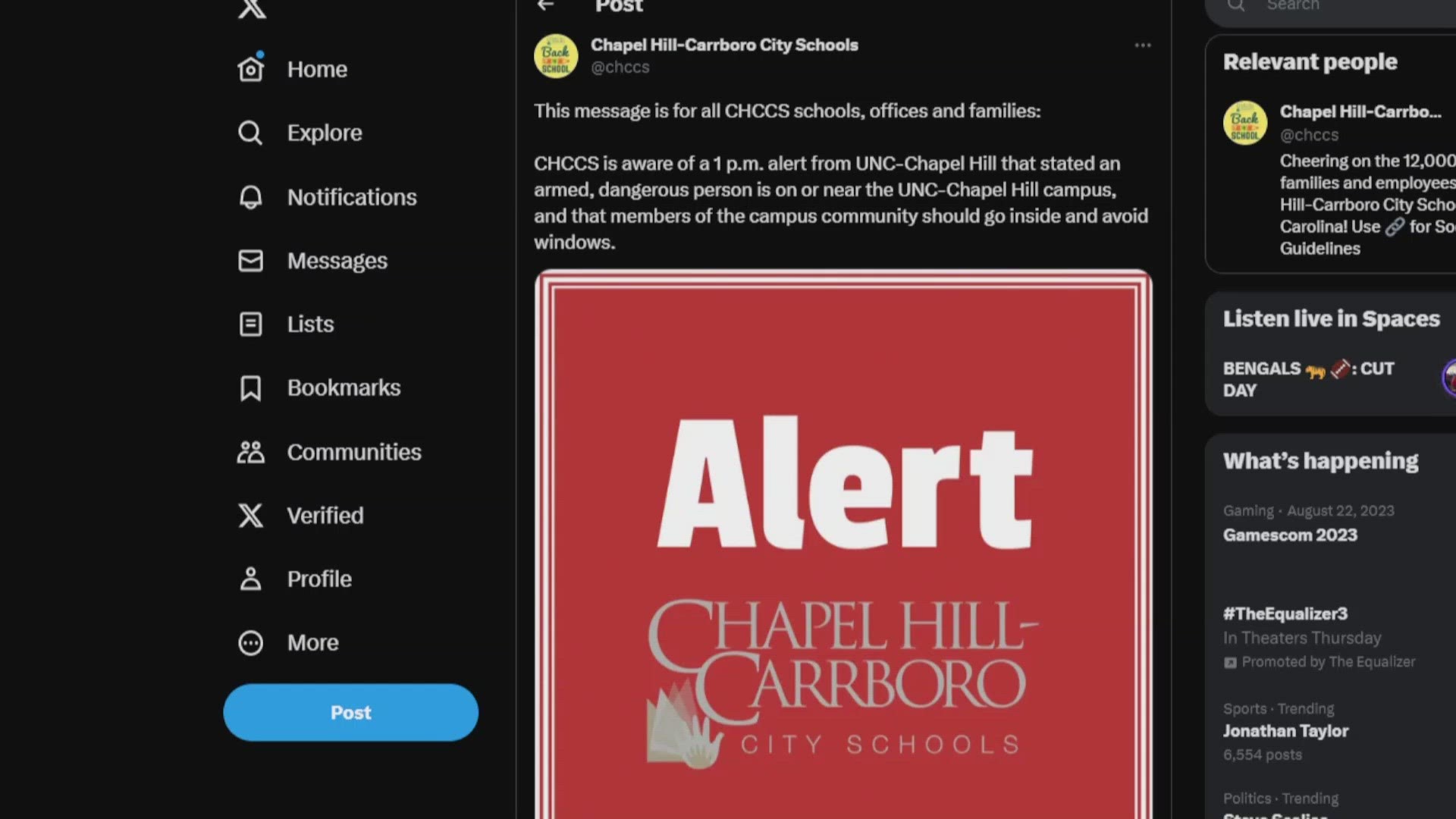
CHCCS maintains active profiles on major social media networks, including Facebook, Twitter (X), and Instagram. Following these accounts allows you to see photo highlights of student achievements, superintendent updates, and quick reminders about upcoming holidays or student-free teacher workdays.
Subscribing to Newsletters
Many schools publish weekly or monthly digital newsletters compiled by principals or PTA presidents. These digests often contain granular details that might not make the main district homepage, such as volunteer sign-ups, club meeting times, and lost-and-found updates. Make a habit of scanning these emails when they land in your inbox on Friday afternoons.
Engaging with the School Board and Community
Active participation gives you a voice in district policies and offers a deeper understanding of where CHCCS is headed. Attending or streaming school board meetings is a transparent way to witness decisions regarding funding, redistricting, and policy changes.
Board of Education Meetings
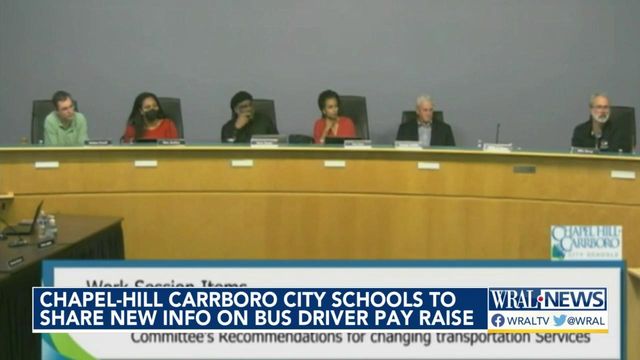
The CHCCS Board of Education typically holds regular business meetings monthly. These sessions are open to the public, and agendas are published online several days in advance. If you cannot attend in person, the district generally provides live streams and archived video recordings on their website or local public access channels.
Local Parent-Teacher Associations (PTAs)
Every school in the district features a dedicated PTA or PTSA. Joining your school’s PTA connects you directly with other parents, teachers, and administrators. These grassroots networks are invaluable for sharing informal tips, organizing carpools, and advocating for school resources.
Tips for Filtering and Managing School Information
With notifications coming from multiple channels—teachers using apps like Canvas or Seesaw, the district sending mass emails, and social media feeds buzzing—it is easy to experience information overload. Managing your digital footprint helps keep the noise down.
- Consolidate Calendars: Sync the official CHCCS district calendar and your specific school's calendar directly to your smartphone or digital assistant (like Google Calendar or Apple Calendar).
- Designate a Check-In Time: Instead of reacting to every notification as it pings, set aside 10 minutes each evening to review school emails and notices.
- Speak Up: If you find yourself out of the loop, don't hesitate to reach out directly to your child's teacher, school guidance counselor, or front office staff. They are always happy to help parents connect with the right communication channels.
By combining official district alerts with active community participation, you can easily stay on top of everything happening across Carrboro and Chapel Hill schools throughout the entire school year.