Surest Provider Portal: A Guide for Healthcare Pros
Navigating the Surest Provider Portal

Managing patient insurance details, verifying coverage, and tracking claims can often drain a medical practice's valuable time. For healthcare providers serving patients with Surest insurance—a plan backed by UnitedHealthcare focusing on copay-free structures and upfront pricing—using the dedicated Surest provider portal is essential. This digital hub streamlines administrative tasks, ensuring your practice can quickly verify benefits and focus on patient care.
Whether you are a front-desk receptionist checking eligibility or a billing specialist tracking claim statuses, understanding how to effectively use this system reduces friction in your revenue cycle. Below is a comprehensive guide on accessing the portal, leveraging its core features, and troubleshooting common access issues.
What Is the Surest Health Plan?
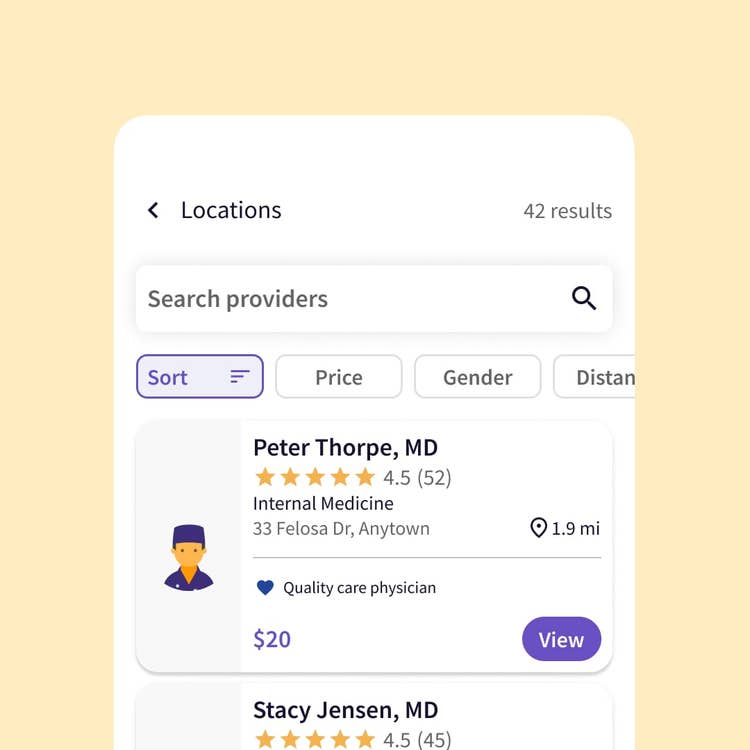
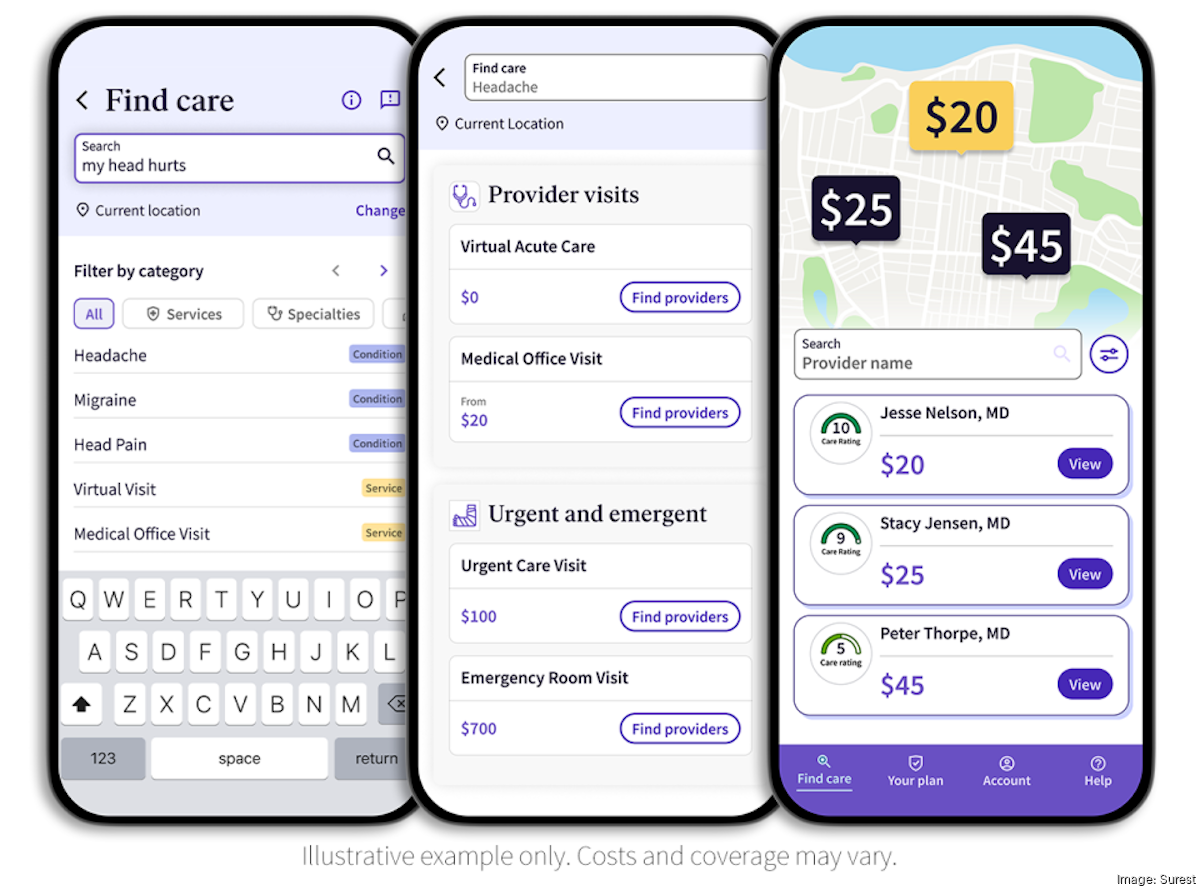
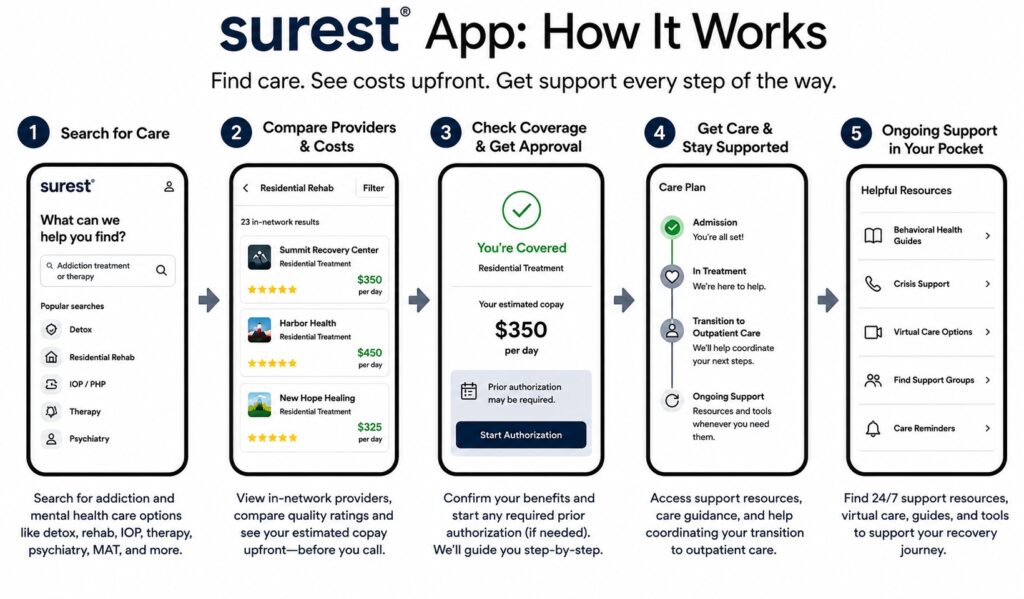
Before diving into the portal itself, it helps to understand the underlying insurance product. Surest (formerly known as Bind) operates differently from traditional high-deductible or copay-only health plans. It provides members with a digital-first experience where they can see upfront prices for specific treatments, procedures, and medications directly in their own app.
Because the cost structures and benefits are dynamically presented to the patient based on network status and specific medical services, providers must rely on the network's administrative tools to get accurate, real-time insights into patient cost-sharing and prior authorization requirements.
Accessing and Logging Into the Portal
Surest utilizes the broader UnitedHealthcare (UHC) provider network infrastructure for many of its administrative functions. To get started, you will need to access the appropriate digital gateway.
Step-by-Step Login Instructions
- Visit the Official Gateway: Navigate to the UnitedHealthcare Provider Portal or the specific Surest-affiliated provider landing page.
- Sign In with Optum ID: Most modern UHC and Surest administrative portals use an Optum ID for secure authentication. If your practice already interacts with UnitedHealthcare, your existing credentials may grant you access, provided your profile has the correct permissions.
- Two-Factor Authentication (2FA): Complete the security verification step via text, email, or authenticator app to protect sensitive patient health information (PHI).
First-Time User Registration
If your clinic or medical group does not yet have an account, a practice administrator must register the Tax ID (TIN) and National Provider Identifier (NPI). You will need to provide basic practice details, verify your identity, and assign appropriate permission levels to your staff members (such as billers versus schedulers).
Core Features of the Provider Portal
Once you are successfully logged in, the portal offers several critical features designed to simplify day-to-day medical practice operations.
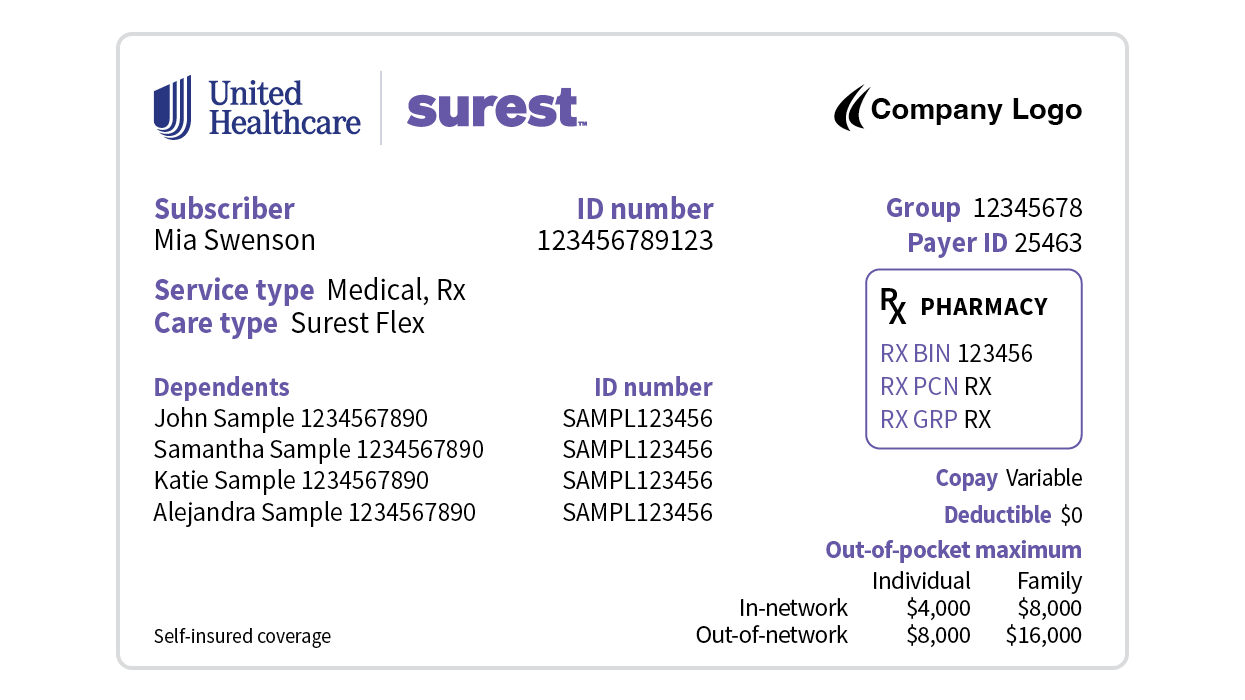
1. Real-Time Eligibility and Benefit Verification
Surest plans emphasize upfront clarity. Through the portal, you can check whether a patient's policy is active, confirm network tier status, and review specific out-of-pocket costs associated with upcoming visits or procedures. Doing this prior to the appointment minimizes billing surprises for both the patient and your practice.
2. Claims Status and Remittance Advice
Tracking the lifecycle of a submitted medical claim is vital for healthy cash flow. The portal allows you to:
- Search for claims by patient name, member ID, or date of service.
- View real-time processing statuses (e.g., received, in review, paid, or denied).
- Access Electronic Remittance Advice (ERA) and Explanation of Benefits (EOB) documents.
3. Prior Authorization Management
Certain specialty medications, imaging services, and surgical procedures require prior authorization under Surest plans. The portal integrates authorization submission tools where you can upload clinical notes, check the status of pending requests, and view approval letters instantly.
Best Practices for Efficient Portal Usage
To maximize the benefits of the portal and prevent administrative bottlenecks, consider implementing these best practices within your administrative workflow:
- Verify Early: Check patient eligibility through the portal at least 48 hours before scheduled appointments to catch coverage changes or unexpected authorization requirements early.
- Role-Based Access Control: Only give staff the permissions they need. Front desk staff may only need eligibility tools, while billing specialists require claims and remittance access.
- Keep Profiles Updated: Ensure your practice's physical address, billing NPI, and contact information remain current in the system to prevent claim misroutes or payment delays.
Troubleshooting Common Portal Issues
Even with robust technology, technical glitches happen. If you encounter roadblocks while trying to use the system, try these steps:
- Clear Browser Cache: Corrupted cookies or cached data can cause login loops on Optum ID-secured pages. Try opening an incognito window or clearing your browser data.
- Password Resets: Use the automated recovery tool if you are locked out. Avoid sharing login credentials among multiple staff members, as this can trigger security lockouts.
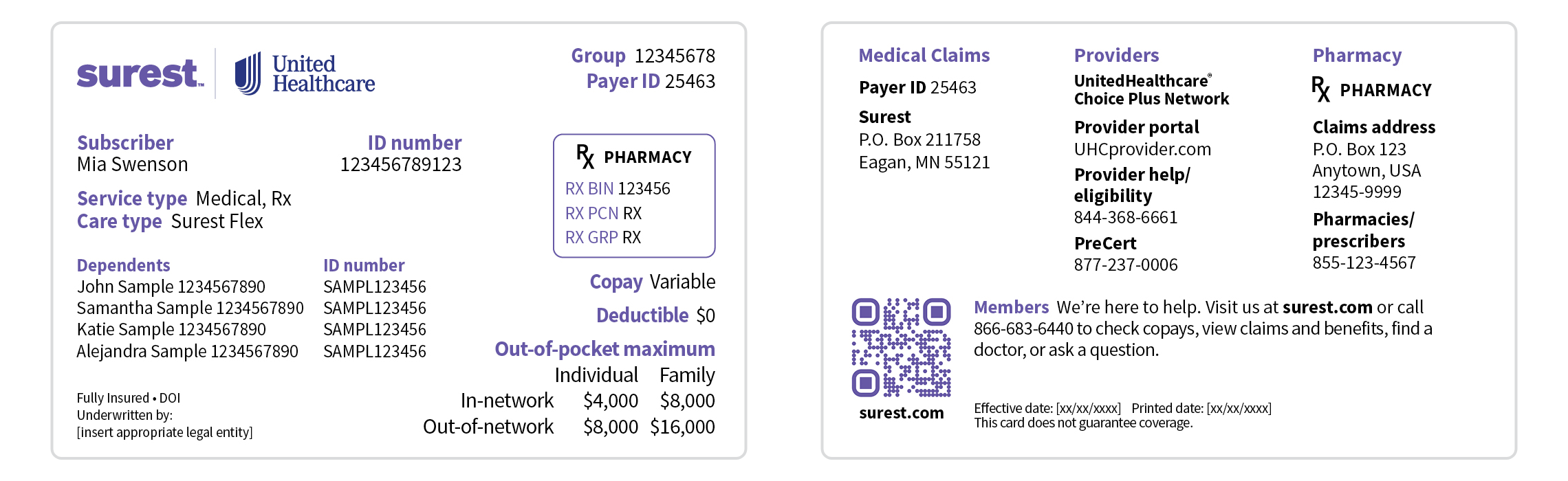
- Contact Support: If you face persistent eligibility errors or claims discrepancies that the portal cannot resolve, contact the dedicated provider service phone number listed on the back of the patient's Surest insurance card.
Conclusion
Mastering the digital administrative tools available for Surest members is a great way to reduce time spent on the phone with insurance representatives. By utilizing the provider portal for eligibility checks, claims tracking, and prior authorizations, your practice can operate more smoothly, reduce claim denials, and deliver a seamless financial experience for your patients.