Thingverse or Thingiverse? A 3D Printing Guide
Navigating the World of Thingverse and Thingiverse
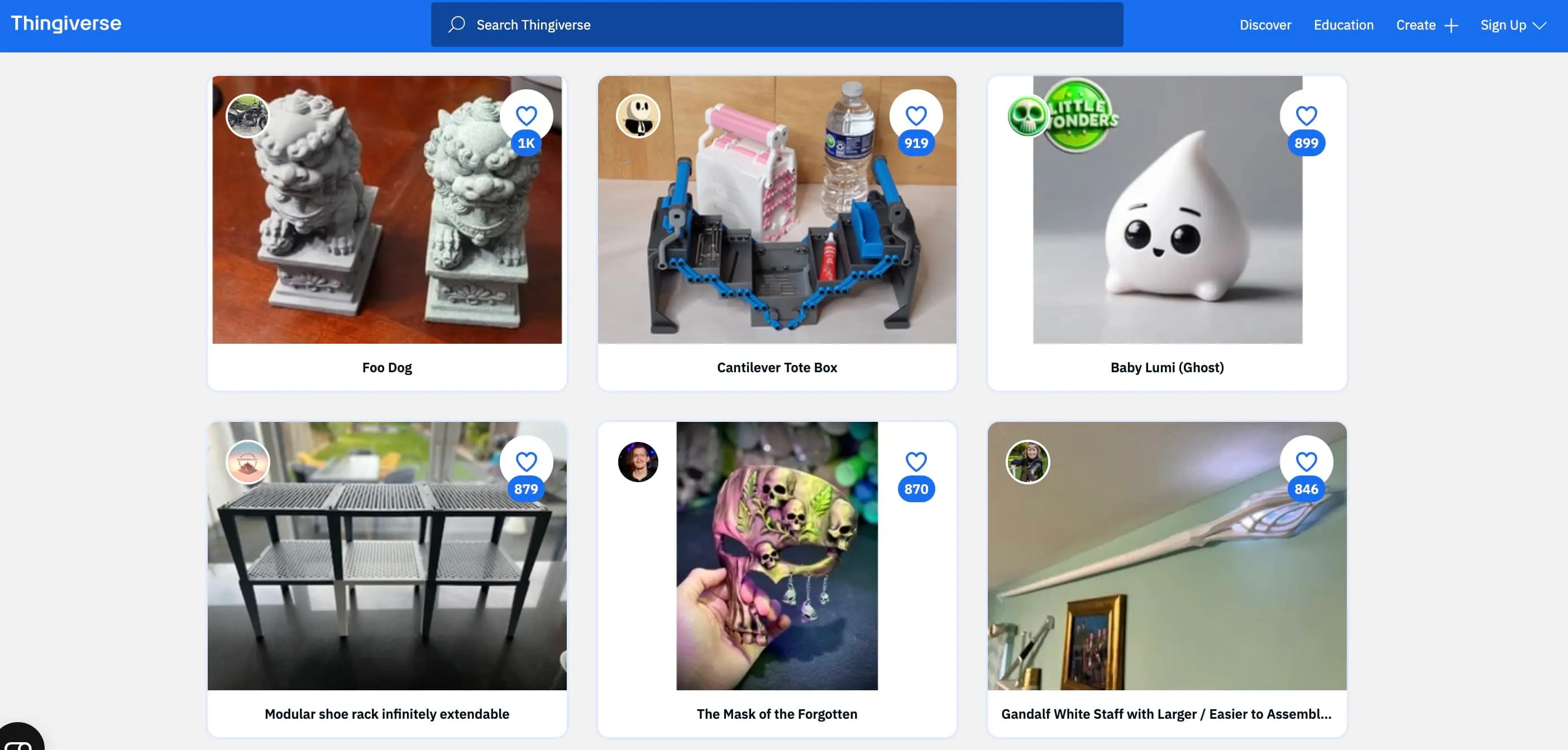
If you are into 3D printing, chances are you have heard of the platform commonly referred to as thingverse. However, if you type that exact spelling into your search bar, you might get corrected. The actual name of the web's largest digital design community for physical objects is Thingiverse, created and maintained by MakerBot.
Whether you are a seasoned hobbyist with a garage full of resin and filament printers or a complete beginner who just unboxed your first machine, understanding how to navigate this massive repository of free content is essential. In this guide, we will explore what the platform offers, how to find the best models, and tips for sharing your own creations.
What is Thingiverse?
Launched in 2008, Thingiverse is a website dedicated to the sharing of user-created digital design files. The primary file format you will encounter here is the STL (Stereolithography) file, which 3D printers use to render three-dimensional objects layer by layer.
The platform operates on an open-source philosophy. Most designs uploaded to the site are free to download, print, and sometimes even modify, depending on the specific Creative Commons license chosen by the original creator. From practical household fixes like custom brackets and cable clips to artistic sculptures and tabletop gaming miniatures, the variety is staggering.
How to Find the Best 3D Models
With millions of designs hosted on the platform, searching for the exact item you need can sometimes feel overwhelming. To get the best results, you need to use smart search strategies.
Using Keywords and Filters Effectively
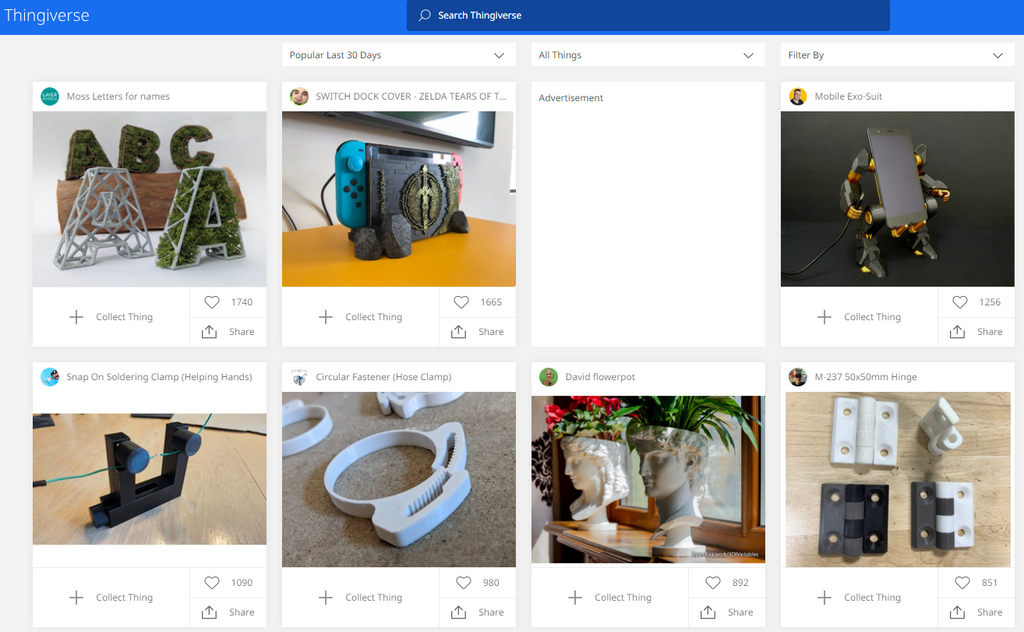
When searching for a model, avoid overly broad terms like "box" or "toy." Instead, use descriptive keywords such as "parametric cable organizer" or "articulated dragon." Once your search results load, utilize the platform's filtering options to sort by:

- Most Popular: Great for finding tried-and-true prints that thousands of other users have successfully printed.
- Newest: Perfect if you are looking for fresh designs or seasonal items.
- Make Count: Shows you which models have the highest number of user-uploaded photos proving they actually work in the real world.
Checking the "Makes" and "Comments" Tabs
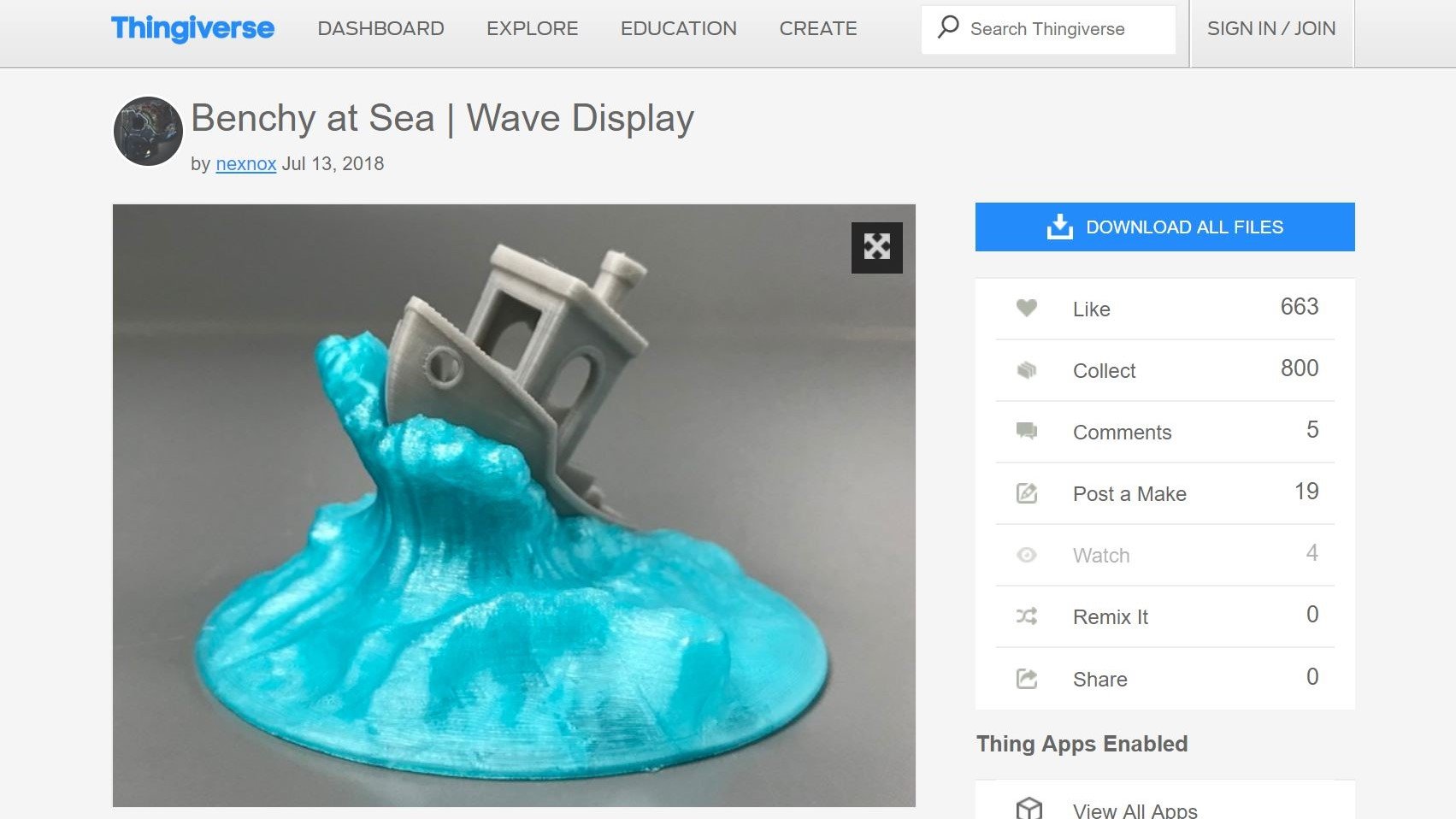
Before you send a massive 24-hour print job to your machine, always click on the "Makes" and "Comments" sections of a listing. The "Makes" tab shows photos and feedback from other makers who have printed the exact file. If multiple users report that a certain overhang is impossible to print without supports, or that a screw hole is too small, you can save yourself hours of wasted filament by checking this feedback beforehand.
Common Challenges and Alternatives
While the platform remains a staple of the 3D printing community, it is not without its quirks. Over the years, users have experienced occasional website slowdowns, search engine bugs, and indexing issues. Because of this, many makers also utilize alternative platforms alongside their usual browsing routine.
- Printables: Run by Prusa Research, this platform has gained massive popularity due to its modern interface, active reward system, and rigorous quality control.
- Cults3D: A marketplace featuring both free and premium high-end designs, particularly popular for detailed miniatures and cosplay props.
- MyMiniFactory: Known for curating guaranteed-printable files, especially in the realms of tabletop gaming and historical replicas.
Despite these alternatives, the sheer volume of niche, highly specific utilitarian designs on Thingiverse ensures it remains a mandatory bookmark for any maker.
Tips for Sharing Your Own Designs
If you have dabbled in computer-aided design (CAD) software like Fusion 360, Blender, or Tinkercad, you might want to give back to the community by uploading your own creations.
- Write Clear Instructions: Detail your recommended print settings, such as layer height, infill percentage, and whether supports are needed.
- Choose the Right License: Select a Creative Commons license that aligns with your wishes—whether you want to allow commercial sales or restrict modifications.
- Upload Good Photos: A clear, well-lit photo of the printed physical object will attract significantly more downloads than a simple CAD render.
Conclusion
Whether you search for thingverse or use its correct name, Thingiverse remains an invaluable cornerstone of the 3D printing hobby. By learning how to filter search results, check community feedback, and respect creator licenses, you can unlock a nearly endless library of physical objects waiting to be brought to life on your build plate.