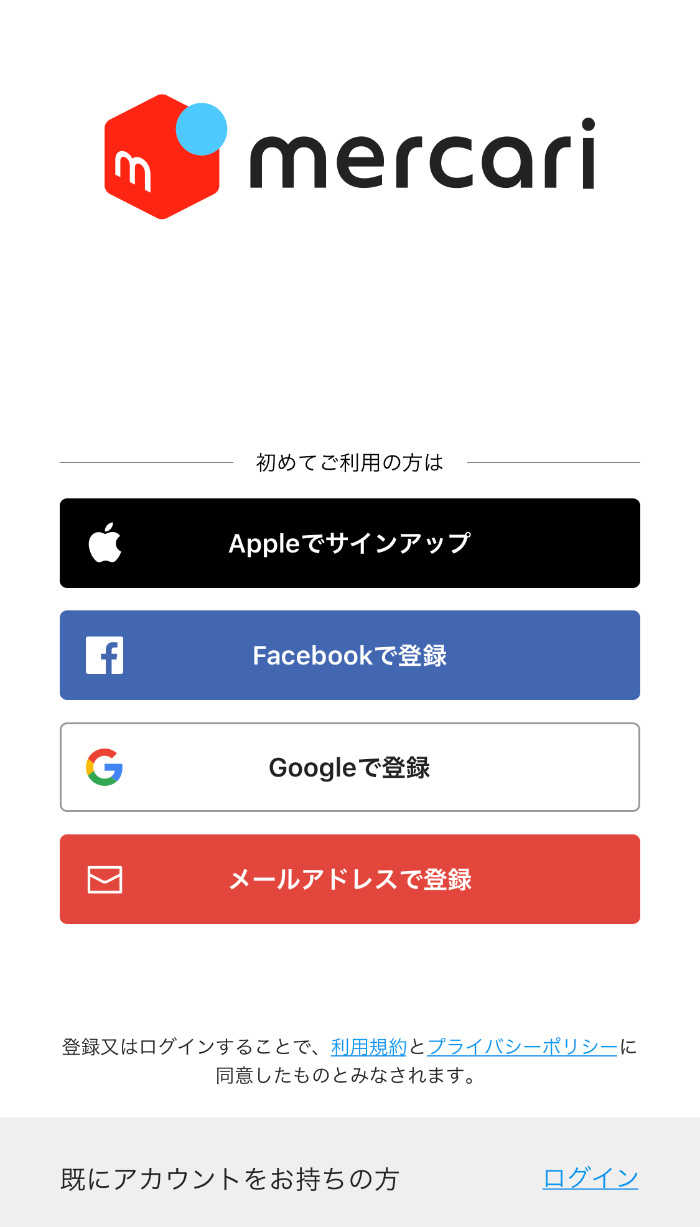
Ultimate Guide to Managing Your Mercari Account
Navigating the world of online resale can be incredibly rewarding, whether you are clearing out your closet or building a side hustle. At the center of your buying and selling journey is your Mercari account. Setting it up correctly, keeping it secure, and understanding how the platform works will save you time, protect your earnings, and ensure a smooth experience.

This guide walks you through everything you need to know about creating, managing, and optimizing your account on Mercari.
Setting Up Your Mercari Account
Getting started on the platform is straightforward, but taking a few extra minutes during the initial setup can prevent headaches later. Whether you use the mobile app or the desktop website, the registration process requires just a few basic steps.
Registration and Profile Optimization
To create your profile, you will need to provide an email address, create a password, and verify your phone number. Once your login is established, focus on building trust with the community:
- Profile Picture: Use a clear avatar or your business logo. Avoid leaving the default placeholder image, as buyers and sellers are hesitant to transact with blank profiles.
- Bio: Write a short, polite introduction. Mention your shipping schedule (e.g., "I ship within 24 hours!") or any bundle policies you might have.
- Linked Accounts: Connect your social media accounts or secondary email to strengthen your profile authenticity.
Identity Verification
Mercari takes platform safety seriously. To withdraw your earnings and unlock certain selling features, you will need to complete identity verification. This typically involves submitting a government-issued ID and matching it with a quick selfie. Completing this step early prevents unexpected holds on your funds when you make your first sale.
Mastering the Dashboard and Features
Once your profile is live, your dashboard serves as the command center for all your activities. Familiarizing yourself with the interface helps you track purchases, manage active listings, and monitor incoming offers.
Buying Essentials
Shopping on the platform is designed to be intuitive. When you find an item you like, you can purchase it outright or use the "Make Offer" feature to negotiate a lower price with the seller. Always review the seller's ratings and cancellation rate before making a purchase. Once you receive your item, you have three days to inspect it and rate the transaction, which releases the funds to the seller.
Video: How to Setup a Mercari Account

Selling Essentials
Listing an item takes just minutes. Take clear photos in good lighting, write a detailed description including measurements and any flaws, and choose the right shipping category. Accurate weight estimation is critical; choosing the wrong shipping weight can result in carrier overage fees charged back to your balance.
Securing Your Mercari Account
Because your account holds your financial information, payout methods, and sales revenue, security must be a top priority. Protecting your login credentials ensures that bad actors cannot intercept your earnings or make unauthorized purchases.
- Strong Passwords: Use a unique, complex password that you do not use on any other shopping or social media sites.
- Enable Two-Factor Authentication (2FA): Whenever available, use SMS or authenticator-based verification to add an extra layer of security to your login process.
- Beware of Phishing: Mercari support will never ask for your password, social security number, or verification codes via email or external messaging apps. Keep all communications and transactions within the official platform.
Troubleshooting Common Account Issues
Even seasoned users occasionally run into roadblocks. Knowing how to handle common account status changes can save your business from unnecessary downtime.
Account Restrictions and Suspensions
If your access is temporarily restricted, it is usually due to a policy violation, a surge in cancellations, or an unverified identity. Check your email inbox and app notifications for specific messages from Mercari Trust and Safety. Common triggers include selling prohibited items (such as counterfeit goods or restricted products), using stock photos instead of real ones, or communicating outside the app to arrange off-platform payments.
Contacting Support
When automated troubleshooting fails, you need to reach out to customer service. Use the Help Center inside the app to submit a ticket. Be concise, provide screenshots of the issue, and maintain a polite tone to help support agents resolve your case as quickly as possible.
Conclusion
Your Mercari account is the gateway to a thriving resale marketplace. By prioritizing profile completeness, maintaining strict security habits, and following platform guidelines, you can buy with confidence and scale your selling operations smoothly. Keep your listings updated, ship promptly, and enjoy the resale journey.