Unblocked FNAF: Play Free in Browser Safely
Since its release in 2014, Scott Cawthon's Five Nights at Freddy's has remained an indie horror staple. The tense, resource-management gameplay combined with terrifying animatronic jump scares makes it an enduring favorite. However, restrictive web filters on school and office networks frequently block gaming portals, leading fans to search for unblocked fnaf titles that run directly in modern web browsers without requiring local installations.
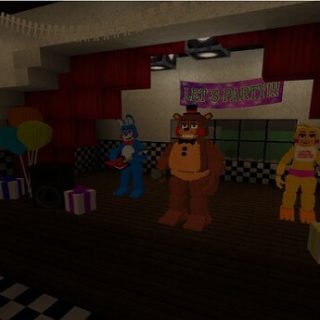
Finding a playable, safe, and faithful version of Freddy Fazbear's nightmare on a restricted device is entirely possible. This guide breaks down how browser-based ports work, where to find legitimate versions, how to stay safe from malware, and essential tips for surviving the night shift on a low-spec machine.
How Browser-Based FNAF Ports Work
The original commercial releases of the series were built on Clickteam Fusion 2.5, a 2D engine that renders pre-calculated 3D scenes. Because Clickteam Fusion uses lightweight 2D sprite frames rather than complex real-time 3D rendering, community developers have successfully converted several early titles into WebGL and HTML5 formats.
In the past, web games relied on Adobe Flash, which was permanently discontinued in 2020. Modern browser ports utilize one of three common methods:
- HTML5 / WebGL Conversions: Direct conversions of the original game assets into JavaScript and canvas elements, allowing smooth 60 FPS gameplay inside Chrome, Edge, or Firefox.
- MIT Scratch Ports: Highly accurate community remakes programmed inside the Scratch educational platform. These frequently bypass institutional content filters because educational domains are rarely restricted.
- Web-Based Emulators: Browser wrappers that run mobile or Android-based APK assets inside an isolated virtual canvas.
Safe Options for Playing Unblocked FNAF
Not every website advertising unblocked games is trustworthy. When searching for functional ports, rely on platforms that host clean web code without forcing downloads or third-party extensions.
1. Educational and Creative Platforms (Scratch)
Community developers have recreated near-identical versions of Five Nights at Freddy's 1 through 4 on MIT's Scratch platform. Because Scratch is an educational coding site, school firewalls generally whitelist the domain. Search for titles like "FNAF remake" or specific developer handles within the Scratch directory. Note that audio compression may reduce sound quality slightly compared to the commercial release.
2. Open-Source Code Repositories (GitHub Pages)
Developers who port open-source HTML5 games often host their projects directly on GitHub Pages (domains ending in github.io). These mirrors feature zero advertisements, clean source code, and responsive controls. They also rarely trigger automated keyword blocks targeted at general "gaming" URLs.
3. Indie Portals (Itch.io)
Itch.io hosts thousands of browser-playable indie games, including authorized fangames and licensed demos. Filtering for in-browser HTML5 games lets you test fan projects like Five Nights at Candy's or The Joy of Creation without downloading untrusted software.
Which FNAF Chapters Run Best in a Browser?

Due to file size and asset complexity, not every chapter in the Fazbear franchise performs equally well in a web window:
- FNAF 1: The best browser experience. Its limited camera count, compact asset size, and straightforward mechanics make it practically identical to the original PC build.
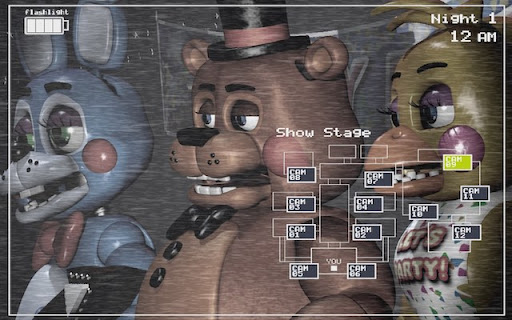
- FNAF 2: Highly playable, though the rapid switching between the Freddy mask, flashlight, music box, and security cameras can cause momentary input lag on underpowered Chromebooks.
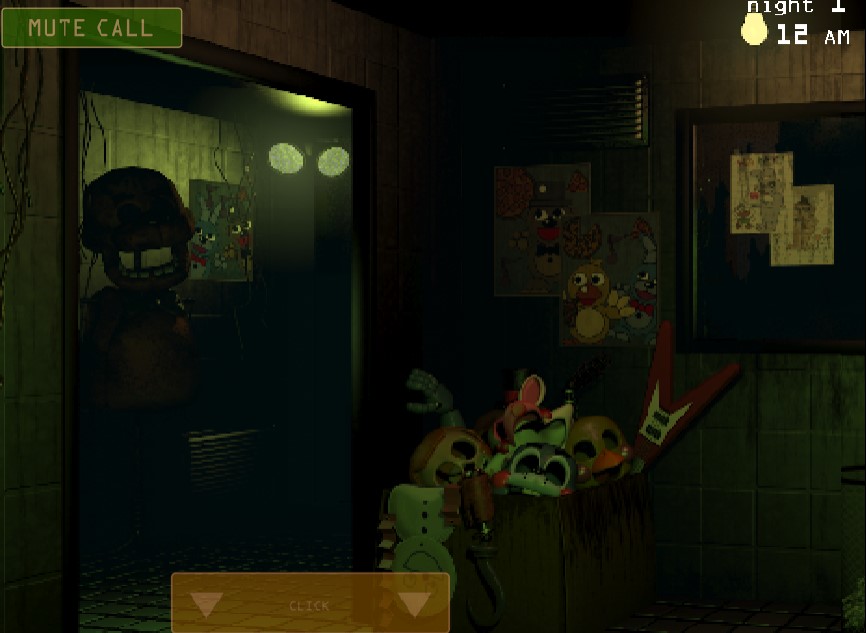
- FNAF 3 & 4: Playable on well-optimized mirrors, but FNAF 4 relies heavily on subtle ambient audio cues. Web audio compression can make hearing Nightmare animatronics at the hallway doors significantly harder.
- Sister Location & Later: Be cautious of sites claiming to host full browser editions of Sister Location, Pizzeria Simulator, or Security Breach. These games require far more storage and processing power than a basic web client can deliver; sites advertising them are often misleading or ad-heavy click traps.
Crucial Safety Tips When Browsing Unblocked Sites
Network security filters exist for a reason, and sketchy mirror sites often exploit high search interest for unblocked games to serve malicious scripts or aggressive advertising. Protect your device by keeping the following precautions in mind:
- Never download an .EXE or .BAT file: A legitimate unblocked game runs entirely within your browser window. If a site prompts you to download a client, file, or setup wizard to play, close the tab immediately.
- Refuse browser extension prompts: Malicious portals often claim you need a "flash player update" or a custom extension to load the game. These are almost always adware or tracking tools.
- Avoid entering personal credentials: Authentic web games do not require you to sign up, provide an email address, or link personal accounts.
- Use native ad-blocking tools: Many unblocked mirror networks rely on aggressive pop-unders and deceptive download buttons that mimic game interfaces.
How to Survive the Night Shift in a Web Window
Playing in a browser window presents unique gameplay challenges, including audio latency, dropped inputs, and window focus issues. Use these tactics to stay alive until 6:00 AM:
Plug in Headphones
Audio is your primary early-warning defense system across the entire franchise. In FNAF 1, listening for Freddy's low laughter tells you where he is moving on the camera map without expending monitor battery. In FNAF 4, hearing faint breathing determines whether you shut the bedroom door or flash your light. Laptop speakers struggle with the low-frequency audio used for these cues.
Manage Your Battery Aggressively (FNAF 1)
Every action drains your limited power bar. Check cameras only in short bursts rather than staring at feeds. Keep left and right office doors open until you visibly confirm Bonnie or Chica in the blind spots using the door lights. If Freddy reaches your right door, keep the camera focused on the East Hall Corner to freeze him in place.
Master Keyboard Shortcuts
Clicking your mouse across a browser screen can accidentally drag elements or trigger unwanted browser menus. Whenever possible, use built-in keyboard toggles. In several HTML5 ports, pressing the Spacebar toggles the monitor, while specific hotkeys operate door lights, reducing the risk of clicking outside the game canvas during critical moments.
Summary
Browser ports provide a convenient way to experience Scott Cawthon's legendary horror title on restrictive networks. Stick to trusted hosting domains like Scratch, GitHub Pages, or established indie repositories, avoid downloading external files, and dial in your audio settings to make it safely through your five-night shift.