Unlock Random Color Chooser Tools to Boost Workflow
When creative fatigue sets in, selecting the right palette can derail an entire project. Designers often spend hours nudging hex values, second-guessing contrast, or recycling the same comfortable color combinations. However, when you unlock random color chooser tools to boost your design workflow efficiency, you replace decision fatigue with rapid, serendipitous experimentation, transforming a tedious guessing game into an agile, data-informed process.
Modern color generators have evolved far beyond basic random hex code scripts. Today's tools leverage color science, perceptual color spaces, and machine learning to produce cohesive, production-ready systems in seconds. Understanding how to integrate these generators into your daily toolkit will dramatically reduce your design turnaround time.
The Hidden Cost of Manual Color Selection
Color theory is foundational to visual design, yet manual palette creation poses several persistent bottlenecks:
- Cognitive overload: Weighing saturation, hue, and brightness across multiple interface states consumes valuable creative energy.
- Familiarity bias: Designers unconsciously gravitate toward palettes they have used before, leading to homogeneous portfolio work.
- Accessibility friction: Creating aesthetically pleasing combinations that also meet Web Content Accessibility Guidelines (WCAG) contrast standards requires continuous recalculation.
By automating the discovery phase with randomization, you bypass creative blocks and expose your project to unexpected harmonies you might never have assembled manually.
How Modern Random Color Chooser Tools Actually Work
True utility does not come from pure, unconstrained chaos. A script that picks five arbitrary RGB values usually produces unreadable, garish clashes. High-performance design tools apply structured mathematical constraints to randomness.
Algorithmic Color Harmony
Most advanced randomizers operate along classic harmonic formulas—analogous, complementary, triadic, and split-complementary systems. When you trigger a random selection, the algorithm generates an anchor hue and computes mathematically balanced counterpart values along the color wheel.
Perceptually Uniform Color Spaces
Legacy tools generate colors using standard sRGB or HSL models. The problem with HSL is that humans do not perceive brightness uniformly across hues; pure yellow looks significantly brighter than pure blue at the same nominal lightness value. Contemporary randomizers increasingly use models like CIELAB, LCH, or Oklab. These spaces ensure that as colors randomize, their perceived lightness and visual weight remain predictable and balanced.
Context-Aware Machine Learning
Modern tools like Colormind and Huemint train deep learning models on curated design assets, artwork, and photography. Instead of generating abstract swatches, they calculate how colors interact functionally—designating distinct tones for backgrounds, typography, primary accents, and subtle borders.
Unlock Random Color Chooser Tools to Boost Your Design Workflow Efficiency
Deploying a random color picker effectively requires a disciplined strategy. If you click "generate" aimlessly, you trade one form of procrastination for another. Follow this structured process to turn randomized color selection into a repeatable pipeline.
- Establish Your Non-Negotiable Anchor: Start with the brand's primary color or a mandatory client tone. High-utility generators allow you to "lock" specific hues while randomizing the remaining slots.
- Define Roles, Not Just Hues: Map your slots to specific UI functions: a dominant neutral (background), a high-contrast text color, an interactive accent, and supporting surface tones.
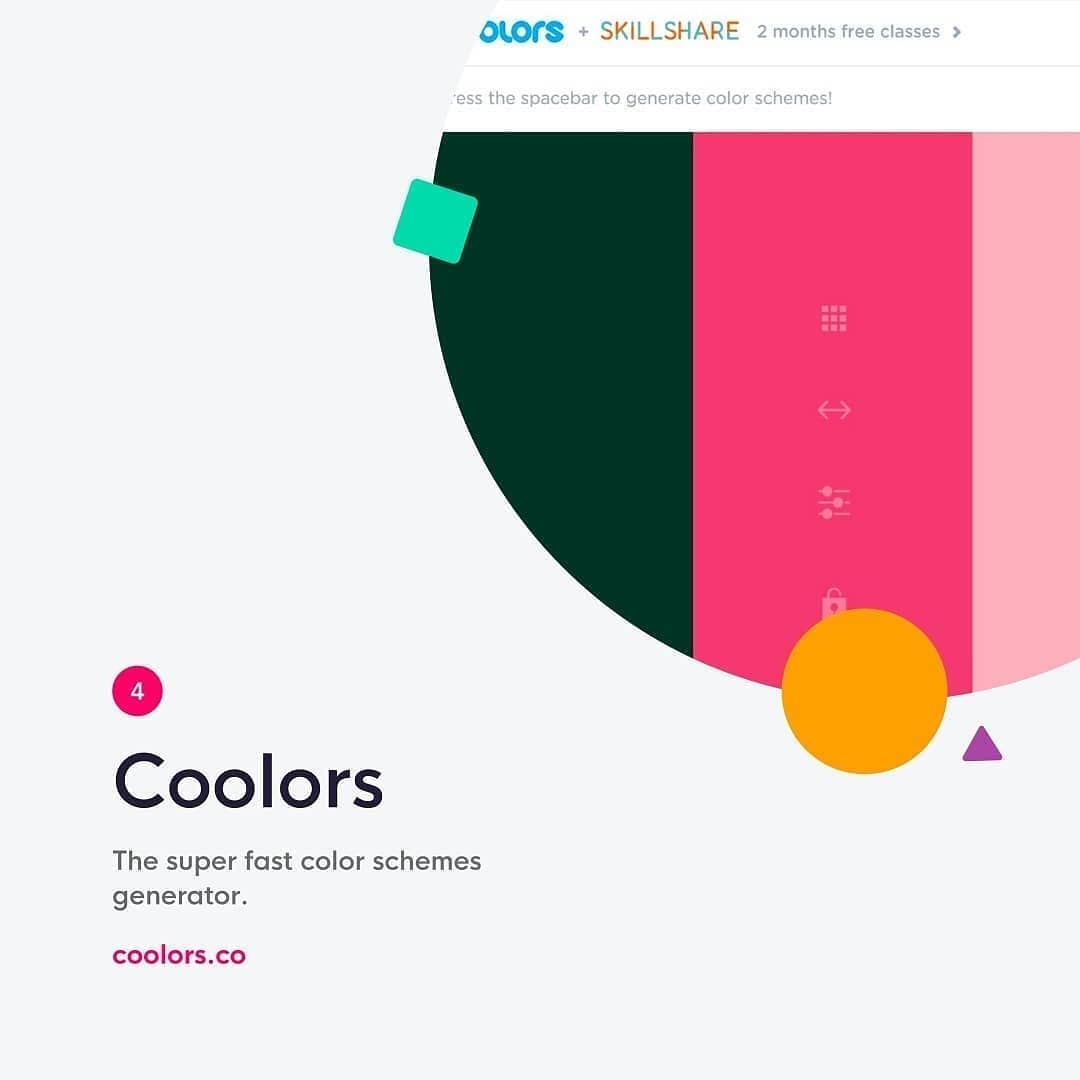
- Iterate Rapidly with Spacebar Locking: Hit your generation shortcut to cycle through accent possibilities. When an intriguing secondary color appears, lock it down and continue cycling the remaining slots until the balance snaps into place.
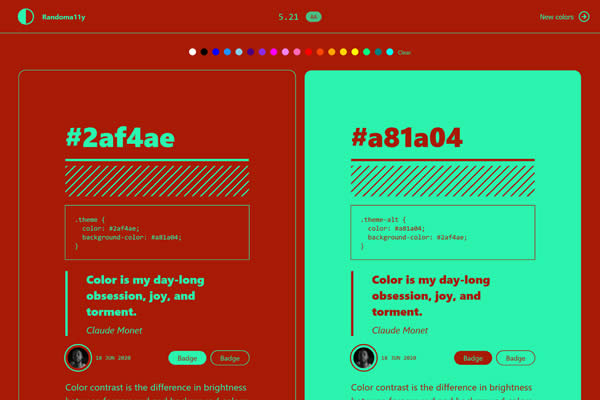
- Stress-Test Contrast in Real Time: Ensure your tool provides instant contrast ratio indicators against black and white backdrops before finalizing your selection.
Key Features to Look for in a Color Generator
Not every random color tool serves professional production workflows. When evaluating options, prioritize platforms that offer the following capabilities:
1. Granular Lock Controls

The ability to freeze one or two hex values while letting the rest cycle randomly is essential. This bridges deliberate brand parameters with spontaneous discovery.
2. Direct Export Formats
Exporting should not mean copy-pasting hex codes one by one. Look for tools that generate CSS Custom Properties, Tailwind CSS configuration objects, Sass variables, SVG palettes, or Figma tokens directly.
3. Contrast and Accessibility Scoring
The best tools incorporate WCAG 2.1 AA/AAA compliance checks and newer Advanced Perceptual Contrast Algorithm (APCA) calculators into the generator view. If a randomized pair fails accessibility standards, the tool should flag it immediately.
4. Color Blindness Simulation
Evaluating randomized combinations across protanopia, deuteranopia, and tritanopia lenses ensures your visual hierarchy remains legible for every user before you advance to mockups.
Best Practices for Integrating Color Tools into Sprints
To maximize velocity without sacrificing visual quality, establish clear boundaries for how and when your team deploys color generators.
Use Randomization During Wireframing and Concepting
In the initial divergent phase of a project, generate three to five contrasting aesthetic directions within minutes. Presenting distinct mood palettes to stakeholders early clarifies client preferences before high-fidelity visual design begins.
Create Scalable Tonal Scales
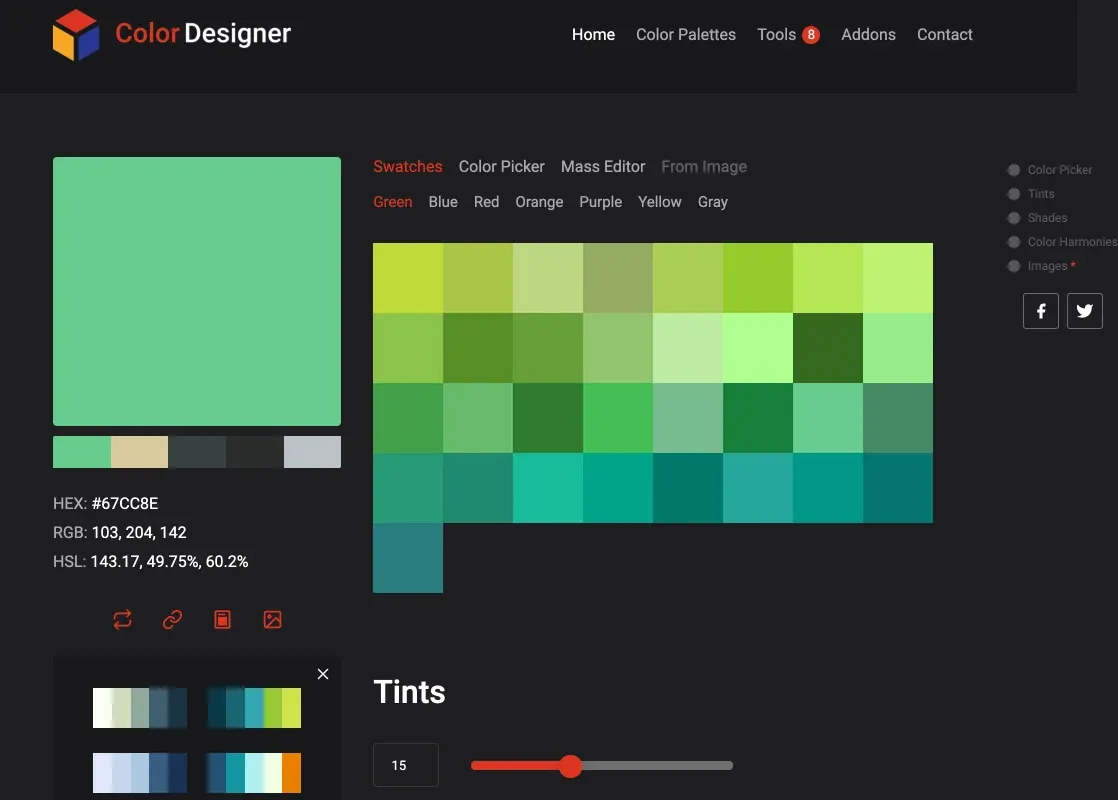
A randomizer gives you a great starting accent, but design systems require depth. Once you select a randomized base color, expand it into a 50-to-900 tint and shade scale to support hover states, active states, and dark mode variations.
Integrate with Design System Plugins
Many popular color tools offer extensions for Figma, Sketch, and Adobe XD. Running a randomized generator directly inside your canvas lets you test dynamic color swatches against existing components in real time, rather than evaluating swatches in an isolated browser tab.
Accelerate Your Creative Output
Treating color selection as a purely instinctual, manual chore slows down projects and limits visual experimentation. By integrating algorithmic randomizers into your discovery phase, you remove subjective indecision, maintain stringent accessibility baselines, and discover striking color harmonies in a fraction of the time.