Unlocking the Power of myChart: A Doctor's Insider Guide
Introduction to Your Digital Healthcare Hub

As a practicing physician, I watch patients struggle with the healthcare system every single day. They wait on hold to schedule routine appointments, call the front desk for lab results, or try to remember what dose of medication their specialist prescribed six months ago. Yet, many of these same patients have a powerful tool sitting right in their pocket: the patient portal. Unlocking the power of myChart: A doctor's insider guide is all about bridging the gap between clinical care and digital convenience.
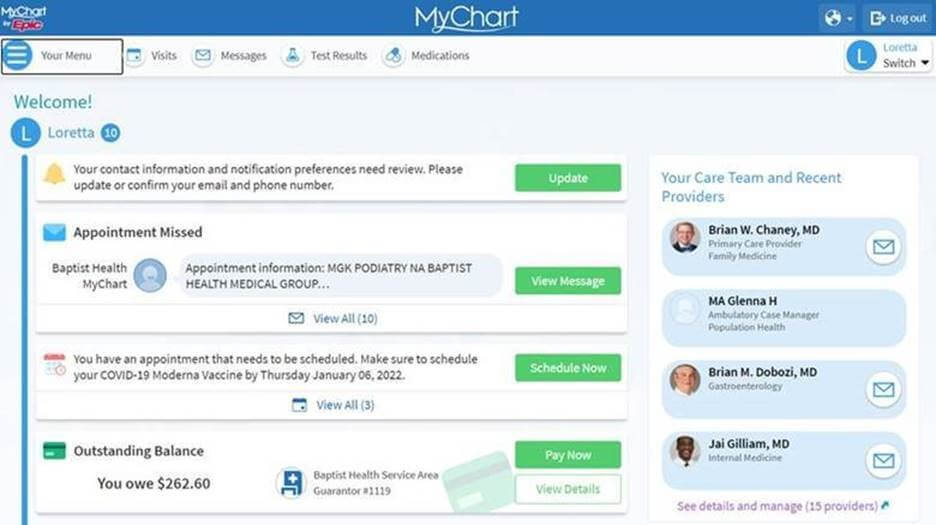
Patient portals like myChart are no longer just glorified digital filing cabinets. Today, they are dynamic platforms designed to put you in the driver's seat of your own health. However, like any advanced tool, knowing how to use it effectively makes all the difference. When used correctly, myChart can save you time, reduce anxiety, and foster a much stronger, more collaborative relationship with your healthcare team.
Navigating Messaging for Maximum Efficiency
One of the most valuable features of myChart is direct messaging with your care team. However, physicians receive dozens—sometimes hundreds—of portal messages daily between patients, hospitals, and administrative tasks. How you write your message dictates how quickly and effectively your doctor can help you.
How to Write a Message Your Doctor Can Answer Quickly
When you send a message that reads like a novel, it takes precious time for a busy clinician to parse out the core medical issue. To get the fastest and most accurate response, structure your messages using these simple guidelines:
- State the main issue immediately: Put your primary symptom or question in the very first sentence.
- Include timelines: Mention exactly when the symptom started, how often it occurs, and whether it is getting better or worse.
- List relevant context: Note what treatments or over-the-counter medications you have already tried and whether they helped.
- Stick to one topic per message: If you have three distinct health concerns, send three separate messages so they can be triaged to the appropriate specialists or nurses.
By keeping your communication crisp, focused, and clinically relevant, you help your doctor help you without unnecessary delays.
Mastering Lab Results and Clinical Notes
The 21st Century Cures Act changed medicine forever by mandating that patients get immediate access to their lab results, imaging reports, and clinical notes the moment they are finalized. While this transparency is a massive win for patient autonomy, it can also lead to unintended anxiety.
Video: Unlocking Your Hidden MyChart Notes! What Your Doctor Didn't Share

It is common to log into myChart at 9:00 PM on a Friday, see a lab value flagged in red, and spend a sleepless weekend panicking before the clinic opens on Monday. As a doctor, my best advice is to practice patience. A flagged value often means a marker is slightly outside the standard laboratory reference range, which does not automatically translate to a dangerous medical condition. Your care team reviews these results in the context of your overall health history, not just as isolated numbers.
Furthermore, reading your doctor's clinical notes can be eye-opening. You will see observations about your physical exam, lifestyle discussions, and diagnostic reasoning. If you spot a factual error in your chart—such as a past surgery date that is incorrect or a medication you no longer take—use the portal's update or messaging feature to ask your care team to correct the record. Keeping your chart accurate keeps you safe.
Streamlining Administrative Tasks
Beyond clinical communication, myChart can completely eliminate the administrative friction of managing your healthcare. Most patients only scratch the surface of what these portals can accomplish administratively.
Smart Ways to Use Your Portal
- Prescription Refills: Always request refills through your portal rather than calling the pharmacy. This routes the request directly to your physician's team, cutting out a middleman and reducing turnaround time.
- Appointment Scheduling: Use self-scheduling features for routine visits like annual physicals or standard follow-ups. You can often see open slots days or weeks in advance without waiting for office hours.
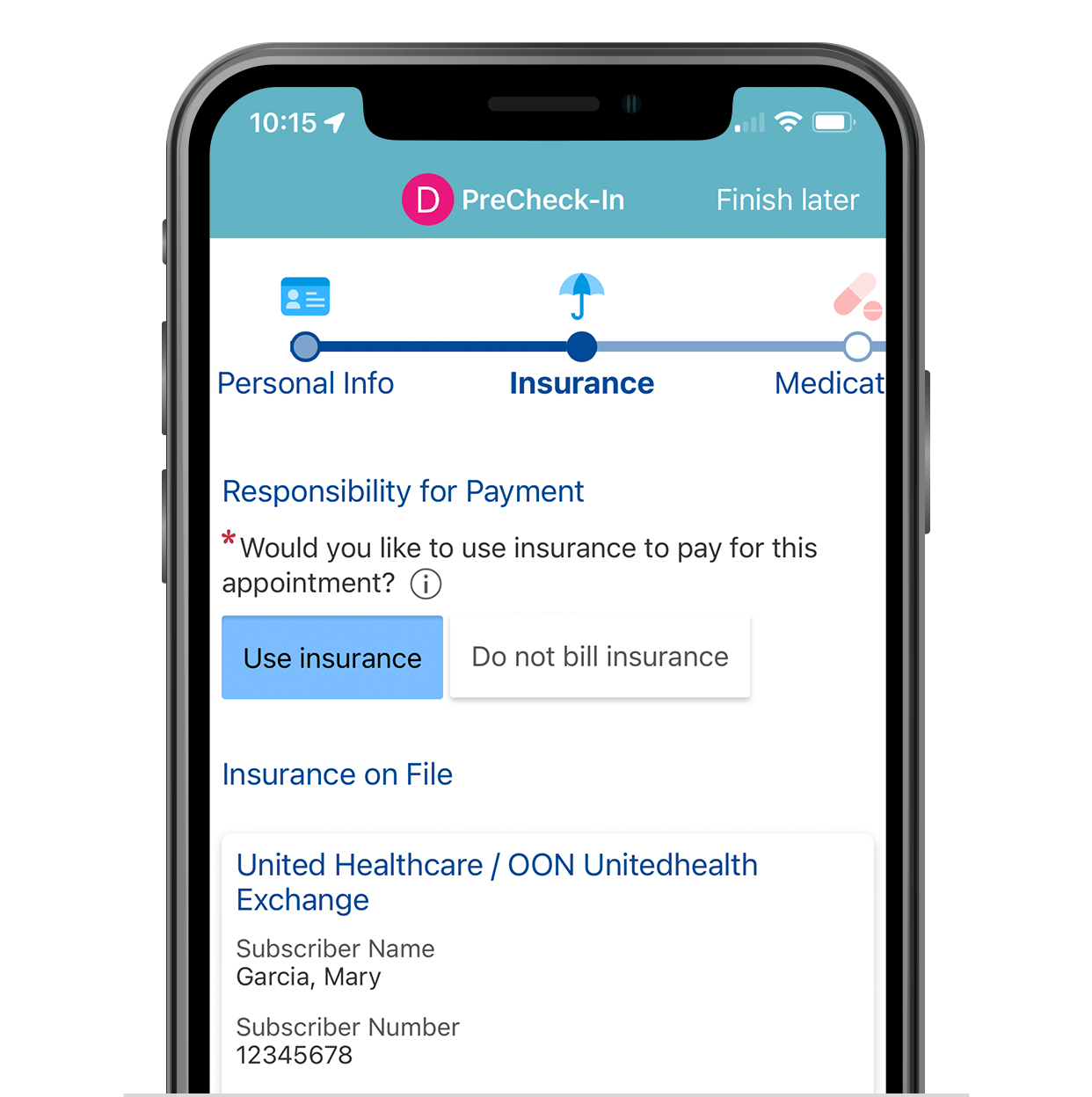
- E-Check-In: Complete your pre-visit questionnaires, update your insurance cards, and verify your medication list online before you arrive. This drastically cuts down your time in the waiting room.
- Immunization Records: Download official vaccination records instantly for travel, school registration, or employment without having to request paper copies from the office.
Avoiding Common Pitfalls on the Portal
While myChart is incredible, it is important to understand its limitations. A digital portal is not designed for urgent or emergency situations. If you are experiencing chest pain, severe shortness of breath, sudden weakness on one side of the body, or severe allergic reactions, do not send a portal message. Clinicians do not monitor these inboxes 24/7. Always call 911 or go to the nearest emergency department for acute crises.
Additionally, respect the boundaries of your care team. While 24/7 access to your health data is wonderful, expecting 24/7 clinical responses can lead to burnout for medical staff and unrealistic expectations for care. Use the portal wisely, keep your communications focused, and view it as a bridge to better health rather than a replacement for comprehensive, in-person medical evaluations.
Conclusion
Your patient portal is only as powerful as how you choose to use it. By approaching myChart with clear communication strategies, realistic expectations for test results, and an appreciation for its administrative shortcuts, you can transform your healthcare experience. Take a few minutes today to log in, update your profile, and explore the tools waiting at your fingertips.