UPS Printing Services: Cost, Quality, and Options
A Complete Guide to UPS Printing Services

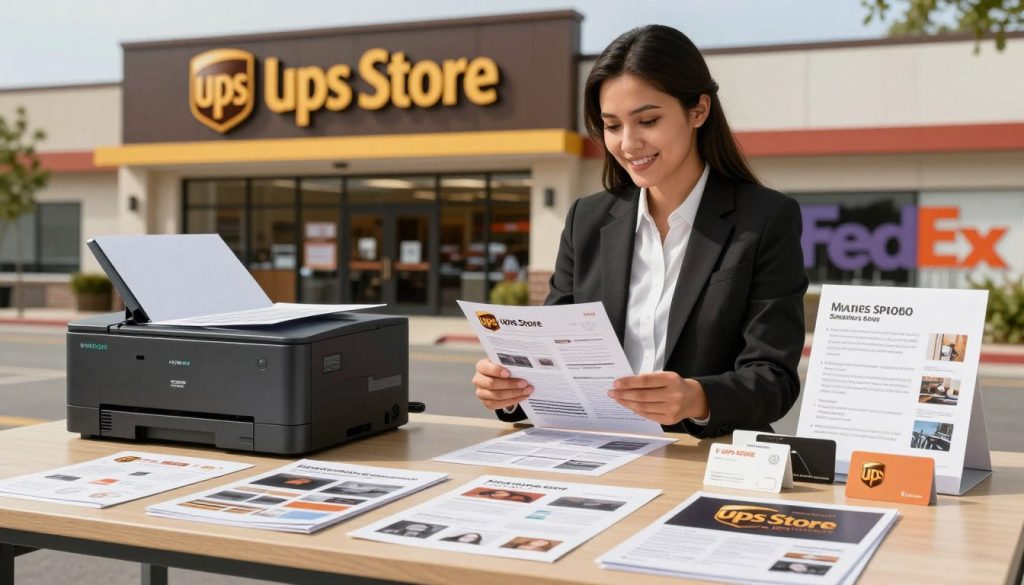
When you need documents, marketing materials, or large-format banners printed quickly, turning to a shipping center might not be your first thought. However, UPS Store locations offer robust printing solutions that rival traditional copy and print shops. Whether you are preparing a corporate presentation, printing architectural blueprints, or making flyers for a local event, understanding how UPS printing services work can save you time, money, and hassle.
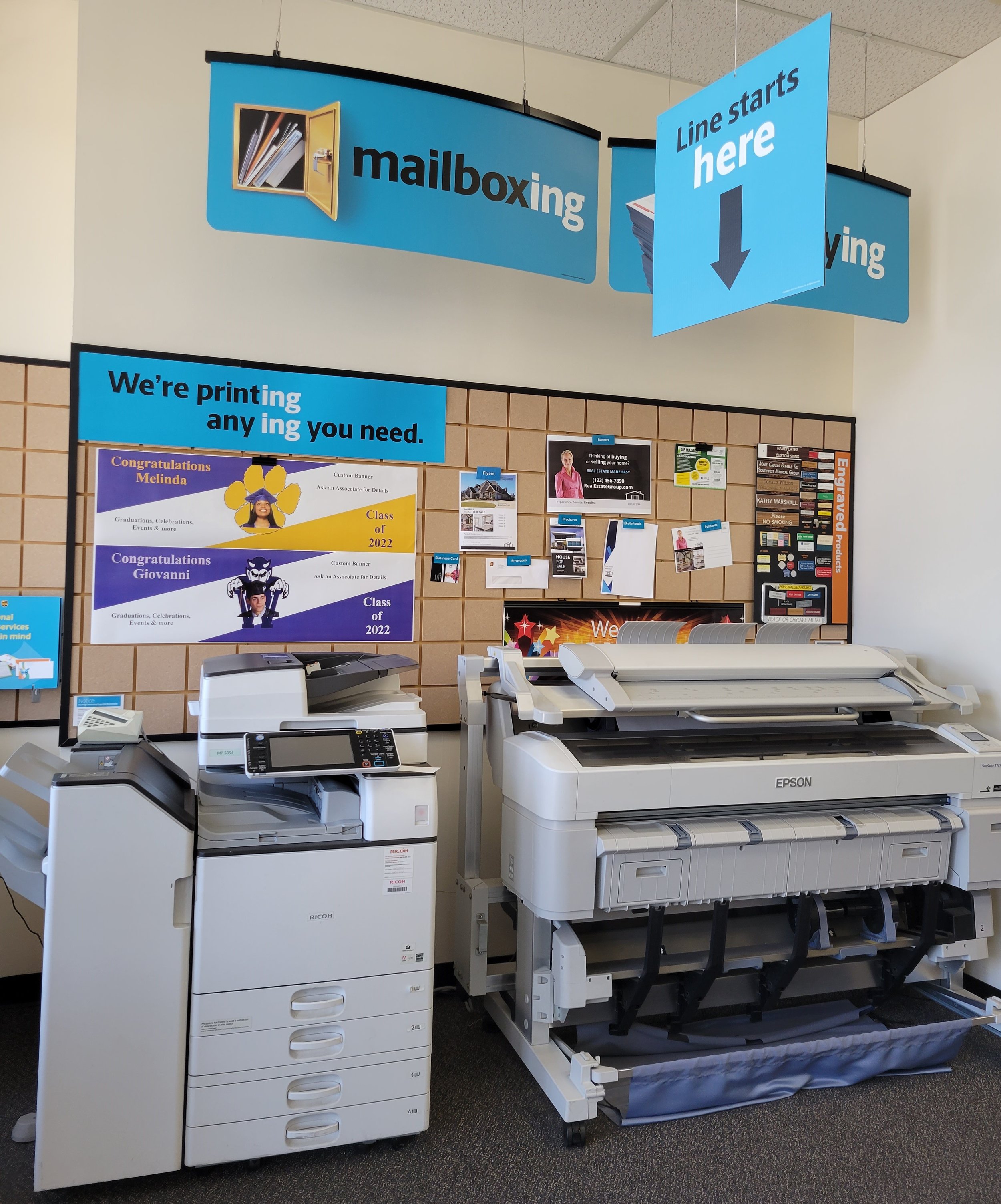
Most UPS Store locations are equipped with industrial-grade digital printers, wide-format plotters, and professional finishing equipment. This guide breaks down what you can print, how pricing works, and tips to ensure your project turns out perfectly.
What Can You Print at The UPS Store?
The capabilities of UPS printing services extend far beyond simple black-and-white photocopies. Most locations handle a wide variety of personal and commercial print jobs.
Document and Office Printing
Standard document printing is the most common request. You can print standard letter, legal, and tabloid sizes in both vibrant color and sharp black-and-white. Common items include:
- Reports, resumes, and academic papers
- Manuals, handbooks, and training guides
- Invoices, forms, and corporate collateral
- Presentations with slide handouts
Marketing and Promotional Materials
If you are looking to promote a business, event, or product, UPS provides professional-grade marketing products on various cardstocks and specialty papers:
- Flyers and brochures (tri-fold, bi-fold, and z-fold)
- Business cards with matte, gloss, or premium finishes
- Posters and yard signs
- Posters, banners, and window graphics
- Postcards and direct mail collateral
Large-Format and Engineering Printing
Need oversized prints? Many UPS locations feature large-format plotters capable of printing architectural blueprints, engineering schematics, oversized charts, and event banners on vinyl or canvas.
Finishing and Binding Options
A printed document is rarely ready straight out of the printer. UPS printing services include a full suite of finishing options to give your project a polished, professional look:
- Binding: Choose from coil, comb, wire-o, or thermal tape binding for reports and presentations.
- Lamination: Protect frequently handled documents, menus, or educational aids with matte or gloss lamination.
- Cutting and Trimming: Precise edge-cutting for business cards, flyers, and custom prints.
- Folding and Creasing: Machine-folding for brochures, newsletters, and direct mailers.
How to Order and Turnaround Times
Getting your items printed through UPS is designed to be straightforward, offering both in-person and digital ordering methods.
Online Upload vs. In-Store Kiosks
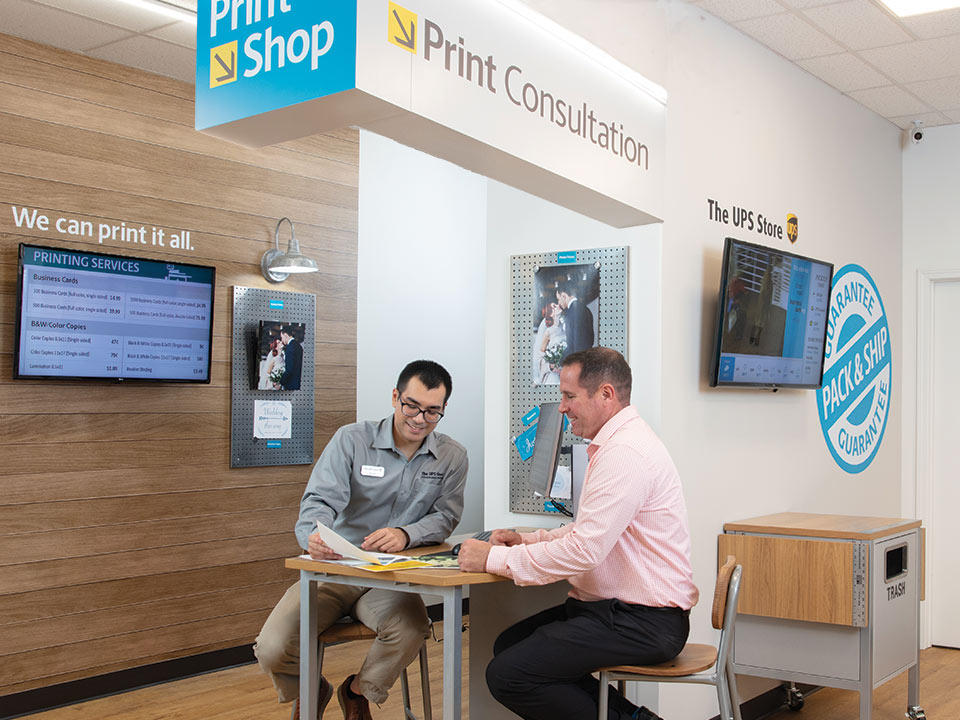
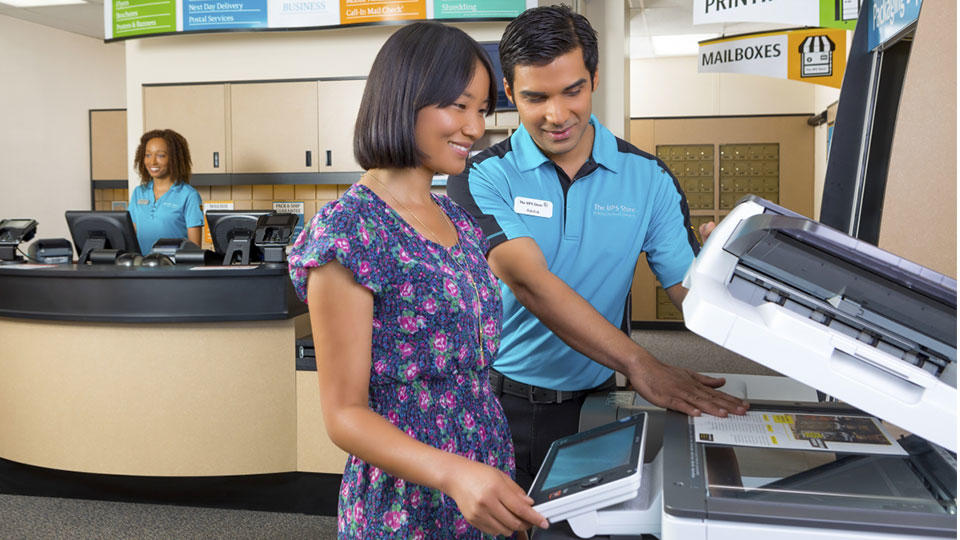
For maximum convenience, you can upload your files (PDF, Word, JPEG, etc.) directly to the UPS Store website, select your paper stock and finishing options, and send the job to a local store of your choice. Alternatively, you can visit a physical store, use their self-service copy machines, or hand a USB drive to an associate at the counter.
Turnaround Times
Many standard document print jobs can be completed while you wait or within a few hours. However, complex projects—such as large-format banners, extensive booklets, or specialty cardstock orders—may require 24 to 48 hours. Always call ahead or check online estimates if you are working against a strict deadline.
Pricing and Cost Considerations
The cost of UPS printing services depends heavily on volume, paper weight, color usage, and finishing requirements. While printing a few black-and-white pages is inexpensive (often around 10 to 15 cents per page), full-color glossy flyers or bound manuals carry a higher per-page cost.
Bulk discounts often apply. If you need 500 business cards or 250 brochures, the unit price drops significantly compared to printing small batches. It is always wise to request an online quote before finalizing your order to avoid unexpected expenses.
Tips for the Best Print Results
To ensure your final product looks professional and matches your expectations, follow these quick best practices:
- Save as PDF: Always convert your documents to PDF format before uploading. This locks in fonts, formatting, and image placement so nothing shifts during printing.
- Check Color Modes: If you are designing marketing materials, use CMYK color profiles rather than RGB for more accurate color representation on paper.
- Leave Bleed Room: If your design goes all the way to the edge of the paper, include a bleed area (usually an extra 1/8 inch) so no white borders appear after trimming.
- Proofread Carefully: Check spelling, alignment, and contact information twice before submitting your files. Store associates generally do not proofread customer files.
Final Thoughts
UPS printing services offer a reliable, accessible alternative to standalone print shops. With thousands of locations nationwide, online ordering capabilities, and professional finishing options, they make it easy to produce high-quality documents and marketing materials on demand. Whether you are an entrepreneur launching a brand or a student printing a thesis, taking advantage of these services can streamline your workflow and elevate your final presentation.