Verizon Apple Watch Series 7: Plans, Activation & Guide
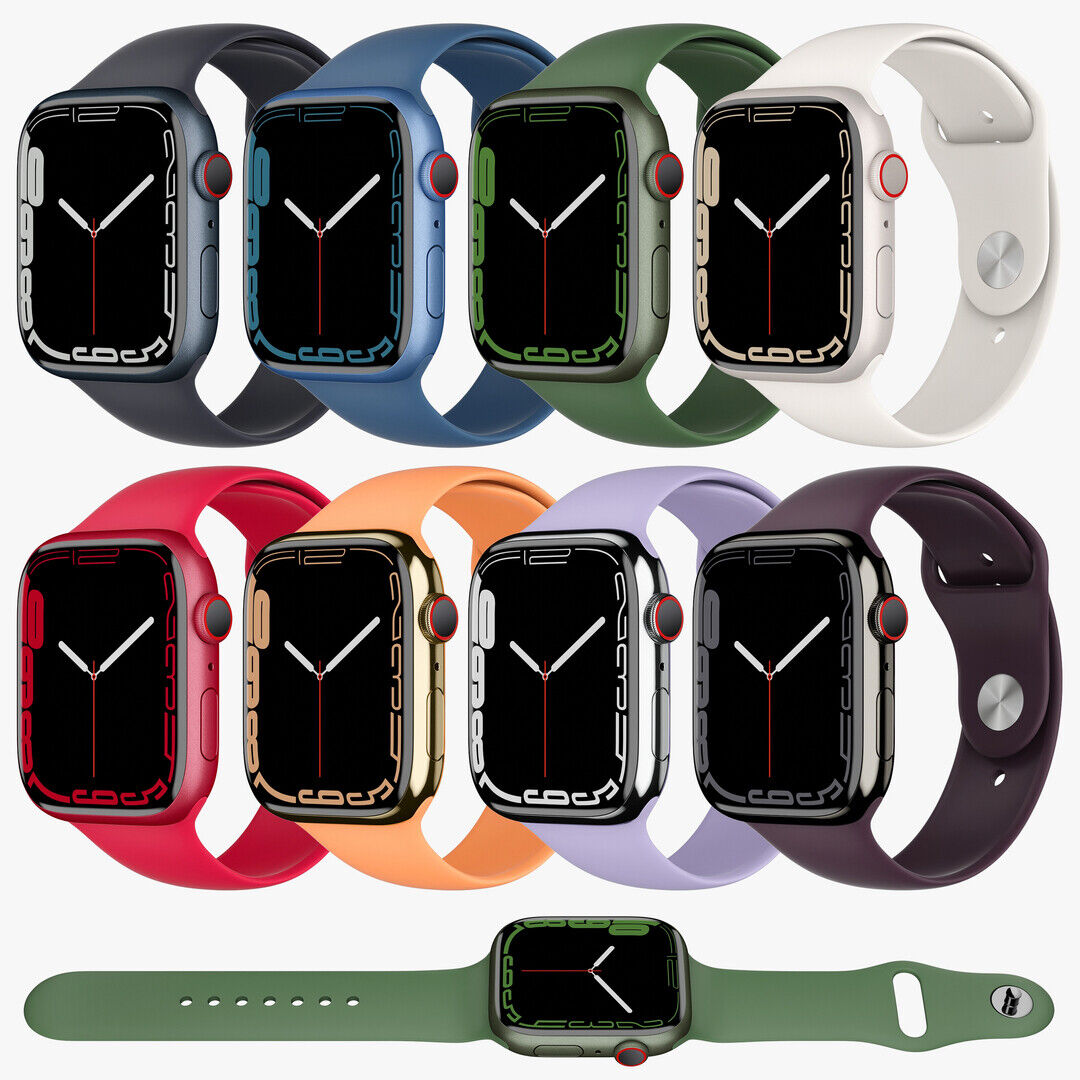
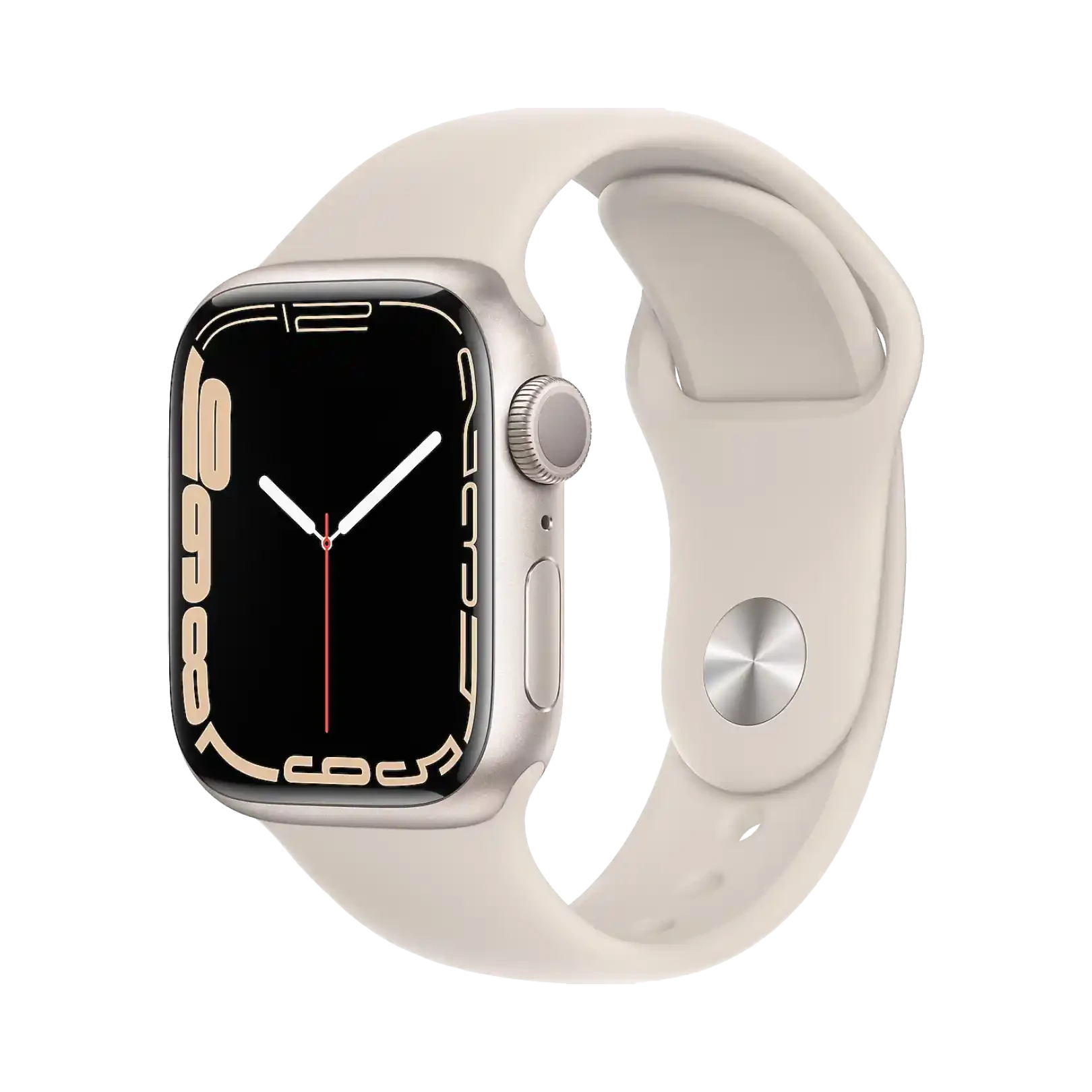
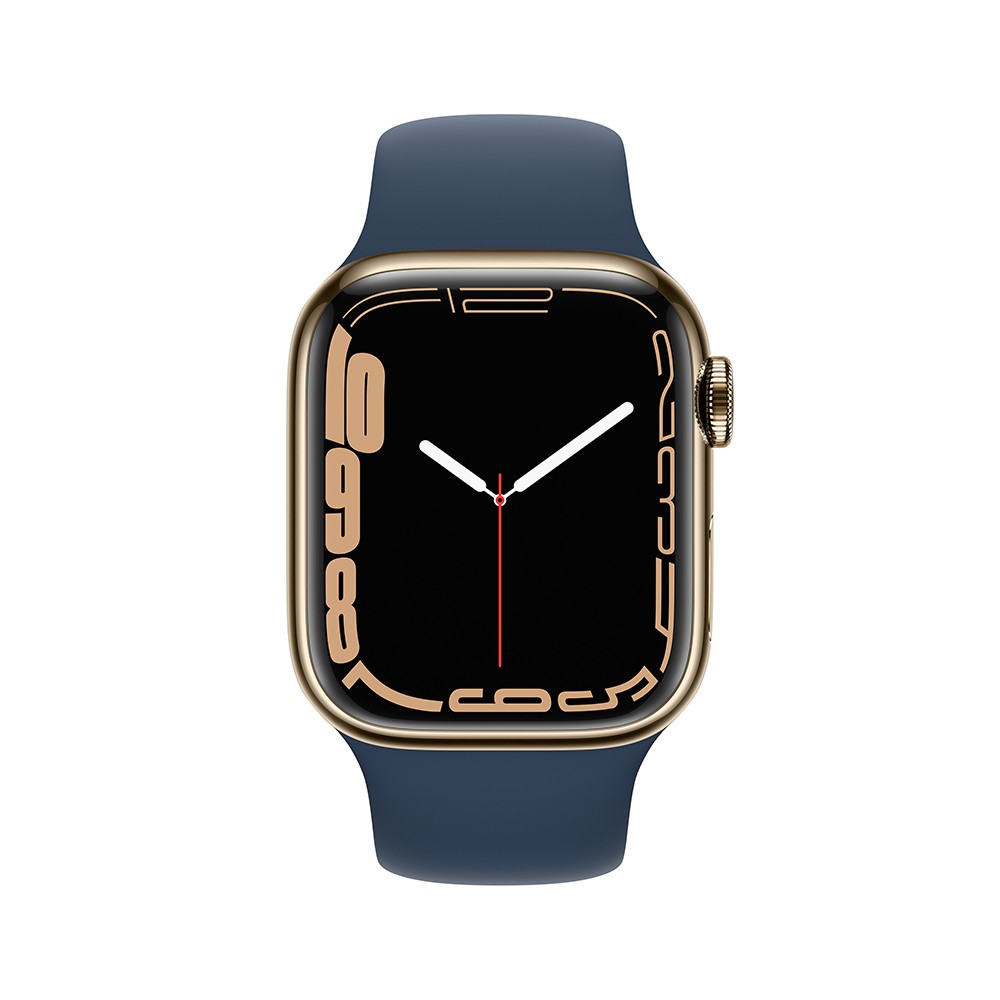
The Apple Watch Series 7 introduced a larger screen, faster charging, and a more durable design, making it a stellar wrist companion. However, to truly cut the cord and leave your iPhone behind, you need a cellular connection. If you are looking to hook up a Verizon Apple Watch Series 7, understanding how the plans, pricing, and activation process work will save you time and hassle.
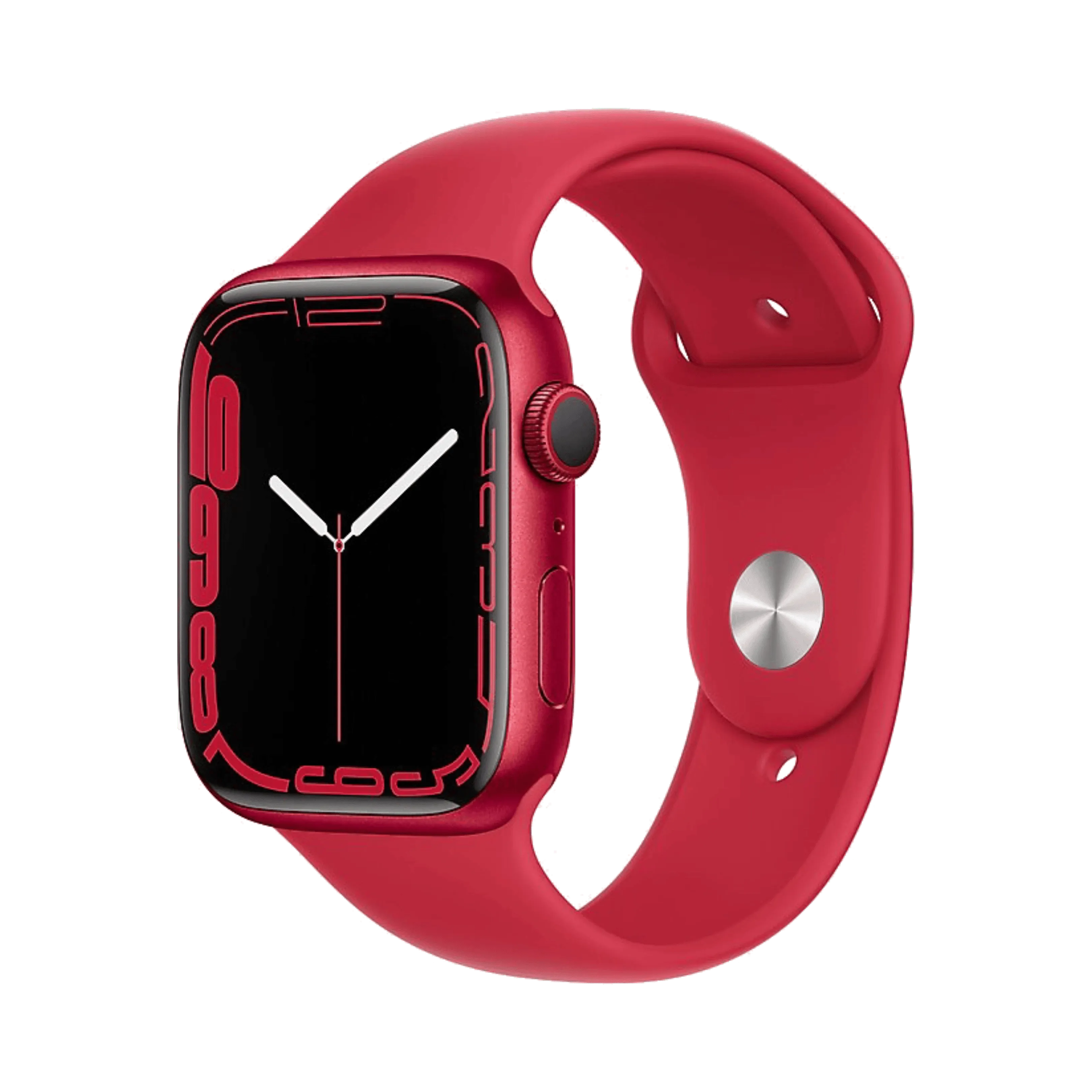
In this guide, we will walk you through everything you need to know about getting your Series 7 connected to Verizon’s LTE network, how NumberShare works, and troubleshooting tips for a smooth setup.
Understanding Verizon Plans for the Apple Watch Series 7
Unlike standard Bluetooth-only smartwatches, cellular-enabled Apple Watches require a dedicated data plan to make calls, send texts, and stream music without your iPhone nearby. Verizon handles this through a service called NumberShare.
What is Verizon NumberShare?
Verizon NumberShare allows your Apple Watch Series 7 to share the exact same mobile number as your iPhone. When someone calls your primary number, both your phone and your watch will ring simultaneously. Outbound calls and texts sent from your watch will display your normal phone number to the recipient.
How Much Does It Cost?
As of recent pricing structures, adding a smartwatch line to your Verizon account typically costs around $10 to $15 per month, plus taxes and fees. Verizon frequently runs promotional deals—such as bill credits when purchasing a new Apple Watch or discounts when adding a new line—so it is always worth checking their current offers before checking out.
How to Activate Your Apple Watch Series 7 on Verizon
Activating cellular service on your Apple Watch Series 7 is managed directly through the Watch app on your paired iPhone. You do not need to visit a Verizon store or call customer service to get started.
- Make sure your iPhone is updated to the latest version of iOS and connected to your Verizon cellular network.
- Open the Watch app on your iPhone and tap on the My Watch tab.
- Tap on Cellular, then tap Set Up Cellular.
- Follow the on-screen prompts to sign in with your Verizon account credentials. You will be asked to authorize the addition of the NumberShare feature.
- Agree to the terms and conditions, and wait for the activation to complete. This usually takes just a couple of minutes.
Once the setup is finished, you will see the green cellular signal bars in the upper-left corner of your Apple Watch screen, indicating that it is successfully connected to Verizon's LTE network.
Benefits of Cellular Connectivity on Series 7
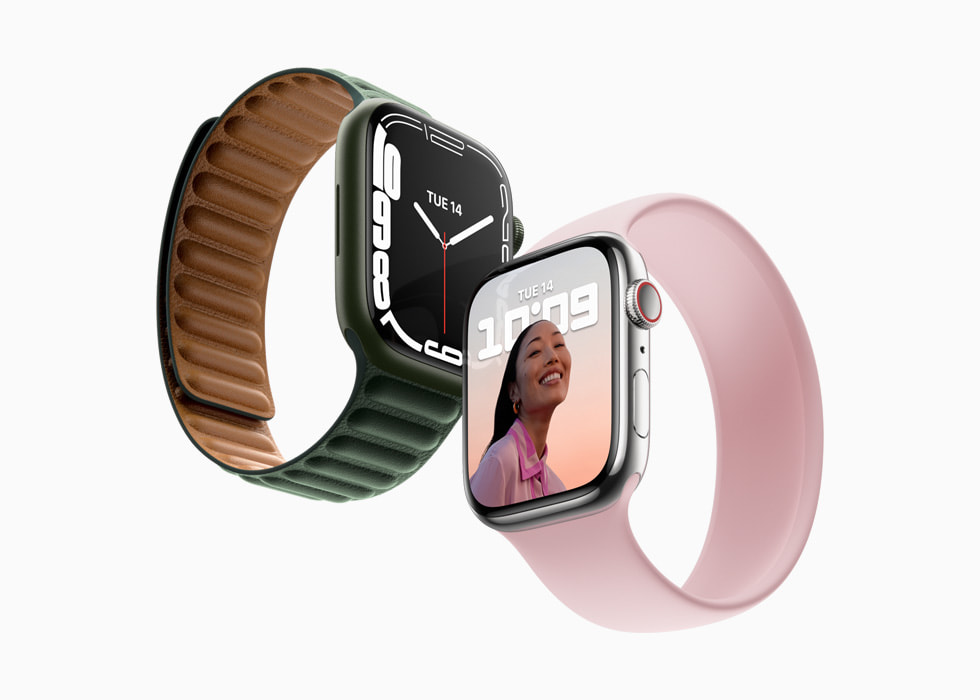
Adding your Apple Watch Series 7 to Verizon opens up a new level of independence. Here is why many users opt for the cellular model:
- Leave your phone behind: Go for a run, walk the dog, or run quick errands without needing to carry a bulky smartphone in your pocket.
- Never miss important calls: Receive calls and urgent work or family text messages even if your iPhone is dead or left at home.
- Stream on the go: Stream Apple Music, podcasts, or audiobooks directly to your AirPods while working out.
- Emergency SOS: Use international emergency calling and fall detection features even when your iPhone isn't nearby.
Troubleshooting Common Activation Issues
Most users breeze through the activation process, but occasionally you might run into a snag. Here is how to fix the most common problems when connecting your watch to Verizon:
1. Error Messages During Sign-In
If you encounter an error while logging into your Verizon account during setup, double-check that your My Verizon login credentials are correct. Sometimes, clearing browser cache on your iPhone or restarting both devices resolves login loops.
2. Cellular Plan Not Downloading
If the plan gets stuck on "Activation in Progress," try toggling Airplane Mode on your iPhone and Apple Watch for 30 seconds, then turn it back off. If that fails, unpair your Apple Watch from your iPhone and pair it again as a new device.
3. NumberShare Not Syncing Properly
If your watch rings separately from your phone or outgoing calls show an unfamiliar number, your NumberShare feature may need a reset. You can remove the cellular plan via the Apple Watch app settings and re-add it, or contact Verizon customer support to refresh the provisioning on their end.
Is the Verizon Cellular Plan Worth It?
Ultimately, whether you need a cellular plan for your Apple Watch Series 7 depends on your lifestyle. If you frequently find yourself away from your phone during workouts, outdoor activities, or while working in the yard, the $10 to $15 monthly fee is a small price to pay for total connectivity. However, if your phone is glued to your hand all day, sticking with the GPS-only model or skipping the cellular plan might make more financial sense.