Verizon Home Internet Coverage Map: What to Know
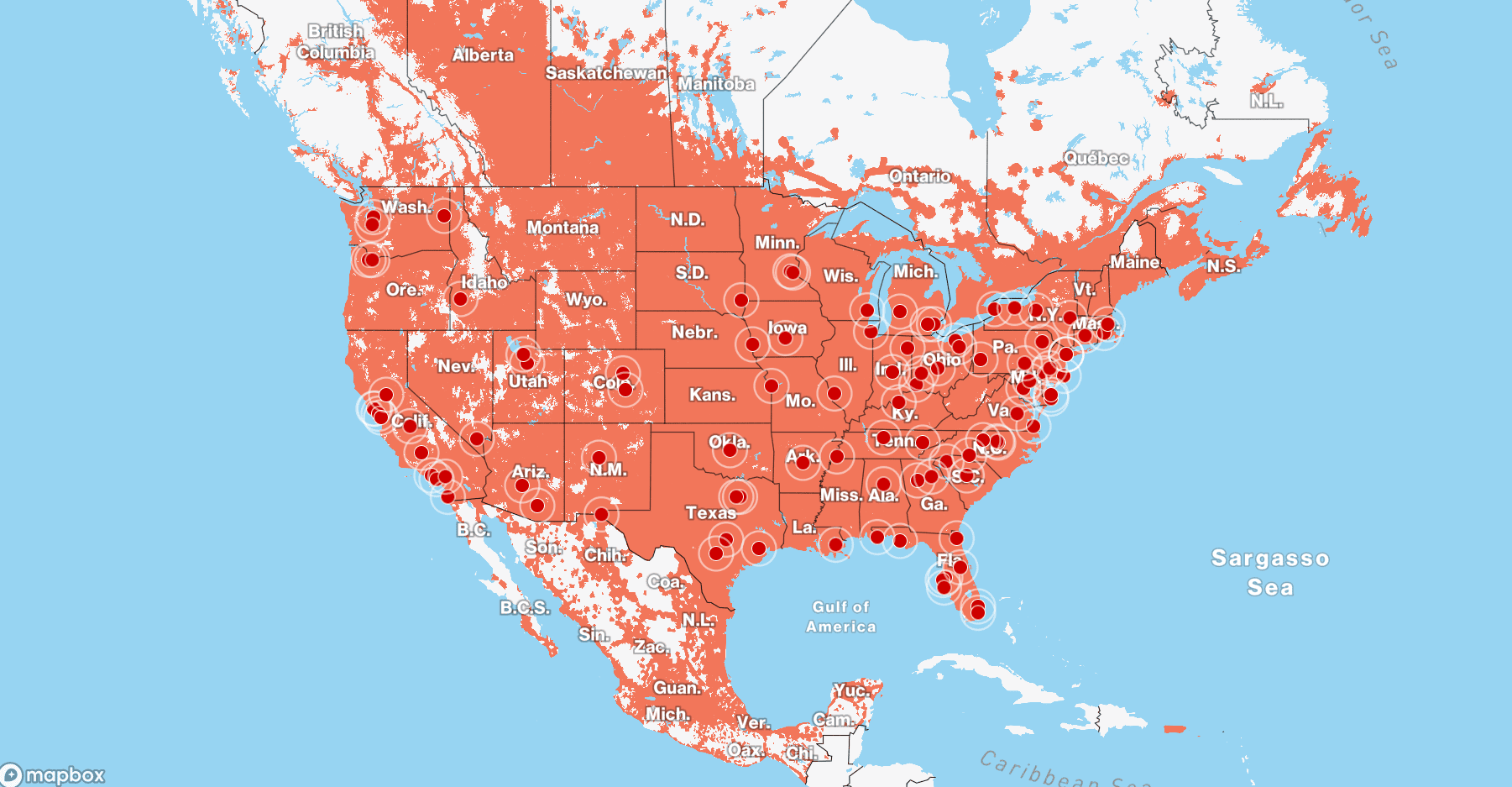
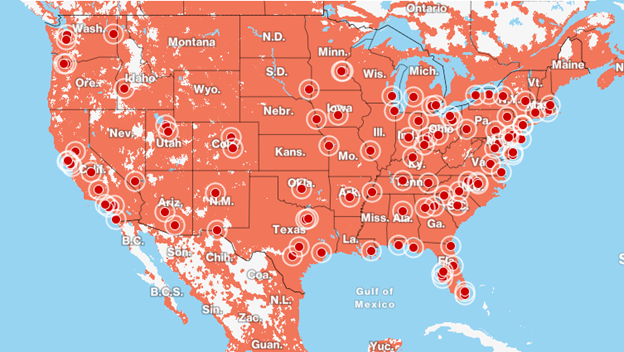
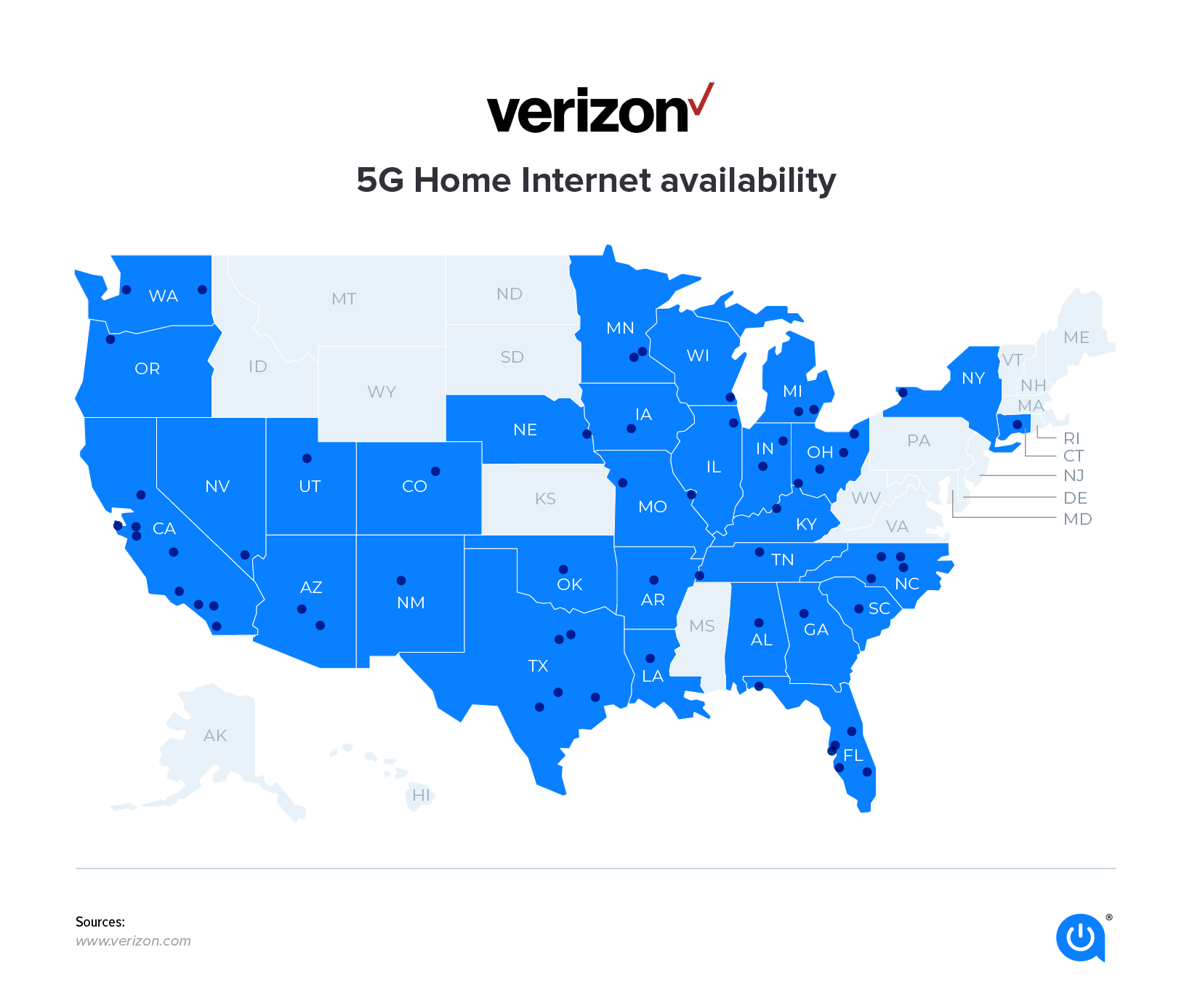
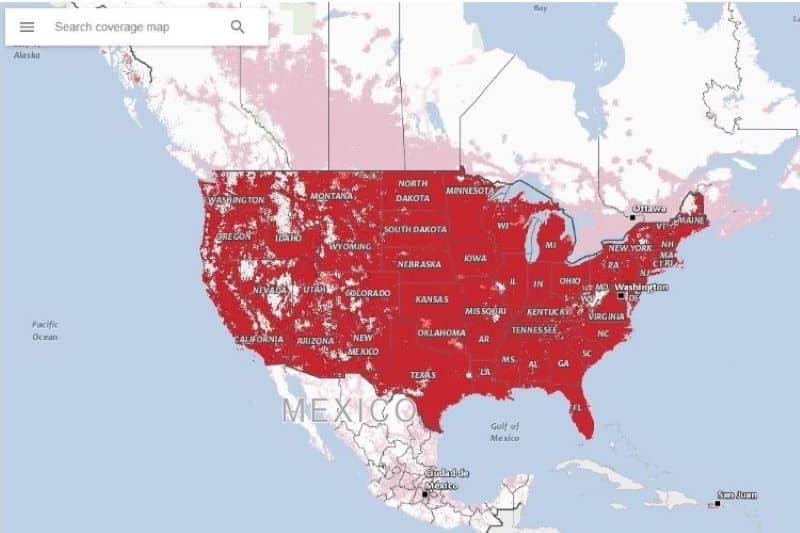
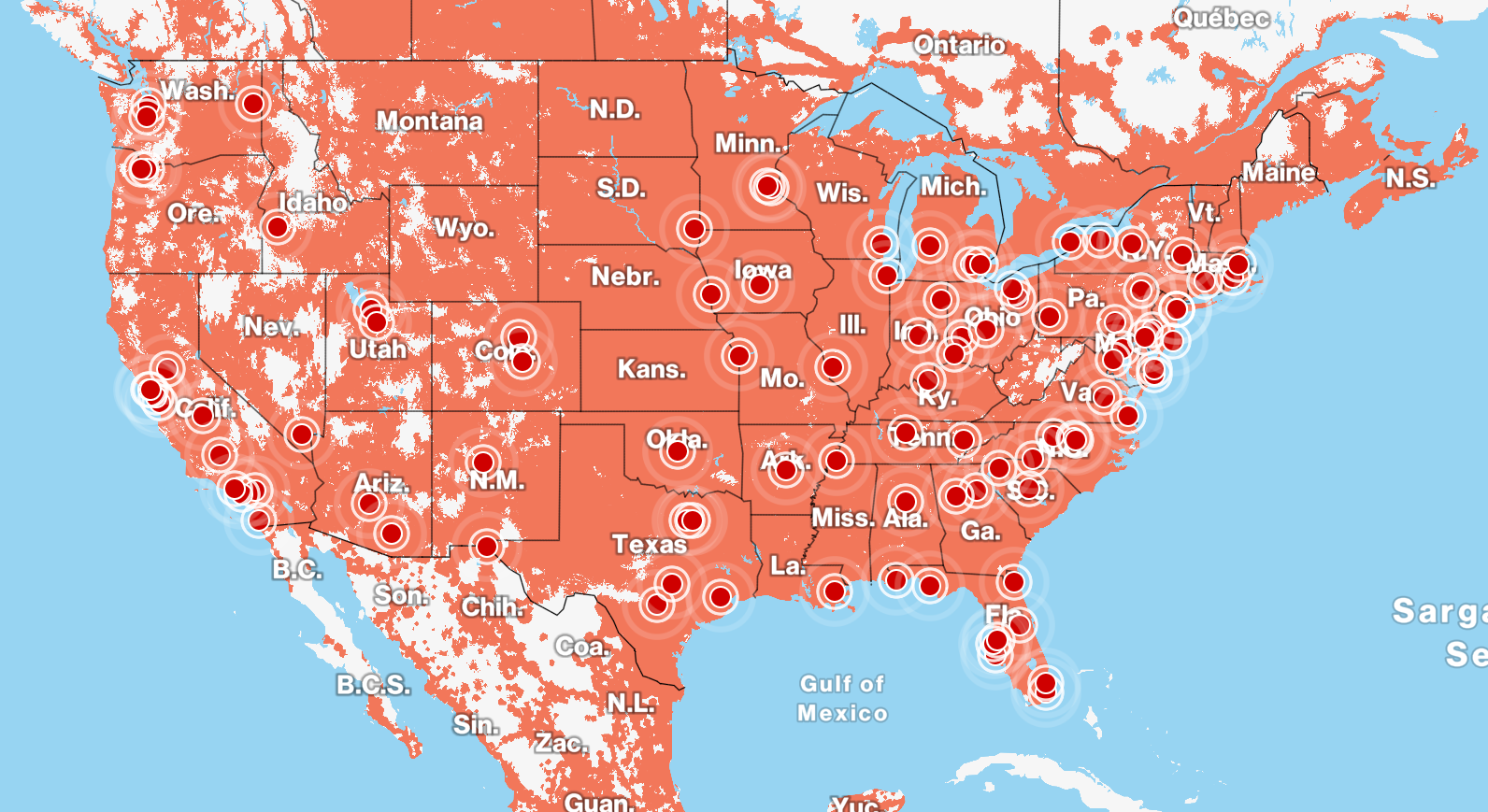
Finding reliable home broadband can feel like a chore, especially if you are tired of dealing with traditional cable monopolies. If you are considering switching providers, checking the Verizon home internet coverage map is the best first step. Verizon has rapidly expanded its fixed wireless access (FWA) network, bringing high-speed 5G and 4G LTE internet to millions of households that previously relied solely on DSL or cable.

Unlike traditional fiber or cable networks that require physical lines run to your home, Verizon home internet uses the carrier's robust cellular infrastructure to deliver wireless broadband straight to a compact gateway device inside your house. Because of this technology, availability depends heavily on your proximity to a Verizon cell tower equipped with Ultra Wideband (C-band and mmWave) frequencies.
How to Check the Verizon Home Internet Coverage Map
Official coverage maps provided by major telecom companies can sometimes be broad or overly optimistic. To get an accurate reading of what is available at your specific location, follow these steps:
- Visit the Official Website: Go to the Verizon home internet landing page.
- Enter Your Exact Address: Input your street address, apartment number, and ZIP code into the availability tool.
- Review Offered Plans: The system will tell you whether Verizon 5G Home Internet, LTE Home Internet, or Fios (fiber-optic) is available at your location.
- Check Speeds: The tool typically provides estimated download and upload speeds based on your address's signal strength.
Because fixed wireless relies on line-of-sight and tower capacity, availability can change drastically from one street to the next. Even if your neighbor qualifies for 5G Home Internet, a slight drop in signal or obstruction might mean a different tier of service for your specific unit.
Understanding Verizon Home Internet Technologies
When you look up your coverage, you will likely encounter a few different service types. Knowing the difference between them helps you set proper expectations for your home network.
Verizon Fios (Fiber-Optic)
If you live in the Northeast or Mid-Atlantic regions within Verizon’s traditional landline footprint, you might have access to Verizon Fios. Fios uses 100% fiber-optic cables to deliver symmetrical gigabit speeds. If Fios is available at your address, it is almost always the superior choice for raw speed and reliability compared to fixed wireless.
Verizon 5G Home Internet
For most of the country, Verizon’s home internet relies on its 5G network. Utilizing high-frequency C-band spectrum, Verizon 5G Home Internet delivers impressive download speeds—typically ranging from 85 Mbps to over 300 Mbps, with peak speeds reaching up to 1 Gbps in select areas. There are no data caps, and latency is low enough for competitive gaming and 4K video streaming.
Verizon LTE Home Internet
In rural or suburban areas where 5G Ultra Wideband has not yet launched, Verizon may offer LTE Home Internet. This service runs on the 4G LTE network. While download speeds are lower—usually between 25 Mbps and 50 Mbps—it provides a crucial broadband alternative for rural households that otherwise only have access to slow satellite or DSL connections.
Video: I Built A Crowdsourced Map of the Cellular Networks!
Factors That Impact Your Coverage and Speeds
Even if the coverage map indicates that Verizon home internet is available at your address, your real-world performance depends on several environmental and technical variables.
Distance and Line of Sight
The closer you are to a Verizon cell tower, the stronger your signal will be. Physical obstructions like dense forests, concrete buildings, hills, and heavy foliage can attenuate wireless signals, particularly higher-frequency 5G bands.
Gateway Placement
Your Verizon receiver/router combo box relies entirely on cellular signals. Placing the gateway on the second floor of your home near a window facing the nearest cell tower will yield vastly better speeds than placing it in a basement corner or behind thick walls.
Network Congestion
Because wireless spectrum is shared among mobile phone users and home internet customers in a given sector, heavy network congestion during peak evening hours can occasionally impact speeds. However, Verizon prioritizes fixed wireless traffic to ensure a stable connection for remote work and streaming.
Pros and Cons of Verizon Home Internet
Before committing to a plan based on the coverage map, consider the practical benefits and limitations of Verizon's fixed wireless service.
- No Data Caps: Stream, download, and game as much as you want without worrying about overage fees.
- Easy Self-Installation: No technician appointment is required. You simply plug the gateway in, use the My Verizon app to find the best signal spot in your house, and connect your devices.
- No Annual Contracts: Month-to-month pricing keeps you flexible if you move or want to switch providers.
- Value Pricing: Bundling with an eligible mobile plan often drops the monthly internet cost significantly.
On the downside, availability is strictly limited by geography and tower capacity. If the local cell sector is at maximum capacity, Verizon may pause new sign-ups in your neighborhood even if you fall within the physical coverage footprint.
What to Do If Coverage Isn't Available Yet
If you check your address and find that Verizon home internet is not currently offered at your location, do not despair. Verizon continues to expand its 5G C-band footprint rapidly, turning on new cell towers every week. You can sign up for email notifications on the Verizon website so you will be alerted the moment coverage reaches your street. In the meantime, exploring regional fixed wireless providers or cable options will keep your household connected.