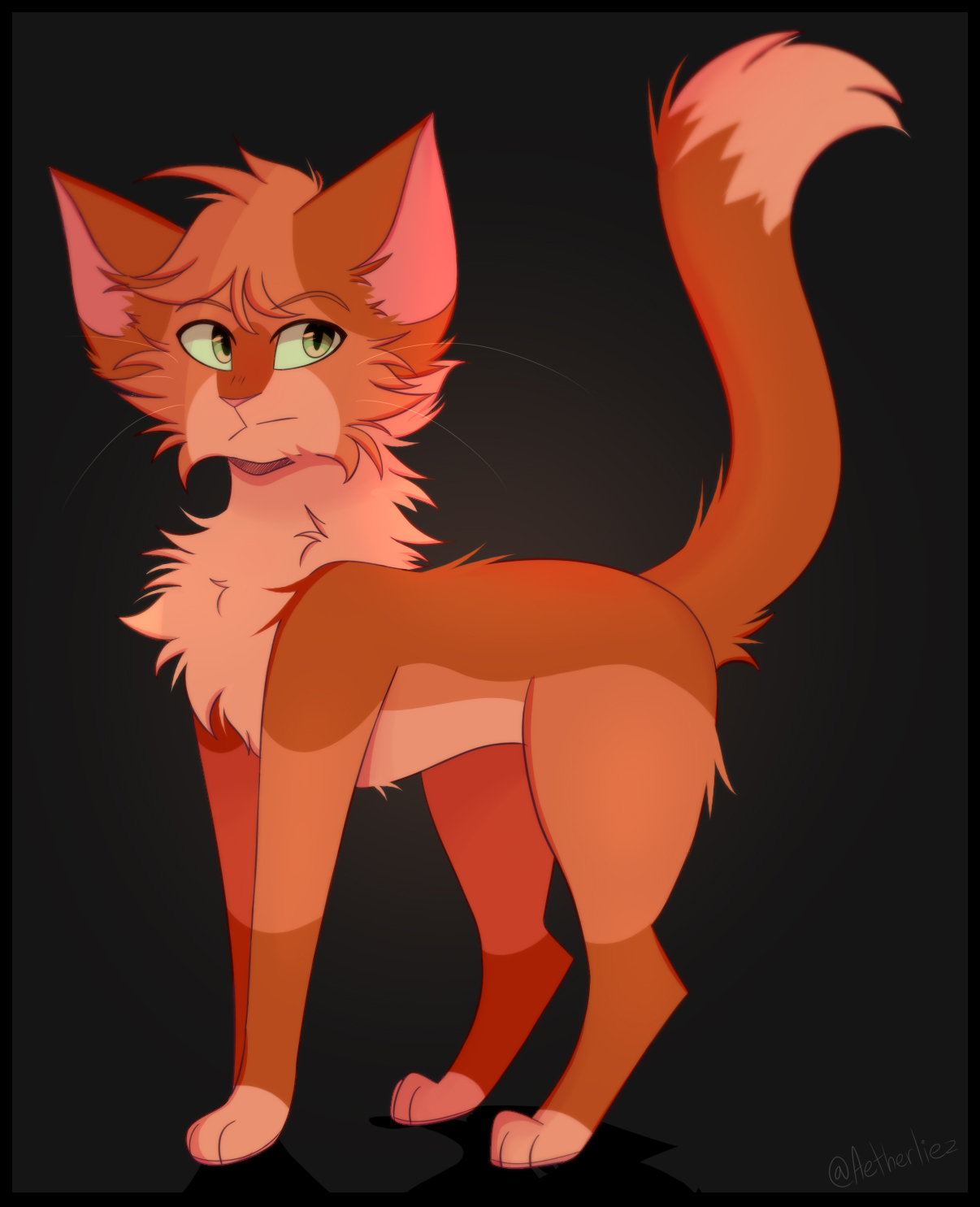
Warrior Cats Morph Guide: Play as Your Favorite Felines
For fans of Erin Hunter's bestselling book series, stepping into the wild, treacherous world of Clan life is a dream come true. Thanks to dedicated fan communities on platforms like Roblox, you can do just that. Specifically, games like Warrior Cats: Ultimate Edition allow players to immerse themselves in forest life through the use of a warrior cats morph system. Whether you want to recreate Firestar, play as your own original character (OC), or experiment with unique pelt designs, understanding how these morphs work is essential for the ultimate roleplay experience.

In this guide, we will break down what these morphs are, how to access them, and tips for creating a standout feline avatar that captures the spirit of ThunderClan, ShadowClan, RiverClan, WindClan, or SkyClan.
What Is a Warrior Cats Morph?
In the context of online gaming, a morph is a character customization tool that changes your avatar's 3D model, texture, and size. A warrior cats morph specifically transforms your standard game avatar into a realistic or stylized cat. These tools go far beyond a simple costume; they allow for deep customization of a cat's physical appearance to match the vivid descriptions found in the books.
Most popular Warrior Cats roleplay games feature a dedicated character creator menu. Instead of dealing with complex external scripts, players interact with a user-friendly interface that lets them mix and match physical traits on the fly. This ensures that every cat wandering through the territory feels distinct and alive.
Customization Options Available in Morphs
When you open the morph menu in a well-developed game, you will be greeted by a staggering array of options. Crafting the perfect feline takes time, and knowing what features you can alter helps streamline the process.
Pelt Colors and Patterns
The foundation of any good cat design is its fur. The morph system usually provides a primary fur color alongside secondary pattern layers. You can choose from:

- Solid colors like jet black, snowy white, ginger, and smoky gray.
- Tabby stripes, ranging from mackerel to classic swirls.
- Bi-color and calico patches for tortoiseshell characters.
- Point markings reminiscent of Siamese or Birman breeds.
Scars, Accessories, and Expressions
Clan life is dangerous, and a sleek kit often becomes a battle-scarred warrior. Morphs allow you to add narrative history to your character through visual details:
- Battle Scars: Torn ears, blinded eyes, claw marks across the muzzle, or ragged pelts from dog attacks.
- Natural Accessories: Cobwebs for treating greencough, poppy seeds, feathers tucked behind the ears, or winter berries.
- Eye Colors: Amber, green, blue, yellow, and even striking cases of heterochromia (odd-eyed cats).
How to Use a Warrior Cats Morph in Roblox
If you are playing Warrior Cats: Ultimate Edition or similar experiences, accessing and applying your custom morph is straightforward. Follow these steps to get your feline onto the forest paths:
- Launch the Game: Open your preferred Warrior Cats roleplay game on Roblox.
- Open the Character Menu: Look for the cat icon or character customizer button, usually located on the side of your screen.
- Select 'Create' or 'Edit': If you have an empty slot, click create to start a new cat from scratch.
- Design Your Feline: Adjust your body type (kit, apprentice, warrior, elder), fur length, pelt pattern, eye color, and accessories.
- Save and Spawn: Name your cat (following the strict naming conventions like Paw, Pelt, or Heart suffixes depending on rank), save the morph, and spawn into the game world.
Tips for Great Roleplay with Your New Character
Once you have mastered the morph system, you are ready to join the community. However, great roleplay requires more than just a cool-looking pelt. Keep these tips in mind:
First, respect the lore of the books. If your character is an apprentice, make sure your morph reflects a smaller, fluffier body type compared to a bulky Clan leader. Second, use your scars and accessories to tell a story. If another player asks about a torn ear, it opens up an organic roleplay opportunity.
Finally, remember that the best experiences come from interaction. Use your newly designed cat to form patrols, hunt near the river, or share tongues with Clanmates under the moonlight. By combining a creative morph with engaging storytelling, you will truly feel like a warrior of the wild.