Works Archive of Our Own: Search & Reading Guide
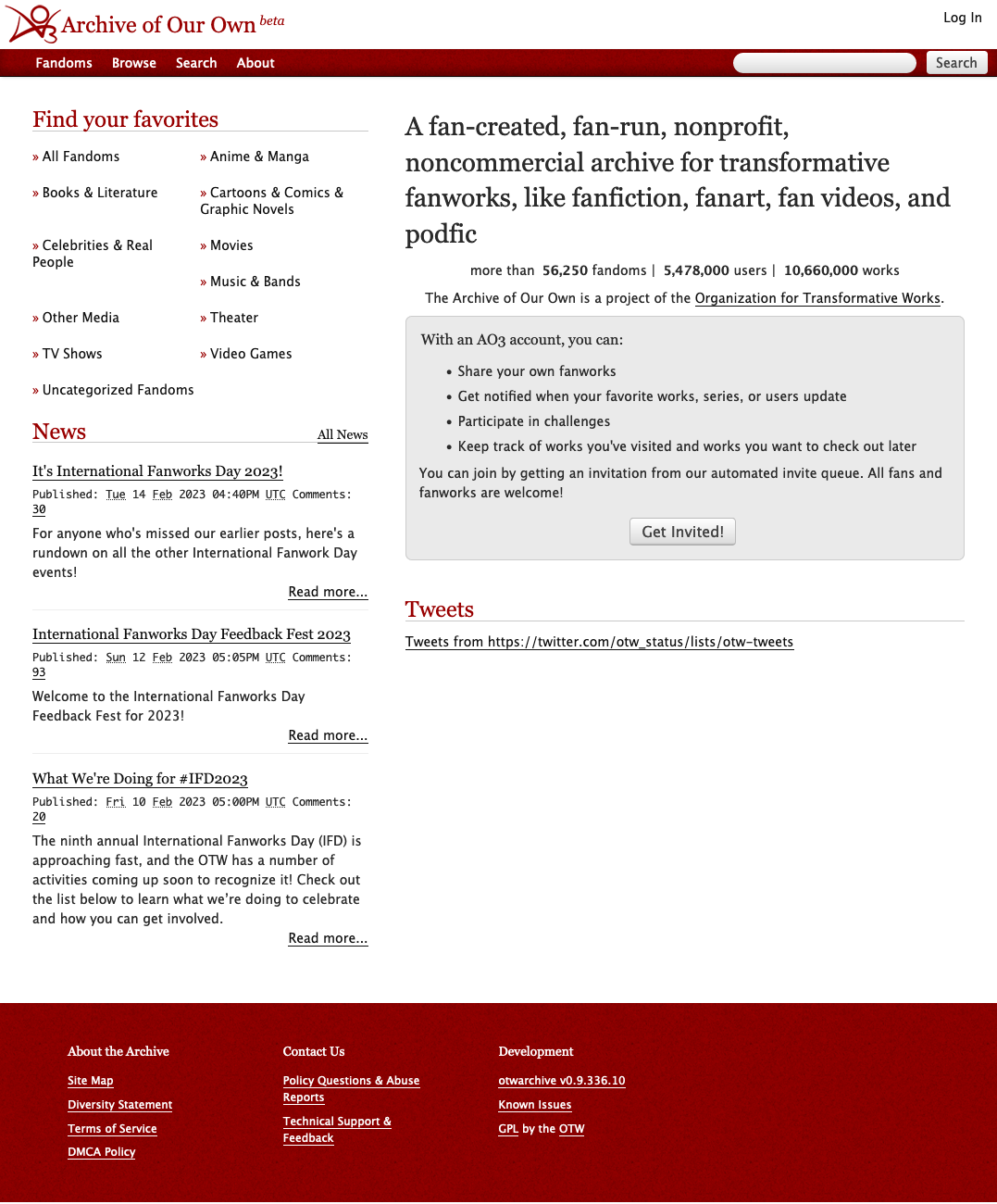
When exploring millions of user-submitted works, Archive of Our Own (AO3) stands out as the most sophisticated and community-centric platform online. Maintained by the Organization for Transformative Works (OTW), AO3 is an open-source, non-profit repository hosting over 12 million fan-created projects across tens of thousands of fandoms. However, because the platform relies on user-generated tagging rather than algorithmic feeds, discovering precisely what you want to read requires a working knowledge of its categorization and search tools.
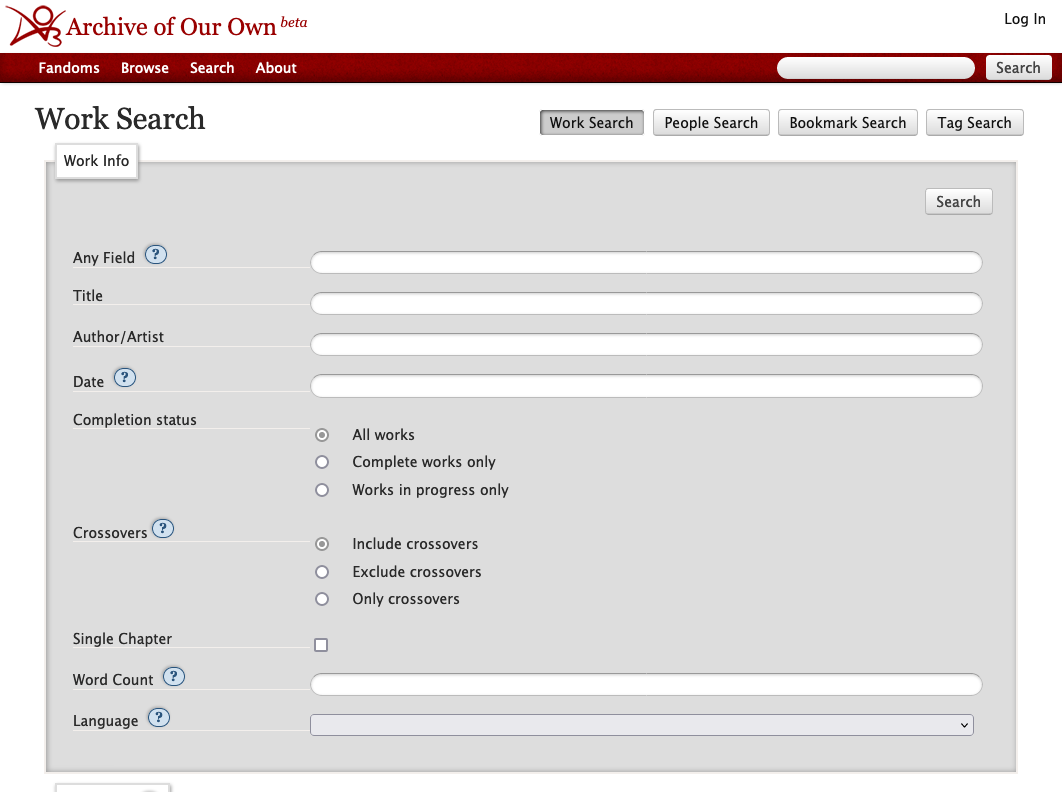
Whether you are looking for novel-length narratives, brief character studies, or niche crossover fiction, this guide details how to navigate, search, and customize works on the platform for the best possible reading experience.
Understanding the Tagging Architecture
Unlike conventional publishing platforms or algorithmic social feeds that guess what you like, AO3 relies entirely on descriptive metadata. This system is moderated by a volunteer team of "tag wranglers" who connect synonymous terms into standard canonical tags, making browsing reliable even when authors use informal phrasing.
1. Archive Warnings
Every work on the site must either specify the presence of major trigger categories or declare that the author chooses not to use archive warnings. The four standardized warnings cover:
- Graphic Depictions Of Violence
- Major Character Death
- Underage (sexual activity involving minors)
- Rape/Non-Con (non-consensual sexual content)
If an author selects "Choose Not To Use Archive Warnings," it means the story may contain any of these elements without explicit notice, advising the reader to proceed at their own discretion.
2. Content Ratings
AO3 categorizes works into five distinct age-appropriateness ratings:
- General Audiences (G): Suitable for all ages; no explicit content or heavy violence.
- Teen And Up Audiences (T): Moderate themes, mild coarse language, and non-explicit romantic scenes.
- Mature (M): Explicit depictions of violence, intense emotional themes, or non-explicit sexual situations.
- Explicit (E): Thorough, explicit sexual scenes or extreme graphic violence intended strictly for adults.
- Not Rated: The author has opted out of assigning a standard rating.
3. Relationships and Categories
Relationship tags carry precise syntactical meaning on AO3:
- The Slash (/) Symbol: Indicates a romantic or sexual pairing (e.g., Character A/Character B).
- The Ampersand (&) Symbol: Denotes a purely platonic, familial, or team relationship (e.g., Character A & Character B).
Categories further classify these connections into F/M (female/male), M/M (male/male), F/F (female/female), Multi (polyamorous), Gen (no primary romantic focus), and Other.
Mastering Works: Archive of Our Own Search and Filter Tools
The primary way readers navigate AO3 is through the Sort and Filter sidebar located on every fandom or tag page. Instead of scrolling endlessly, you can refine thousands of entries down to a curated reading list in seconds.
Include vs. Exclude Filtering
The sidebar is split into two critical actions:

- Include: Select specific characters, pairings, ratings, or additional freeform tags (such as "Alternate Universe", "Slow Burn", or "Angst") to narrow your results.
- Exclude: Filter out pairings you dislike, specific tropes, content ratings, or completion statuses. For instance, excluding "Alternate Universe" ensures you only see canon-compliant stories.
Completion Status and Word Counts
In the sidebar under "Work Status," readers can filter strictly for complete stories by checking "Complete works only." Alternatively, you can use the word count fields to find specific formats:
- Flash Fiction / Drabbles: Set maximum word count to 1,000 words.
- Mid-length Stories: Set word count between 10,000 and 40,000 words.
- Epic Novels: Set minimum word count to 100,000+ words.
Advanced Search Operators and Syntax
For pinpoint accuracy, AO3’s search engine supports standard Boolean operators and field-specific parameters directly inside the "Search within results" bar or the site-wide Work Search page.
- Numerical Ranges: Use two dots (
..) to establish ranges. Typingwords:20000..50000returns works between 20,000 and 50,000 words. - Engagement Metrics: You can sort or isolate popular works with parameters like
kudos:>1000orbookmarks:>500. - Language Codes: If you read multiple languages or want to exclude mistagged entries, append
language_id:en(or relevant language codes) to your search string. - Exact Phrasing: Enclose specific terms in quotation marks (e.g.,
"time travel") to prevent the search engine from splitting the words across different fields. - Excluding Specific Words: Prefix a term with a minus sign (e.g.,
-crossover) to omit crossover stories directly from the search bar.
Optimizing the On-Site Reading Experience
AO3 includes several native features designed to make long reading sessions comfortable across desktop and mobile browsers.
Entire Work Mode
By default, multi-chapter stories load one chapter at a time. Click the Entire Work button at the top of any story to display all chapters on a single continuous page. This mode allows you to use your browser's native find command (Ctrl+F or Cmd+F) across the entire text and avoids interruptions when reading in areas with spotty internet connectivity.
Site Skins and Accessibility
If the standard red-and-white theme causes eye fatigue, navigate to your user preferences or scroll to the footer and click Default next to "Skin." AO3 offers built-in dark modes (such as "Reversi"), high-contrast options, and customizable CSS skins that alter line spacing, fonts, and column widths to accommodate dyslexic readers or personal visual preferences.
Offline Downloads
Every public work on AO3 can be downloaded for offline use without requiring specialized extensions or third-party scrapers. At the top of every work page, the Download menu offers five standardized formats:
- EPUB: Ideal for Apple Books, Kobo, and general mobile e-reader applications.
- MOBI / AZW3: Formats tailored for Kindle devices and Kindle apps.
- PDF: Suitable for printing or reading with document viewers on tablets and desktops.
- HTML: A lightweight, self-contained file readable directly in any desktop or mobile browser.
Interacting with Creators Responsibly
AO3 is built on a non-commercial, archival philosophy. Because the platform avoids advertising, algorithmic engagement metrics, and monetized subscriptions, author motivation relies largely on direct reader interaction.
If you enjoy a story, you can hit the Kudos button at the bottom of the page—the AO3 equivalent of a favorite or upvote. Leaving a concise, respectful comment detailing what you appreciated about the writing, pacing, or characterization provides meaningful encouragement to volunteer writers and helps keep fan communities thriving.