Zoom PNP Rooms: A Game-Changer for Remote Teams?
Hybrid work models have fundamentally shifted how organizations operate. While remote workers enjoy flexibility, they often feel disconnected from impromptu brainstorming sessions happening in physical boardrooms. Office workers, meanwhile, frequently struggle with audio quality and visibility when collaborating with remote colleagues. Enter Zoom PNP Rooms: A Game-Changer for Remote Teams? This emerging office hardware and software integration aims to solve the perennial friction of hybrid meetings by making physical spaces as intuitive as a personal laptop screen.
In this article, we will examine what Zoom PNP Rooms are, how they function, and whether they truly deliver on their promise to revolutionize remote and hybrid collaboration.
What Are Zoom PNP Rooms?
To understand the value proposition, it helps to break down the terminology. "PNP" typically stands for Plug-and-Play. Traditionally, setting up a fully functional Zoom Room required specialized hardware, complex cabling, IT configuration, and dedicated controllers. It was an expensive, time-consuming enterprise deployment.
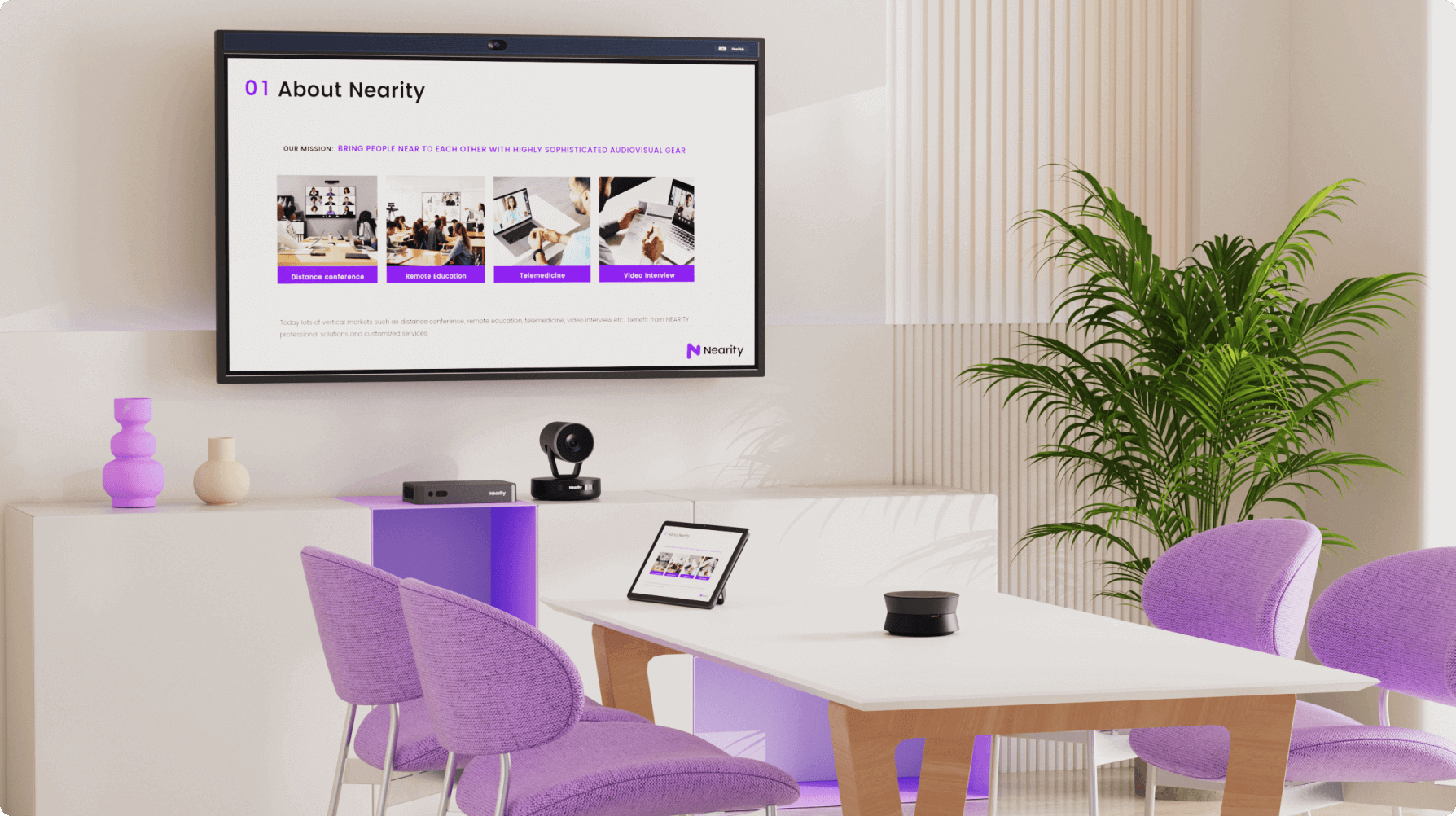
Zoom PNP Rooms simplify this entire architecture. They are designed to let organizations transform any huddle space or conference room into a certified Zoom meeting space using modular, easy-to-install hardware kits. Users can literally unpack the components, connect them via standardized ports, and begin hosting enterprise-grade video meetings within minutes.
Core Components of a PNP Setup
Standardized plug-and-play room kits generally include:
- All-in-One Video Bars: Integrated cameras, speakers, and microphones designed to capture medium-to-small meeting spaces.
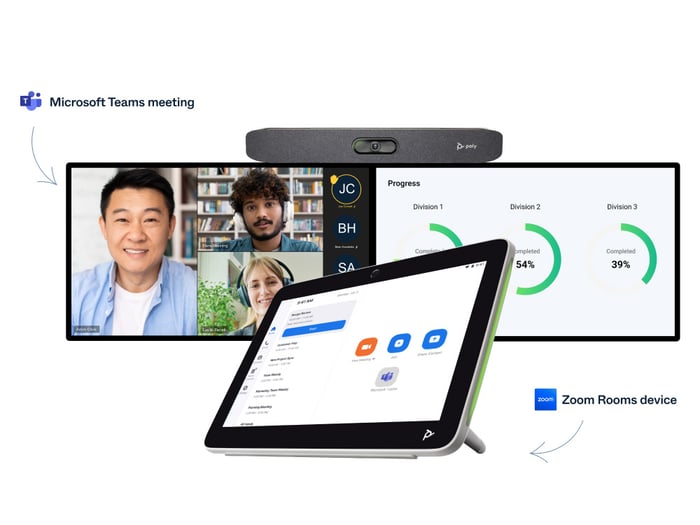
- Touch Controllers or Compute Appliances: Pre-configured tablets or mini-PCs that run Zoom Rooms software out of the box.
- Simplified Cabling: Color-coded or USB-C-centric connections that eliminate proprietary wiring hassles.
Why Remote Teams Struggle with Traditional Meeting Rooms
Before evaluating whether PNP rooms are a game-changer, we must acknowledge the problem they solve. Traditional conference rooms are notorious for "Zoom bias." When three people sit around a physical table and two join remotely, the remote participants often face terrible audio, fixed camera angles that show only the back of someone's head, and trouble getting a word in during cross-talk.
Remote team members report feeling like second-class citizens in these scenarios. Standard webcams slapped onto old desktop monitors do not cut it anymore. Organizations need hardware that treats remote and in-room participants as equals.
How Zoom PNP Rooms Solve Hybrid Collaboration Challenges
Zoom PNP rooms directly address these pain points through automated framing, high-fidelity audio, and frictionless user experiences.

1. Zero-Friction Deployment for IT Teams
In the past, outfitting ten conference rooms meant booking AV integrators for weeks. With plug-and-play kits, internal IT departments—or even office managers—can set up a room. Because the software and hardware are pre-optimized to work together within the Zoom ecosystem, troubleshooting time drops dramatically.
2. Smart Framing and Inclusion
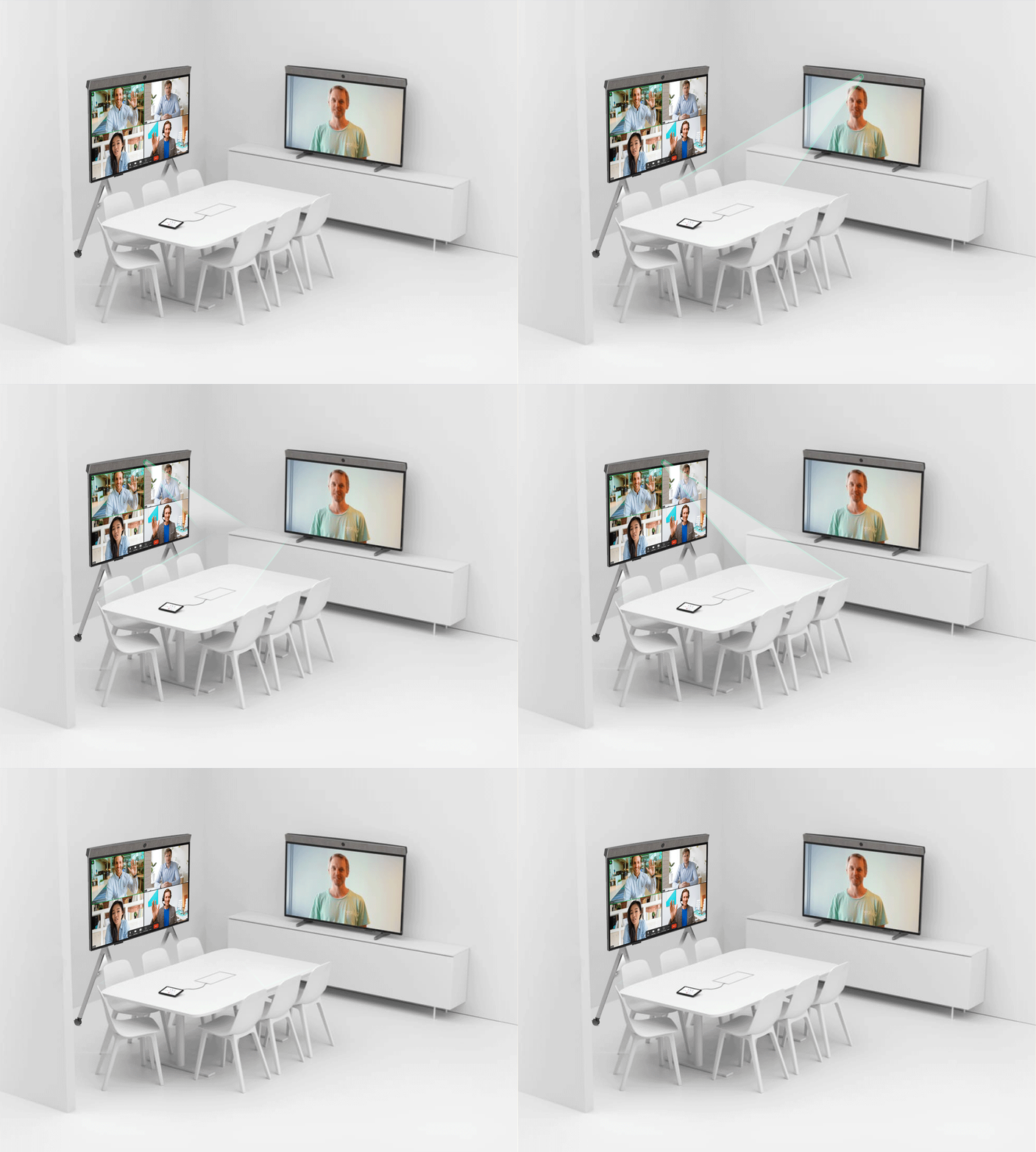
Modern PNP hardware often leverages AI-driven camera framing. Features like Zoom Smart Gallery crop individual in-room participants into their own distinct video feeds on the screen. This gives remote teammates a clear view of everyone's facial expressions, matching the grid layout they are used to seeing on their personal devices.
3. One-Touch Simplicity
No one wants to spend the first ten minutes of a meeting fumbling with HDMI adapters. PNP rooms feature centralized touch controllers where users simply walk in and tap "Start Meeting" on a calendar invite. Proximity joining also allows users to start a meeting directly from their laptop while leveraging the room's superior audio and video peripherals.
Are There Any Drawbacks?
While the benefits are compelling, organizations should weigh a few potential limitations before investing:
- Room Size Limitations: Most plug-and-play video bars are optimized for huddle spaces and small-to-medium conference rooms. Large boardrooms still require custom multi-mic and multi-camera arrays.
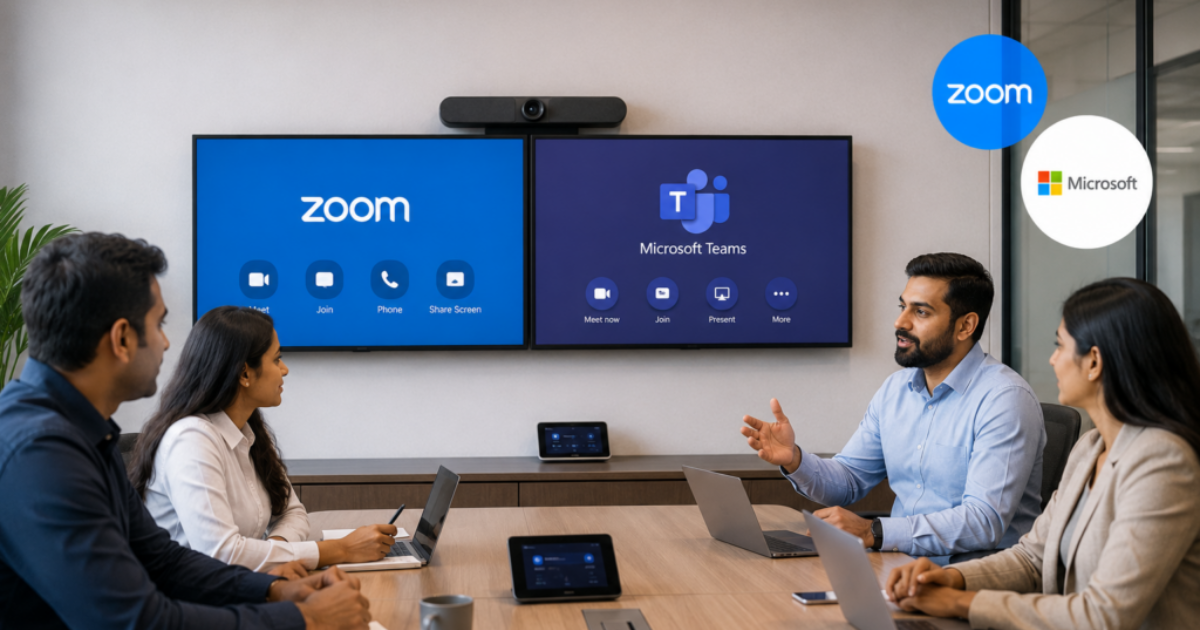
- Ecosystem Lock-In: These rooms are optimized heavily for the Zoom ecosystem. While many support interoperability with other platforms via SIP/H.323, organizations deeply entrenched in Microsoft Teams or Google Meet may find the workflow less seamless.
- vUpfront Hardware Costs: While cheaper than custom AV installations, certified Zoom hardware kits still represent a significant capital expenditure compared to a standard webcam.
The Verdict: Are They a Game-Changer?
For growing companies striving to make hybrid work sustainable, Zoom PNP rooms certainly lean toward being a game-changer. They democratize high-end video conferencing, removing the technical hurdles that used to make conference room setups an IT nightmare. By ensuring that remote workers can see, hear, and interact with in-office teams on equal footing, these rooms help maintain company culture and collaborative momentum.
If your organization struggles with hybrid meeting fatigue, poor audio-visual setups in meeting spaces, and complicated room hardware, investing in a plug-and-play Zoom Room ecosystem is well worth considering.