Zoom PNP Rooms: Security Best Practices
Understanding Zoom PNP Rooms Security

Hybrid work environments rely heavily on shared physical spaces integrated with digital video conferencing tools. Zoom Plug and Play (PNP) Rooms offer seamless collaboration, but they also introduce unique physical and digital attack surfaces. Because these setups are often accessible to multiple employees, guests, and visiting clients, locking down your hardware and software configurations is critical.
When organizations deploy collaboration endpoints without proper hardening, they risk issues like unauthorized meeting hijacking, device tampering, and accidental data exposure. Implementing robust Zoom PNP Rooms: Security Best Practices ensures that your hardware remains an asset rather than a vulnerability.
Core Security Risks in Shared Meeting Spaces
Shared meeting rooms face threats that standard desktop Zoom clients rarely encounter. Recognizing these risks is the first step toward building a comprehensive defense strategy.
- Physical Tampering: Unauthorized individuals interacting with hardware controllers, plugging in unauthorized USB drives, or altering cables.
- Vishing and Eavesdropping: Sensitive corporate conversations overheard or recorded in poorly secured or unsupervised rooms.
- Misconfigured Peripherals: Microphones and cameras left active outside of scheduled meeting hours.
- Unauthorized Access: Walk-in users leveraging dedicated room systems to launch unsanctioned external calls.
Essential Security Best Practices for Zoom PNP Rooms
Protecting your organization requires a multi-layered approach combining physical security, network segmentation, and strict account administration. Here is how IT and facilities teams can secure their deployment.
1. Enforce Strict Device Access Controls
The physical location of a meeting room makes it vulnerable to unauthorized physical contact. Restrict access to the room itself and protect the hardware interfaces.
- Mount touch controllers and computing units securely to prevent theft or unauthorized cable swapping.
- Disable unused USB ports and peripheral connections on the Zoom Rooms appliance or mini-PC to block malicious flash drives.
- Set up a secure, dedicated admin passcode for the Zoom Rooms controller to prevent meeting participants from altering core system settings.
2. Secure Network Infrastructure
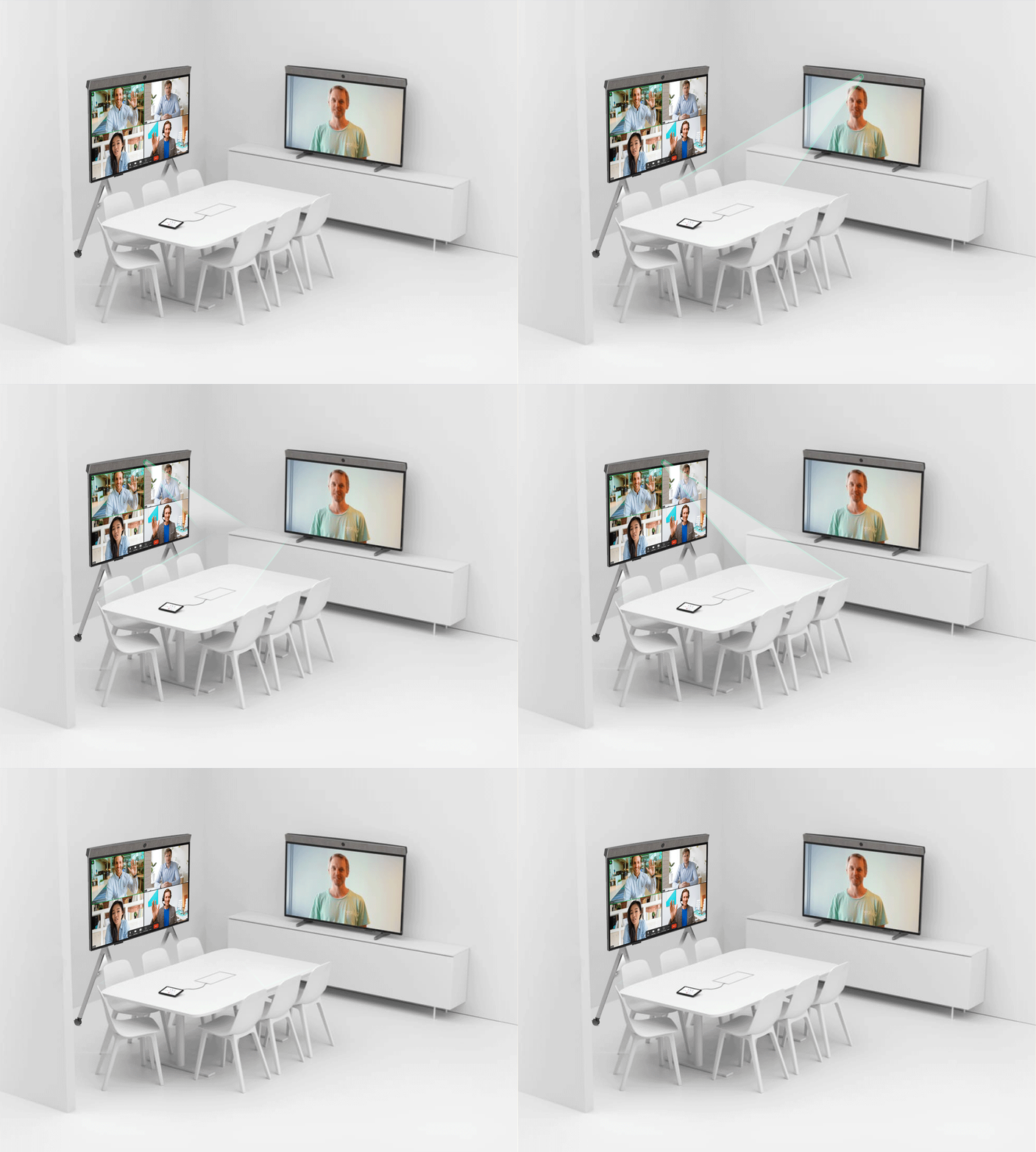
Meeting room hardware should never sit on an unmanaged or guest Wi-Fi network. Proper network architecture isolates video traffic from general corporate data.
- Place Zoom PNP Rooms on a dedicated VLAN (Virtual Local Area Network) to segment them from standard employee workstations.
- Implement 802.1X authentication for wired network connections to verify hardware identity before granting access.
- Ensure all firewall rules align with Zoom's official networking ports and protocols requirements, blocking unnecessary inbound traffic.
3. Optimize Meeting Governance Settings
Even with physical and network security in place, how meetings are hosted within the room dictates overall safety. Leverage Zoom's administrative controls centrally.
- Require meeting passcodes for all scheduled room reservations to prevent outsiders from guessing meeting IDs.
- Enable the waiting room feature so the meeting host must manually admit participants, stopping uninvited guests from dropping in.
- Disable 'Join Before Host' settings on room-initiated meetings to ensure an authorized user always controls the session parameters.
4. Implement Automated Lifecycle and Patch Management
Outdated firmware and software are prime targets for automated exploits. Keeping your Zoom PNP Rooms updated is a non-negotiable security requirement.
- Enable automatic updates for Zoom Rooms software and underlying operating system appliances during off-hours.
- Subscribe to Zoom security advisories and patch notices to stay ahead of zero-day vulnerabilities.
- Perform routine audits of room inventory and firmware versions via the Zoom web portal dashboard.
Monitoring and Incident Response
Proactive security involves constant vigilance. Administrators must monitor room activity logs and establish a clear protocol for handling security anomalies.
Use the Zoom Dashboard to review historical room usage, sign-in frequencies, and error logs. If a device exhibits strange behavior, such as unauthorized pairing attempts or unexpected configuration resets, isolate the device from the network immediately, investigate the physical environment, and reset administrative credentials.
Conclusion
Securing Zoom PNP Rooms requires balancing user convenience with stringent cybersecurity protocols. By securing physical hardware, isolating network segments, enforcing strict meeting governance, and maintaining regular firmware updates, organizations can foster a productive hybrid environment without compromising sensitive data.